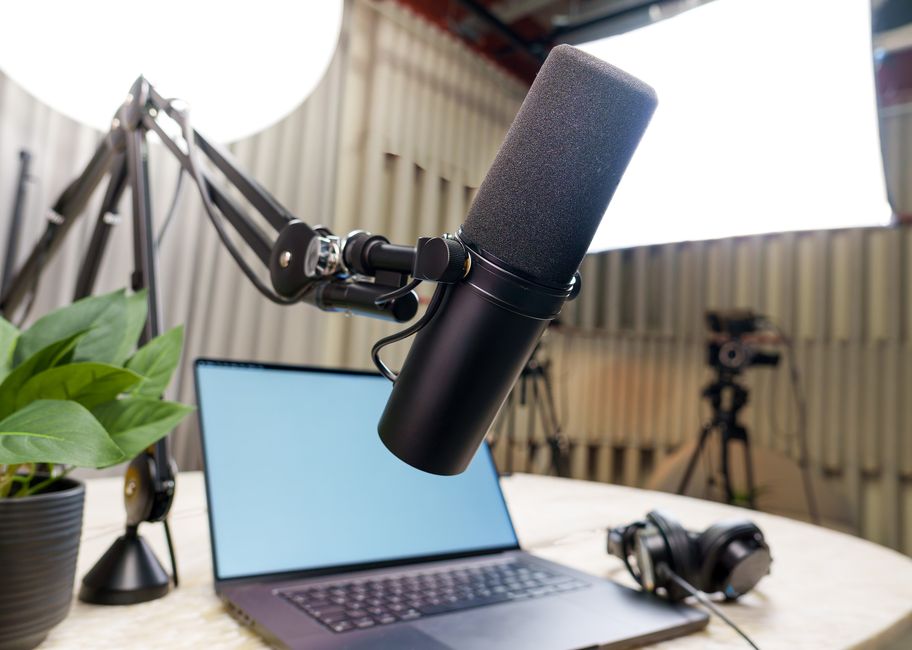
What Is a Dynamic Microphone? A Desk Voiceover Guide
What is a dynamic microphone, how it differs from a condenser, and what matters when choosing a desk mic for voiceover in an untreated home room.
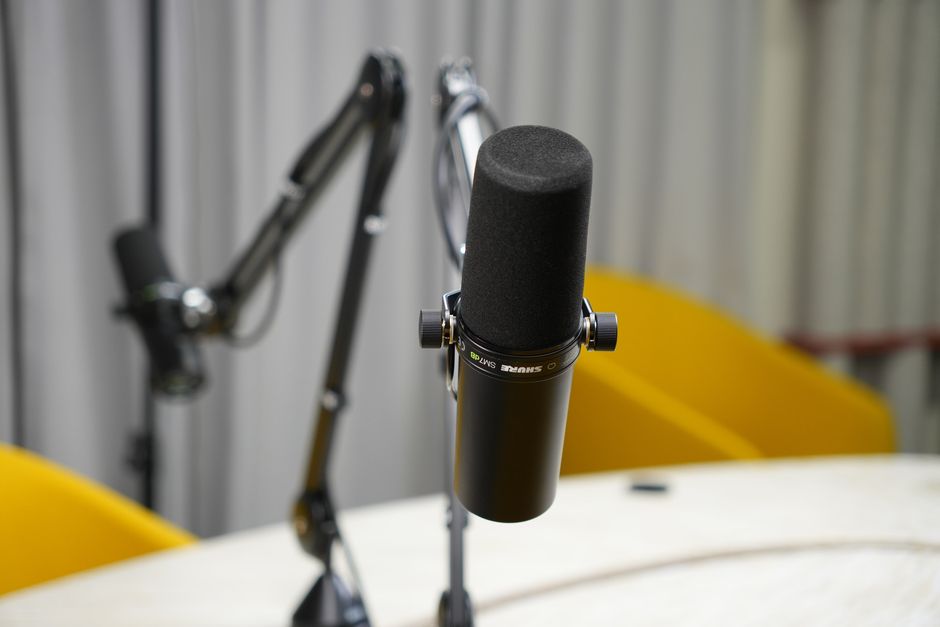
A dynamic microphone is the usual answer to a common problem: recording clean narration at a desk in a room that was never built for audio. Knowing how it works, and how it differs from a condenser, settles most of the choices that follow - connection, distance, gain and what else needs to sit on the desk.
This guide explains what a desk voiceover mic does, the two main types (dynamic and condenser), the connection options (USB, XLR or both) and the handful of features that decide whether a mic suits a home channel. It names no products and picks no winner; the point is to make any spec sheet readable.
Budget desk mics are compared, with a final choice, in the budget microphone for voiceover post, and the step up in the mid-range desk microphone guide. Both are part of the series on the kit a new YouTube channel needs.
What does a desk voiceover mic actually do?
A desk voiceover mic records narration directly into the computer that edits the video, instead of relying on the microphone built into a camera or phone. Camera mics sit metres away and hear the whole room. A desk mic sits a hand's width from the mouth, so the voice arrives far louder than the room around it.
That close position is the whole job. A voice-led channel lives on narration recorded at the same spot, day after day, so the mic is a fixed tool: mounted on a stand or arm, pointed at the speaker, set once. It is a narration tool rather than a room-scale on-camera mic. Wider shots, walking pieces and on-location filming need a lavalier or wireless system instead.
How does a dynamic microphone work?
Inside a dynamic microphone (also called a moving-coil microphone) is a thin diaphragm attached to a small coil of wire, suspended around a magnet. Sound pushes the diaphragm, the coil moves through the magnetic field, and that movement generates a tiny electrical signal that mirrors the sound. Shure's microphone basics guide describes it as a sound-driven electrical generator.
Three practical consequences follow from that design:
- No power required. The element makes its own signal, so a dynamic capsule needs no phantom power or battery. A USB dynamic still draws power for its built-in electronics, but the capsule itself does not.
- Robust and loud-tolerant. The simple construction handles high sound levels without distorting, which is why dynamics dominate live stages.
- Lower sensitivity. The heavier coil-and-diaphragm assembly responds less to quiet, distant sound. For a voice at close range that is a feature, not a flaw.
Ribbon microphones are a second, rarer branch of the dynamic family. They swap the coil for a few-micron-thick strip of metal, give a warm sound, and are fragile enough that phantom power or a blast of breath can damage them. They are studio tools and rarely suit a beginner's desk.
How is a condenser microphone different?
A condenser microphone uses a light, conductive diaphragm placed close to a charged backplate, forming a capacitor. Sound changes the gap between the two, and built-in electronics turn that change into a signal. Because of those electronics, every condenser needs phantom power or a battery to run, per Shure; a USB condenser takes that power from the USB port.
The light diaphragm makes a condenser more sensitive and more detailed across a wide frequency range. In a quiet, acoustically treated room, that detail is exactly what a voiceover artist wants. In a bare spare bedroom, the same sensitivity records the room as well: reflections off walls, the hum of a laptop fan, traffic through a window.
Why does a dynamic mic suit an untreated room?
The room problem is about ratios. Every microphone hears the voice plus the room. A sensitive condenser at a comfortable distance captures plenty of both. A less sensitive dynamic placed close captures a strong voice and comparatively little room, because reflections and background noise arrive quieter and further away.
Specialist guides reach the same conclusion. The Podcast Host's microphone guide lists the need for a well-treated environment as a condenser drawback and treats dynamics as the natural fit for the non-professional rooms most people record in. Mixdown's review of a USB condenser found a fan a few metres behind the mic clearly audible and a slight room echo in an untreated space.
The advice is a default, not a law. Some guides still recommend condensers to beginners, and a condenser in a quiet, furnished room with soft surfaces can sound excellent. The honest test is the recording position itself: listen for fans, fridges, echo and street noise. The more of those there are, the stronger the case for a dynamic.
Dynamic vs condenser at a glance
| Dynamic (moving coil) | Condenser | |
|---|---|---|
| How it works | Diaphragm and coil move in a magnet | Diaphragm and charged backplate form a capacitor |
| Power for the capsule | None | Phantom power, battery or USB |
| Sensitivity | Lower | Higher |
| Untreated room | Forgiving when worked close | Records reflections and background hum |
| Typical distance | About 5-10 cm | Wider, more flexible |
| Gain needed on XLR | High | Moderate |
USB, XLR or both: which connection?
The second big choice is how the mic reaches the computer.
- USB. The mic contains its own converter and plugs straight into a computer, and often a phone, with no other hardware. It is the simplest start and the cheapest complete setup.
- XLR. The professional analogue connector. An XLR mic needs an audio interface, mixer or recorder to reach the computer, which adds cost and a box on the desk but opens up better preamps and later upgrades.
- Hybrid USB/XLR. Many budget dynamics carry both sockets. A beginner can start on USB and move to an interface later without replacing the mic. The Podcast Host recommends this route for new podcasters for exactly that reason.
The USB socket type matters too. USB-C on the mic connects to modern phones and laptops with a single cable. Older designs use the Mini-B connector, which works with a computer but needs an adapter (an OTG cable on Android) for a phone. Check the socket on the mic itself, not just the plug on the supplied cable.
What matters when choosing a desk mic?
Once the type and connection are settled, a short list of features separates a mic that works well at a desk from one that fights the setup.
How close will it be worked?
Budget dynamics are designed for close speech. Microphone Geeks advises working one voice-focused USB/XLR dynamic within about 5-8 cm. Even a condenser's room rejection fades as the speaker moves away: Mixdown measured the effect weakening beyond about 50 cm. A desk mic belongs just out of frame on an arm, not on the far side of the desk.
Is there enough gain on XLR?
Dynamics produce a quiet signal, so on XLR many interfaces run near the top of their gain range to reach a healthy level. Reviewers treat this as normal behaviour rather than a fault, but a quiet speaker on a modest interface can end up with too little level or extra hiss. The gain staging guide covers how to set levels properly.
Is there a headphone jack and on-body controls?
A 3.5 mm headphone socket with zero-latency monitoring lets the speaker hear their own voice without delay, which makes it easier to hear plosives, mouth noise and distance changes as they happen. Gain and mute controls on the body save trips into software. On several hybrid mics these controls and any companion software work in USB mode only, so they disappear once the mic moves to an interface.
What is in the box?
Box contents vary more than spec sheets suggest. Some mics ship with a desk stand, windscreen and both cables; several budget hybrids include no XLR cable at all, and some shock mounts only fit a boom arm. Price the cables, arm and pop filter in before comparing mics.
Does USB bit depth matter?
Many budget USB mics record at 16-bit, 44.1 or 48 kHz. Gough Lui's review of one such mic judges that sufficient for voice when levels are set properly. Higher figures on a box are not a reason to choose one mic over another on their own.
Does a desk mic work with a camera?
Usually not directly. A USB mic talks to a computer or phone, not to a camera's 3.5 mm input, and an XLR mic needs an interface or recorder in between. The standard workflow for a voice-led channel is to record narration on the computer and sync it with the footage in the edit. For talking-head shots at the desk, the mic sits just outside the frame and the camera's own audio serves only as a sync reference.
Summary: how to read any desk mic listing
- Start from the room. Untreated and noisy points to a dynamic worked close; quiet and furnished leaves room for a condenser.
- Choose the connection for the next two years. USB-only is simplest; a USB/XLR hybrid keeps an upgrade path to an interface.
- Check the practical details. USB-C or Mini-B, a headphone jack, which controls work on XLR, and what cables and mounts are actually included.
- Plan the position. A mic on an arm a few centimetres from the mouth beats a better mic left at arm's length.
Room treatment and placement often improve a recording more than a more expensive mic does. The soundproofing vs acoustic treatment guide explains which of the two a home room actually needs.
Frequently asked questions
Is a dynamic microphone better than a condenser for voiceover?
Does a dynamic microphone need phantom power?
Why is my dynamic mic so quiet?
Can a USB microphone connect to a phone?
Should a beginner buy a USB or XLR microphone?
Sources
- Shure: Microphone basics - transducers, polar patterns and frequency response
- The Podcast Host: The best podcast microphones for all abilities and budgets
- Mixdown: Reviewed - RØDE NT-USB Mini
- Microphone Geeks: Maono PD200X USB/XLR dynamic mic review
- Gough Lui: Review of the FIFINE AmpliGame AM8 USB/XLR dynamic mic
Microphone Polar Patterns Explained
Gain Staging: Why Your Audio Clips

Soundproofing vs Acoustic Treatment