Mid Range Microphone for Voiceover: Stepping Up
A mid range microphone for voiceover guide for beginners stepping up: five dynamic mics, the hybrid vs XLR routes, and an interface, priced in GBP.
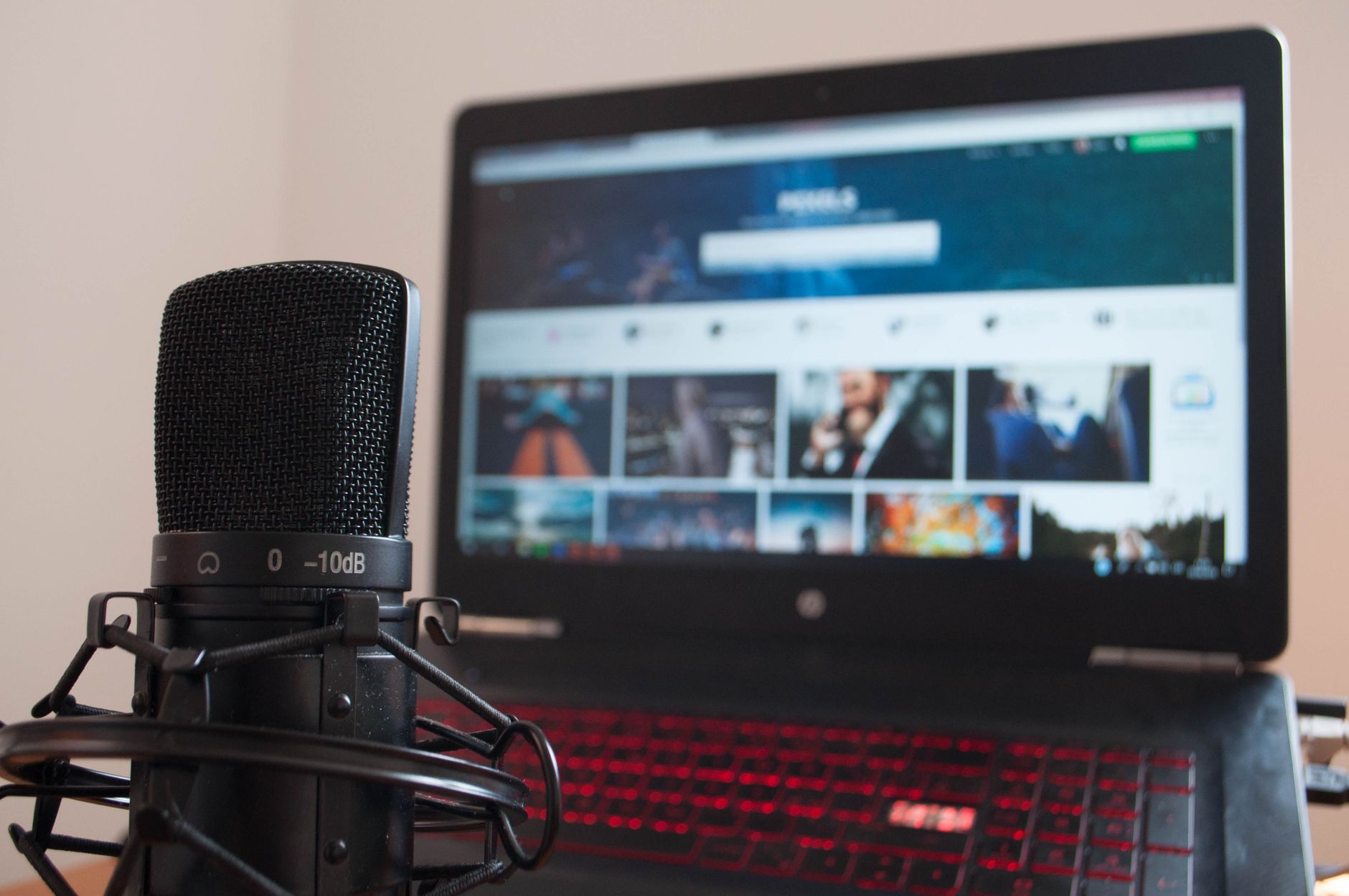
A mid range microphone for voiceover is the step after a first budget desk mic, and this guide is part of my from-nothing-to-content-creator series on kitting out a beginner YouTube channel. In the budget voiceover mic decision post I compared mics in the £50-100 band and chose one. This page covers the tier above it: what a beginner gets for spending more, the two routes up, and five mics worth comparing.
This is research, not a test. Everything below about how these mics sound or behave comes from published reviews and manufacturer specs, linked as I go, and none of it rests on my own use of these mics. Links to Amazon UK are affiliate links: if you buy through one, Creator Kit Lab earns a small commission at no extra cost to you. Prices are Amazon UK's at the time of writing, on 3 November 2026. They move daily, so check the current price before you buy.
Which terms do you need to know first?
- Dynamic and condenser are the two main mic types. A dynamic mic uses a heavier moving-coil element, is less sensitive and is worked close to the mouth, so your voice dominates and the room fades back. A condenser has a lighter, more sensitive capsule that hears more of the room: echo, fan hum, traffic. My dynamic microphone explainer goes further. Every mic in this guide is a dynamic.
- Cardioid describes a mic that hears mostly what is in front of it and less from behind. It does not stop echo bouncing back at the front of the mic. My polar patterns guide covers the other shapes.
- USB mics have their own converter inside and plug straight into a computer. XLR is the three-pin connector studio mics use. An XLR mic cannot plug into a computer on its own.
- An audio interface is the small box that sits between an XLR mic and your computer. It turns the mic's signal into digital audio and contains a preamp, the circuit that amplifies the mic's weak signal.
- A hybrid mic has both a USB and an XLR output, so you can start on USB and move to an interface later without replacing the mic.
- Gain is how much the mic's signal is amplified before it is recorded. A dynamic mic with a low output is called gain-hungry: it needs most of a preamp's gain, and a quiet speaker needs even more. My gain staging guide explains how to set levels.
- Decibels (dB) measure level. An interface's gain range in dB says how much it can amplify a mic. EIN (equivalent input noise) is how much hiss the preamp adds on its own; a more negative figure is quieter.
- Phantom power is a current an interface sends up the XLR cable to power condenser mics. Dynamic mics do not need it.
- Zero-latency monitoring is a headphone socket that plays your voice back with no delay while you record.
- End-address means you speak into the end of the mic, not its side. A swing mount is a hinged bracket fixed to the mic that bolts onto a stand or boom arm. A boom arm is an adjustable arm clamped to the desk that holds the mic near your mouth, and a shock mount is a cradle that stops knocks on the desk travelling into the mic.
- A windscreen (foam cover) or pop filter (a screen in front of the mic) softens the bursts of air from P and B sounds, called plosives.
- DSP (digital signal processing) means effects applied inside the mic or its software: EQ shapes tone, a compressor evens out loud and quiet passages, and a noise gate mutes the mic when you stop talking.
What does spending more on a voiceover mic get you?
Moving up from a budget dynamic buys three things in the sources I read: better build and parts, more in the box or more processing on board, and a cleaner path into an audio interface. It does not change the basic physics. A mid-range dynamic still needs to be close to your mouth, and an echoey room still sounds echoey. My guide to soundproofing vs acoustic treatment covers the room side, and how to record voiceover at home covers technique.
The Podcast Host (a UK podcasting education site) frames the USB-to-XLR move as the real step up: an XLR mic goes through an interface, which gives more control and more options than a mic with its converter built in. That is the thread through every pick below.
Should you take the hybrid route or the XLR route?
There are two ways up, and they cost different amounts on day one. The table below shows each mic's live Amazon UK price.
The hybrid route. Buy a mic with USB and XLR outputs, record over USB now, and add an interface later if you want one. The Samson Q2U, MAONO PD400X and RØDE PodMic USB work this way. Your spend today is the mic alone.
The XLR route. Buy an XLR-only mic plus an interface and an XLR cable together. The RØDE PodMic and Shure MV7X work this way. At the prices I compared on 3 November 2026, a RØDE PodMic plus a Focusrite Scarlett Solo (a one-mic audio interface from UK maker Focusrite, here the 4th Gen) cost almost exactly the same as the RØDE PodMic USB on its own, before a cable. A Shure MV7X plus the same interface cost well over the price of any hybrid here.
If your beginner mic is already a hybrid, as most in my budget comparison were, the cheapest step up is an interface alone, not a new mic. On paper that is worth weighing before buying anything below.
Samson Q2U (white)
RØDE PodMic
MAONO PD400X
Shure MV7X
RØDE PodMic USB
Focusrite Scarlett Solo 4th Gen (interface)
Samson Q2U
The Samson Q2U (a long-running dynamic USB and XLR hybrid from US maker Samson) comes in white and as a black Recording and Podcasting Pack; the black pack cost more when I compared them. On price alone the white one sits inside my beginner band, but to me it looks more like a mid- to upper-range option, so I moved it here from the budget comparison.
- Pros: The Podcast Host's review rates it 4.9 out of 5 and finds it forgiving of rooms that are less than ideal, and its round-up names it a favourite mic. Scan (a UK retailer) lists a clip, desktop stand, windscreen and both USB and XLR cables in the box, so the XLR route needs only an interface. Castos (a podcast hosting company) notes it needs no phantom power, and it has a zero-latency headphone socket.
- Cons: Scan marks the original model End Of Life and lists an older USB Mini-B socket, and its USB audio is 16-bit (lower resolution than the 24-bit of newer mics). Whether the current Amazon UK colourways have moved to USB-C is unconfirmed. The Podcast Host also notes it can be hard to buy in some regions.
Who it suits better: on paper, a beginner who wants the cheapest well-reviewed hybrid with everything in the box, including the XLR cable for later.
RØDE PodMic
The RØDE PodMic (an XLR-only end-address dynamic from Australian maker RØDE) is the low-cost way onto the XLR route, as long as you budget for the interface too.
- Pros: The Podcast Host's PodMic review scores it 4.4 out of 5 and rates it well for beginners and for rooms that are not quiet. It has a sturdy metal body, a secure swing mount and an internal shock mount. In the review's room test it rejected background noise well.
- Cons: The same review finds it gain-hungry, needing more than a Shure SM58 or MV7, and suggests an external preamp to avoid interface hiss. It is sensitive to where you sit off the front of it, picks up plosives up close and is heavy, so it wants a sturdy arm. XLR only, so the interface is part of the price from the start.
Who it suits better: on paper, someone ready to buy into an interface now who wants the most mic for the least money, and who will position it carefully on a boom arm.
MAONO PD400X
The MAONO PD400X (a dynamic USB-C and XLR hybrid from Chinese audio brand MAONO) is the bigger sibling of the PD200X I chose for my own desk.
- Pros: Microphone Geeks (an independent microphone review site) scores it 8.9 out of 10 and calls it strong value for a broadcast-style mic. It finds the sound clear and natural, the software easy to use and the build decent. Unusually for a dynamic it has high output, so it needs less gain than a Shure SM7B, which matters most if you later go XLR into a modest interface.
- Cons: The same review finds it sensitive to bumps and typing travelling through the desk, which a boom arm only partly fixes. Its built-in USB converter measured about 3 dB more hiss than a top dedicated interface, and the foam windscreen is bulky.
Who it suits better: on paper, someone who wants to stay on USB for now, wants software controls, and speaks quietly enough that a gain-hungry mic would be a struggle later.
Shure MV7X
The Shure MV7X (the XLR-only version of the Shure MV7, from US audio maker Shure) sold below its Shure UK list price when I compared prices.
- Pros: SoundGuys (an audio review site) finds it easy to use, durable and with replaceable parts, and in its test the voice stayed clear with a laptop fan running. It heard no obvious plosive or sibilance problems.
- Cons: SoundGuys notes there is no stand, no XLR cable and no controls on the mic, and Shure's box contents list only a thread adapter. The sources disagree on gain. Shure says it works with almost any interface without extra gain; several reviewers found it as gain-hungry as an SM7B, while one found a Scarlett gave enough clean gain without a booster. Interface, cable and stand all add to the real cost.
Who it suits better: on paper, someone who already owns or is buying a good interface and a boom arm, and wants a durable, serviceable broadcast mic rather than a USB one.
RØDE PodMic USB
The RØDE PodMic USB (RØDE's dynamic USB-C and XLR hybrid version of the PodMic) is the dearest mic here. I have kept this short because my best microphone for YouTube voiceover comparison already covers it as the mid-range step there.
- Pros: RØDE's spec page lists a zero-latency headphone output, an integrated swing mount, an external pop filter and onboard processing including a compressor and noise gate. TechRadar's review summary praises crisp, rounded vocals and plug-and-play setup.
- Cons: The same summary calls it a little mid-heavy, notes no stand is supplied, and flags a big price jump over the standard PodMic. On the prices above, the standard PodMic plus an interface costs about the same.
Who it suits better: on paper, someone who wants one box with processing built in, and no separate interface on the desk.
Which audio interface completes the XLR route?
The Focusrite Scarlett Solo 4th Gen is the USB-C interface I priced the XLR route with. Focusrite's specs list one XLR mic input with 57 dB of gain range, EIN of -127 dBu, phantom power, 24-bit/192 kHz recording, power from the USB cable, one headphone output and bundled recording software.
I could not find an independent review of the Solo 4th Gen to weigh against those specs, so treat this as the maker's word. The sources I read also do not settle whether 57 dB is enough for the gain-hungry PodMic or MV7X with a quiet voice, or whether you would need an external preamp as well. If you speak quietly, that open question favours a high-output mic such as the PD400X, or a hybrid you can keep on USB.
Where does my own choice fit?
For my own desk I'm going with the MAONO PD200X, a beginner-tier hybrid, because it will fit well onto the stand I bought, and I'd rather have my mic raised than sitting on the desk. That reason belongs to my setup, not most readers'. If you are stepping up from a different mic, or have no stand yet, it tells you nothing about which mid-range mic fits you.
The Q2U is on this page rather than the budget one because, to me, it looks more like a mid- to upper-range option. The line is blurry: the white Q2U is priced inside my beginner band. Read the tiers as a guide, and pick on the route that suits you.
How is this different from the best podcast microphones page?
The best podcast microphones in the UK comparison covers every budget, with the Shure MV7+ and RØDE NT-USB+ as its picks and the Q2U and PodMic USB as alternatives. This page is narrower: it is written from inside a beginner's journey, for someone who already owns a first mic and wants the next tier. It adds the standard PodMic, the PD400X, the MV7X and the interface that completes the XLR route.
Frequently asked questions
Do I need an audio interface for a mid-range voiceover mic?
Is the Samson Q2U a beginner or a mid-range mic?
What does gain-hungry mean?
Is the RØDE PodMic USB worth it over the standard PodMic?
Sources
- The Podcast Host: the best podcast microphones
- The Podcast Host: Samson Q2U review
- The Podcast Host: RØDE PodMic review
- Microphone Geeks: MAONO PD400X review
- SoundGuys: Shure MV7X review
- Shure UK: MV7X
- RØDE: PodMic USB
- TechRadar: RØDE PodMic USB review
- Focusrite: Scarlett Solo
- Scan: Samson Q2U
- Castos: Samson Q2U review
Budget microphone for voiceover: the one I chose
Best microphone for YouTube voiceover
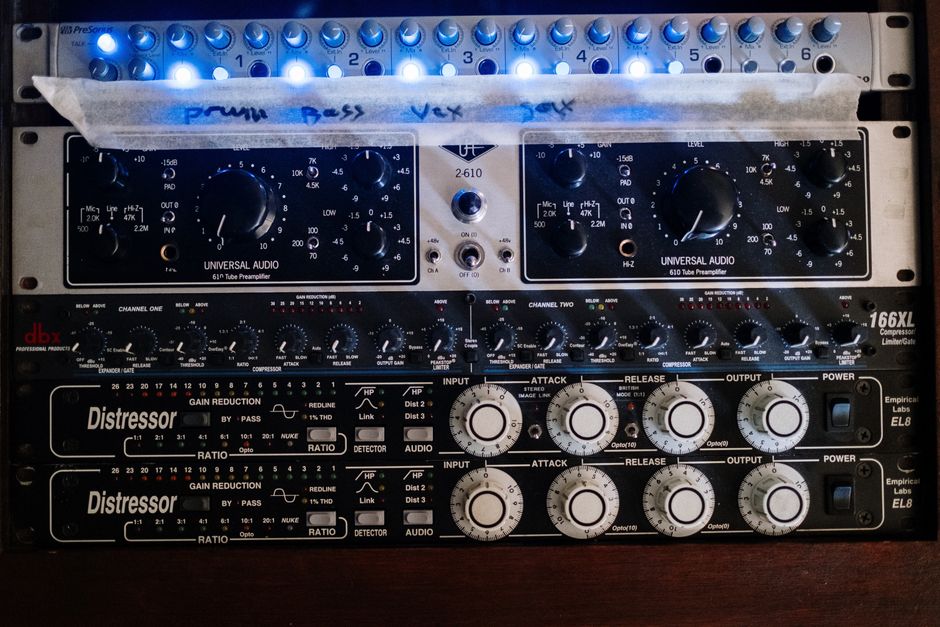
Gain staging and recording levels