YouTube Starter Kit UK: What I'd Buy at Each Budget
A YouTube starter kit UK guide by budget tier, from under £100 to under £300: the wireless mic, desk mic, lights and desk mount I chose.
This YouTube starter kit UK guide is for going from nothing to content creator. I'm building a beginner channel of my own, mostly voice-led with some on-camera videos, and this page sets out the kit I chose at each budget tier and why.
Most people will be starting from scratch, or will have different equipment to hand than I do. Where I'm repurposing kit I already own, like my GoPro HERO8, that's not going to be the best route for most people, so this guide leaves it out and builds every tier from a standing start.
This is a research guide, not a test report. What each product does comes from its maker's listing and from independent reviews, linked as I go. Links to Amazon UK are affiliate links: if you buy through one, Creator Kit Lab earns a small commission at no extra cost to you. The budget bands below are rounded from Amazon UK prices when I checked on 2 November 2026. Prices move daily, so check the current price before you buy.
What should a YouTube starter kit include first?
Sound first, then light, then the camera. Viewers forgive soft video far more readily than muddy or echoey audio, and a modern phone already records sharp 1080p or 4K. Alan Spicer (a UK YouTube consultant who publishes budget kit guides) sets the same spending order across his budget builds: microphone, then lighting, then camera, then support.
That order shapes every tier below. Each tier adds to the one before it, so nothing you buy early becomes wasted money later.
- Audio: a mic that sits close to your mouth, so your voice is loud and the room is quiet.
- Light: a large, soft source in front of you, so the camera is not straining in a dim room.
- Support: something that holds the camera or phone steady at the angle you need.
- Camera: only once your phone is the thing holding the videos back.
Which terms do you need to know first?
- Transmitter (TX) and receiver (RX): a wireless mic kit has a small transmitter you clip to your clothes and a receiver that plugs into your phone or camera. You need one transmitter per person on camera.
- Backup or internal recording: the transmitter also records a copy of your audio onto itself, so a take survives a wireless dropout or a level set too high.
- 32-bit float: an audio format with so much headroom that a recording which would clip at normal settings can usually be recovered in the edit.
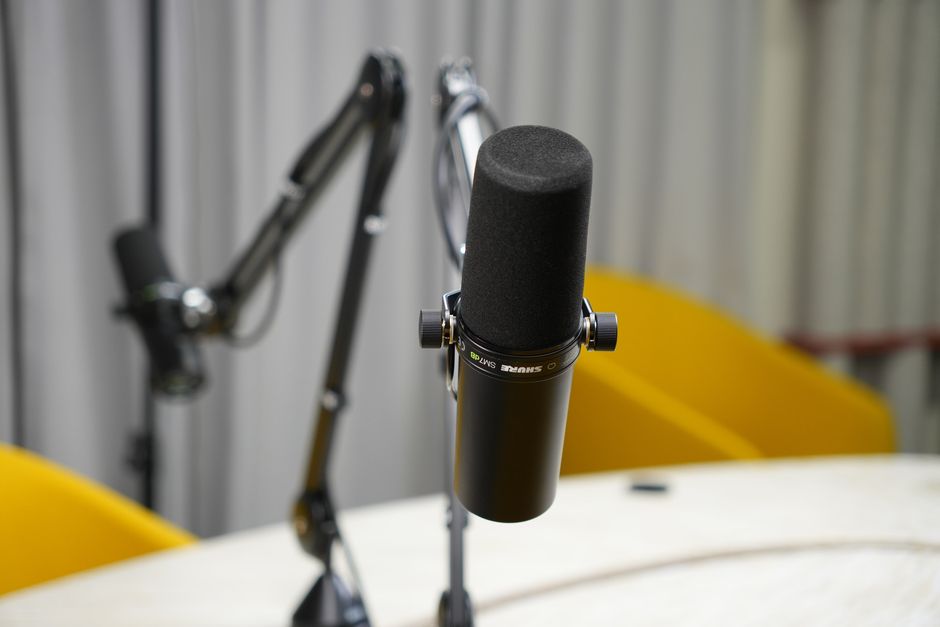
- Dynamic mic: a less sensitive microphone worked close to the mouth, which hears much less of an untreated room. My guide to what a dynamic microphone is covers it in full.
- Softbox: a lamp inside a fabric box with a diffuser on the front, which turns a bare bulb into a broad, flattering light.
- CRI (Colour Rendering Index): a 0-100 score for how faithfully a light shows colours. My colour temperature and CRI guide explains why about 95 and above matters for video.
Tier 1: what does an under-£100 YouTube starter kit include?
Tier 1 is your phone plus one wireless mic. You already own the camera, and window light in front of you is free. The only purchase is the thing a phone does worst: recording your voice clearly from more than an arm's length away.
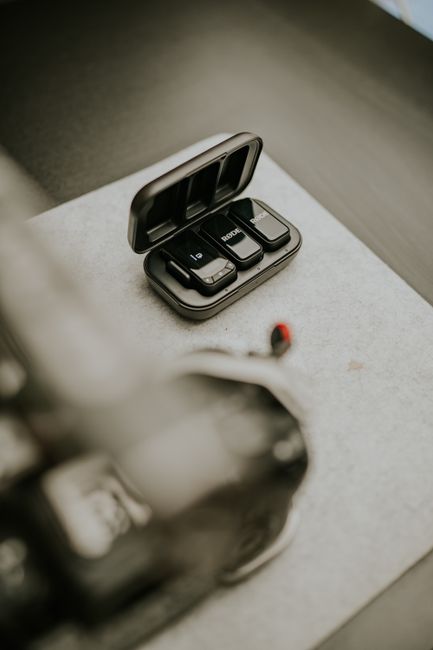
I bought the DJI Mic Mini 2S (1 TX + 1 RX). The DJI Mic Mini 2S is the August 2026 update to DJI's smallest wireless mic line, and it seemed the best fit, particularly for its backup copy, which I think is worth paying the extra for. Amazon UK's listing gives about 12 g for the transmitter, 32-bit float internal recording and up to 28 hours of 24-bit storage on the mic. It was rated 4.3 out of 5 from about 2,400 Amazon UK ratings when I checked.
- What reviewers rate: Digital Camera World's review names the on-mic 32-bit float recording and the AI noise cancelling as its strengths.
- What they flag: the same review calls the receiver's build the weak point, and long recordings split into files of about 250 MB.
Watch the variant. I nearly bought the version with the Mobile receiver and charging case at the same price, before realising its receiver is USB-C only and would not work with my Nikon D3300. I swapped to the standard receiver version. If you film only on a USB-C phone, either works; if a camera with a 3.5mm mic input is in your plans, the standard receiver is the one that plugs into both.
For the full field of wireless mics at every budget, see the best wireless microphones for creators.
Tier 2: what does an under-£250 kit add?
Tier 2 adds a desk mic for narration and a pair of softboxes. This is the tier for anyone whose channel is mostly voiceover, screen recording or talking at a desk, and for filming after dark when the window stops helping.
Which desk mic did I choose?
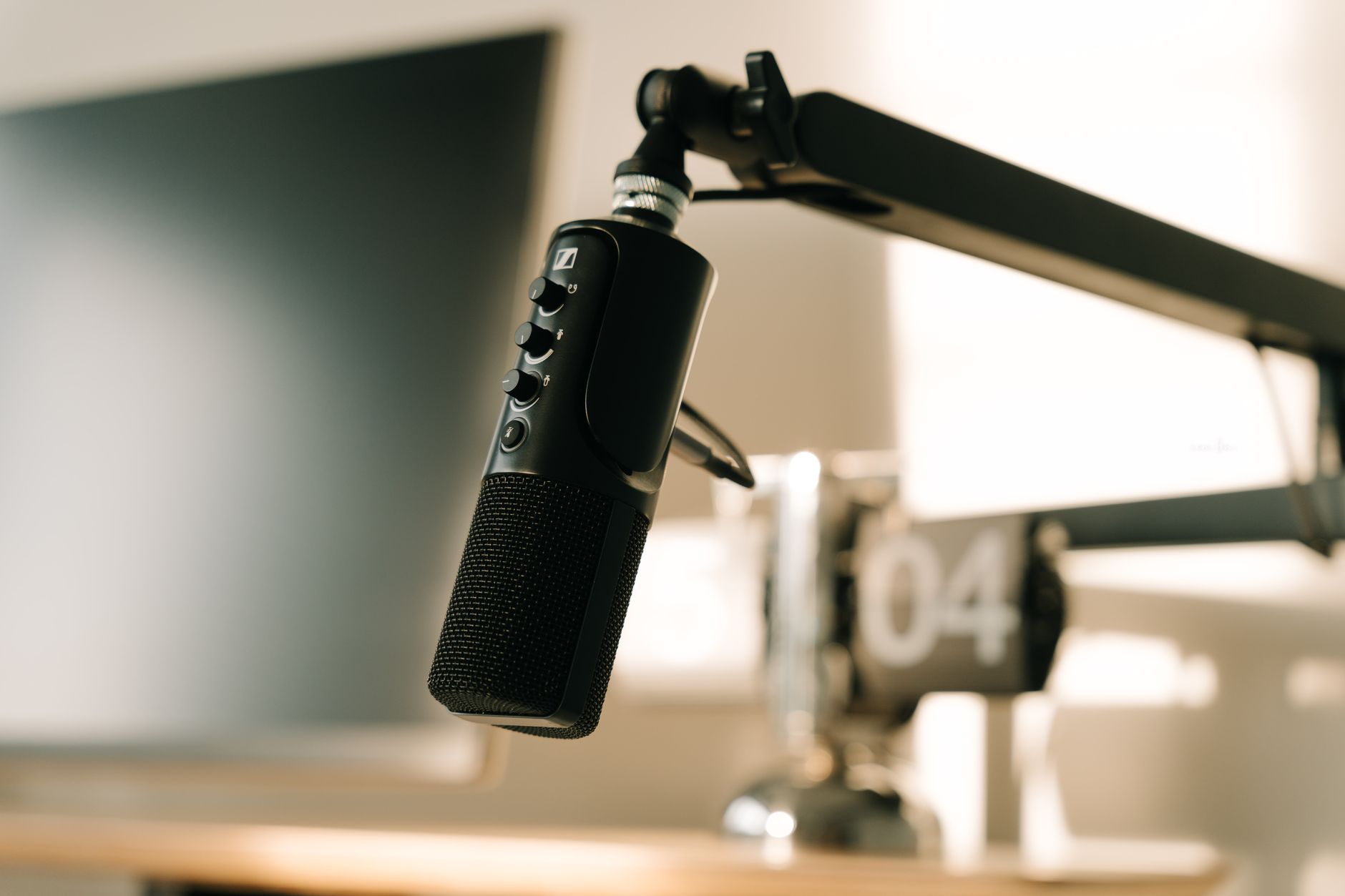
I'm going with the MAONO PD200X (a dynamic USB-C and XLR microphone from Chinese audio brand MAONO), rated 4.6 out of 5 from about 3,800 Amazon UK ratings. It will fit well onto the stand I bought, and I'd rather have my mic raised than sitting on the desk. Microphone Geeks scores it 9.1 out of 10, finds it good at rejecting an untreated room, and recommends working it about 5-8 cm from the mouth. The same review notes there is no XLR cable in the box.
The PD200X plugs into a computer over USB, with an XLR output kept for a later audio interface. My budget microphone for voiceover comparison sets it against four other candidates, including the cheapest one worth considering.
Which lights did I choose?
I went with the RALENO 2-pack 50x50cm softbox kit, as it's good value and well reviewed: rated 4.4 out of 5 from 784 Amazon UK ratings. The listing gives two 50W LED bulbs with a 2500K-7500K colour range and a stated CRI of 97 or above, a 2.4G remote, and stands that extend from 68 cm to 200 cm. Two lights let you place one either side of the camera, or one in front and one lifting the background.
Tier 2 at a glance: the wireless mic from Tier 1, plus the desk mic for narration and the two softboxes.
Tier 3: what does an under-£300 kit add?
Tier 3 adds a desk mount, which turns the desk into a small studio: steady overhead shots of your hands, a phone or camera held above the desk, and room for a mic on the same stand.
I eventually switched to the NEEWER ST008 (a clamp-on aluminium desk stand with a centre column and two arms from accessories maker Neewer), which cost only a little more than the budget Neewer tabletop stand I first picked. I chose it for its strength and its ability to hold multiple arms: I have a portable monitor it could hold, and I might attach a desk mic to it as well. I also like that it can hold a heavier camera, giving me more options with lenses. Neewer's listing rates the centre column for 5 kg and each arm for 2.5 kg, on a desk clamp that opens to 9 cm. It was rated 4.6 out of 5 from 84 Amazon UK ratings when I checked.
If I was just buying a mount to literally support a camera and nothing else, I'd have gone with the cheaper Neewer. My guide to filming overhead on a phone covers the cheaper ways to get the same angle.
| Tier | Adds | Budget band |
|---|---|---|
| Tier 1 | Wireless mic (your phone is the camera) | Under £100 |
| Tier 2 | Desk mic, two softboxes | Under £250 |
| Tier 3 | Overhead desk mount | Under £300 |
When is a camera worth buying?
A dedicated camera is the biggest single spend in any starter kit, which is why it comes last. In the itemised £1,000 UK builds Alan Spicer priced in July 2026, an entry mirrorless body with its kit lens takes £649-699 of the budget on its own, several times the cost of all three tiers above.
The signs a phone is holding you back are specific: you want a blurred background behind you, interchangeable lenses, or long recordings without the phone overheating. Until then, the money does more in audio and light. When you get there, my compact cameras for content creators comparison and the DJI Osmo Pocket 3 vs iPhone for vlogging weigh-up cover the step up from a phone.
What does editing software cost?
Nothing, to start. DaVinci Resolve (Blackmagic Design's video editor) has a free version that covers cutting, colour and audio for a beginner channel, and phone editors cover Shorts. Alan Spicer's UK build lists Premiere Pro at £20.83 a month, a cost worth deferring until a free editor genuinely limits you.
What UK rules apply once a channel starts earning?
Three UK-specific points are worth knowing before the first upload, even though earning is a long way off for most new channels. My guide to starting a YouTube channel in the UK covers each one in more detail, along with creating and verifying the channel.
- YouTube ad revenue: YouTube's Partner Programme page sets 1,000 subscribers plus either 4,000 qualified watch hours in the past 12 months or 10 million qualified Shorts views in the past 90 days. Watch hours from Shorts in the Shorts feed do not count toward the 4,000.
- Tax: HMRC's trading allowance covers up to £1,000 a year of gross trading income. Above that, you must register for Self Assessment by 5 October following the end of the tax year.
- Disclosure: the ASA's influencers' guide sets out how UK creators must label ads, gifted kit and affiliate links in their videos and descriptions.
What would I tell someone starting from nothing?
Start with Tier 1 and the phone in your pocket, and make videos before buying anything else. Each later tier answers a specific problem: a desk mic for narration, softboxes for evenings and dim rooms, a mount for overhead or multi-device setups. If a tier does not solve a problem you actually have, skip it.
My own kit differs from these tiers in one way: I'm adapting a GoPro HERO8 I already own rather than starting from a phone. That route suits my setup, not most readers', which is why it stays out of this guide.
Frequently asked questions
How much does a YouTube starter kit cost in the UK?
Do I need a camera to start a YouTube channel?
Should I buy a wireless mic or a desk mic first?
Which DJI Mic Mini 2S receiver should I get?
Sources
- Alan Spicer: YouTube equipment on a budget
- Alan Spicer: YouTube starter kit under £1,000 UK
- Digital Camera World: DJI Mic Mini 2S review
- Microphone Geeks: MAONO PD200X review
- YouTube Help: YouTube Partner Programme overview and eligibility
- GOV.UK: Tax-free allowances on property and trading income
- ASA: Influencers' guide to making clear that ads are ads
- Blackmagic Design: DaVinci Resolve
Budget microphone for voiceover
What is a dynamic microphone?
Best wireless microphones for creators