How to Start a YouTube Channel in the UK (2026 Guide)
How to start a YouTube channel in the UK: set up and verify it, choose kit by budget, edit for free, and know the YPP, HMRC and ASA rules.
This is my guide to how to start a YouTube channel in the UK, from an empty Google account to a first upload that is set up correctly. I'm starting a channel of my own, mostly voice-led with some on-camera videos, so this guide sets out each step in order and the kit I chose for it.
Most people reading this will be starting from scratch, or will have different equipment to hand than I do. So every step below starts from nothing, and every rule comes from YouTube's own help pages or from GOV.UK, linked as I go.
This is a research guide, not a test report: I describe what each product does from its listing and from independent reviews. Links to Amazon UK are affiliate links, so if you buy through one, Creator Kit Lab earns a small commission at no extra cost to you. Prices are Amazon UK's when I checked on 3 November 2026, and they move daily.
What do you need before you start a YouTube channel in the UK?
Three things: a Google account, a phone number, and to be old enough. YouTube's UK Terms of Service let you use the service from age 13, and anyone under 18 needs a parent or legal guardian's permission.
- A Google account. Watching, liking and subscribing only need the account. Uploading, commenting and making playlists need a channel on top of it.
- A mobile number. Verification sends a code by text or voice call, and it unlocks the features a new channel needs (more on that below).
- The phone you already own. It is your first camera and, for Shorts, your first editor too.
Nothing about the sign-up process is UK-specific. The UK differences arrive later, with tax and advertising rules, and I cover both near the end.
How do you create a YouTube channel?
Decide first whether the channel is just you or a brand. YouTube's help page describes two routes: a personal channel that only you manage, or a channel under a business or other name, which creates a Brand Account (a Google account for a brand, which can have more than one owner or manager). If you might ever bring in an editor or a co-host, the brand route saves moving things later.
Sign in on a computer or the mobile site
Use the Google account you want to own the channel.
Open your channel settings
Click your profile picture, then Settings, then Add or manage channel(s) in the Account section.
Create the channel
Click Create a channel for a personal one, or Create a new channel from your channel list for a brand name.
Choose a picture, name and handle
The name is what viewers see. The handle is your @ address, and it must be 3 to 30 characters and not already taken.
Click Create channel
The channel exists from this point, and you manage it in YouTube Studio, YouTube's free dashboard for uploads, settings and analytics.
Pick the handle with care. YouTube's handle rules allow letters, numbers, underscores, hyphens and full stops, and handles are not case-sensitive. Keeping the handle the same as the channel name makes you far easier to find when someone hears it said out loud.
Why should you verify your channel straight away?
Because an unverified channel cannot do the basics a new channel needs. According to YouTube's verification page, phone verification lets you:
- upload videos longer than 15 minutes
- add custom thumbnails
- live stream
- appeal copyright claims
It takes a couple of minutes: enter a number, then type in the code YouTube sends. One number can verify no more than two channels a year, so use your own rather than a shared family phone.
What kind of channel should you make?
Choose the format before the kit, because the format decides what you buy. Most beginner channels fall into one of two shapes.
- Voice-led, or faceless: screen recordings, hands on a desk, product shots and b-roll, with your narration over the top. Audio matters most here, and you never need to be on camera.
- On-camera: talking to the lens, vlogging, tutorials where your face carries the video. Light and a mic that works at a distance from the camera matter most, and a phone teleprompter helps if you read from a script.
My own channel is mostly voice-led, with some on-camera videos of me, which is why my kit leans towards audio first. Whichever shape you pick, keep the topic narrow at the start. A channel about one thing gives a new viewer a clear reason to subscribe, and it gives you a list of next videos that write themselves.
What kit do you need at each budget?
Sound first, light second, camera last. A modern phone already records sharp 1080p or 4K, while its built-in mic struggles once you step back from it, so audio is the first thing worth paying for. The tiers below build on each other, so nothing bought early is wasted later.
| Budget | What you add | What I chose |
|---|---|---|
| Nothing | Your phone, window light, a stack of books as a stand | Nothing to buy |
| Under £100 | A wireless mic | DJI Mic Mini 2S |
| Under £250 | A desk mic for narration, two softboxes | MAONO PD200X and RALENO 2-pack softboxes |
| Under £300 | An overhead desk mount | NEEWER ST008 |
The bands are cumulative, from Amazon UK prices when I checked on 3 November 2026.
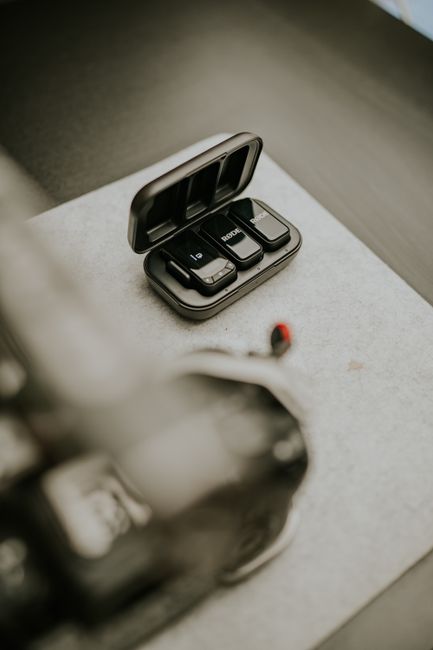
For the first paid tier I bought the DJI Mic Mini 2S (1 TX + 1 RX), the smallest wireless mic from DJI, the Chinese drone and camera maker. I chose it for its backup recording, which keeps a copy of your audio on the transmitter itself, and I think that is worth paying extra for. Pick the version with the standard receiver if you might ever plug it into a camera: the Mobile receiver version is USB-C only, which I realised just before buying. The wireless microphone comparison covers the wider field.
For a voice-led channel, the second tier is where narration gets its own mic. I'm going with the MAONO PD200X, a dynamic USB and XLR mic, because it will sit on my desk stand and I'd rather have the mic raised than on the desk. The RALENO 2-pack softboxes are the pair I went with, as they are good value and well reviewed, and two lights let you film after the window light has gone. For the third tier I switched to the NEEWER ST008, a clamp-on desk stand with a centre column and two arms, for its strength and its room for a mic and a portable monitor as well as a camera.
My YouTube starter kit UK guide goes through each of these picks in full, with what independent reviews rate and flag about each one.
A dedicated camera comes last. It is the biggest single spend in any kit, and a phone only holds a channel back once you want a blurred background, interchangeable lenses or long recordings without overheating. When you reach that point, my compact cameras for content creators comparison covers the step up.
Which editing software should a beginner use?
A free one. DaVinci Resolve (Blackmagic Design's editing, colour and audio app for Mac, Windows and Linux) has a free version that, according to Blackmagic, handles video up to Ultra HD 3840 x 2160 at 60fps. That is more than a first channel needs, so a paid editor can wait until a free one genuinely limits you.
For Shorts, the editor built into your phone or the YouTube app is enough to trim a clip and add text. Learn one editor properly rather than hopping between several: the speed you gain from knowing the shortcuts matters more than any feature list.
How do you upload your first video properly?
Upload from YouTube Studio, then work through the details screen before you publish. Three settings are worth getting right from the first video.
- Thumbnail: once you are verified you can upload your own. YouTube recommends a 16:9 image at 3840 x 2160 pixels, at least 640 pixels wide, as a JPG or PNG. Uploads from a phone are capped at 2 MB, and from a computer at 50 MB.
- Audience: every video needs a Made for Kids answer. YouTube requires it regardless of your location, under its agreement with the US Federal Trade Commission, and a wrong answer can bring consequences on YouTube.
- Paid promotion: if a video includes a paid placement, sponsorship or endorsement, YouTube asks you to tick the paid promotion box in the video details. The legal duty to disclose stays with you as well.
Write the title for the person searching, not for yourself: say what the video shows in the words someone would type. Use the description to explain the video in a few sentences and to label any affiliate links.
When can a UK channel start earning from YouTube?
Ad revenue comes through the YouTube Partner Programme (YPP, YouTube's monetisation scheme, which shares ad revenue with creators). YouTube's eligibility page sets two routes in:
- 1,000 subscribers and 4,000 qualified watch hours in the past 12 months, or
- 1,000 subscribers and 10 million qualified Shorts views in the past 90 days.
Only public long-form videos build qualified watch hours. Watch time from Shorts in the Shorts feed does not count towards the 4,000, and neither do private, unlisted or deleted videos.
You also need two-step verification turned on for your Google account, no active Community Guidelines strikes, and an AdSense for YouTube account linked to the channel. YouTube reviews each application and says a decision takes about one month. Updated YPP terms take effect on 1 February 2027, and existing partners must accept them in YouTube Studio by 31 January 2027.
Once you are in, stay active: YouTube says it can turn off monetisation on a channel that has not uploaded or posted for six months or more.
What UK tax and advertising rules apply?
Two UK bodies matter once money arrives: HMRC (HM Revenue and Customs, the UK tax authority) and the ASA (the Advertising Standards Authority, the UK's advertising regulator).
Do you need to tell HMRC about YouTube income?
Not below £1,000 a year, in most cases. HMRC's trading allowance covers up to £1,000 of gross trading income each tax year, and below that you generally do not need to tell HMRC, though you must keep records. Above £1,000 of gross trading income, you must register for Self Assessment.
If you have not sent a tax return before, the deadline is 5 October after the end of the tax year the income falls in. For income in the year that ended on 5 April 2026, that was 5 October 2026, and registering late risks a penalty. Gross means before expenses, so £1,200 of ad revenue counts as over the line even if you spent most of it on kit.
How must UK creators label ads and affiliate links?
The ASA's influencers' guide to making clear that ads are ads sets the rules. Its fourth edition, published on 23 October 2026, was developed with the Competition and Markets Authority and covers when content counts as advertising, what counts as a payment or commercial relationship, and how to disclose affiliate links. Read it before your first sponsored video or first affiliate link, not after.
What would I do first if I were starting today?
Create the channel, verify it, and upload a short video filmed on your phone this week, before buying anything. The first few videos teach you more about what your channel needs than any kit list does.
Then spend in order. A wireless mic if you are on camera, or a desk mic if you are mostly narrating. Light once you are filming after dark. A mount once you want steady overhead shots. A camera only when the phone is the thing holding the videos back. Leave tax and advertising rules until money arrives, but read the ASA guide before any brand deal, because that rule applies from the first one.
Frequently asked questions
How old do you have to be to start a YouTube channel in the UK?
Is it free to start a YouTube channel?
How many subscribers do you need to get paid on YouTube?
Do I pay tax on YouTube income in the UK?
Do I need a camera to start a YouTube channel?
Sources
- YouTube: Terms of Service (UK)
- YouTube: Create a YouTube channel
- YouTube: Verify your YouTube account
- YouTube: Learn about YouTube handles
- YouTube: Add customised thumbnails
- YouTube: Determining if your content is Made for Kids
- YouTube: Add paid product placements, sponsorships and endorsements
- YouTube: YouTube Partner Programme overview and eligibility
- GOV.UK: Tax-free allowances on property and trading income
- GOV.UK: Register for Self Assessment
- ASA: Influencers' guide to making clear that ads are ads
- Blackmagic Design: DaVinci Resolve
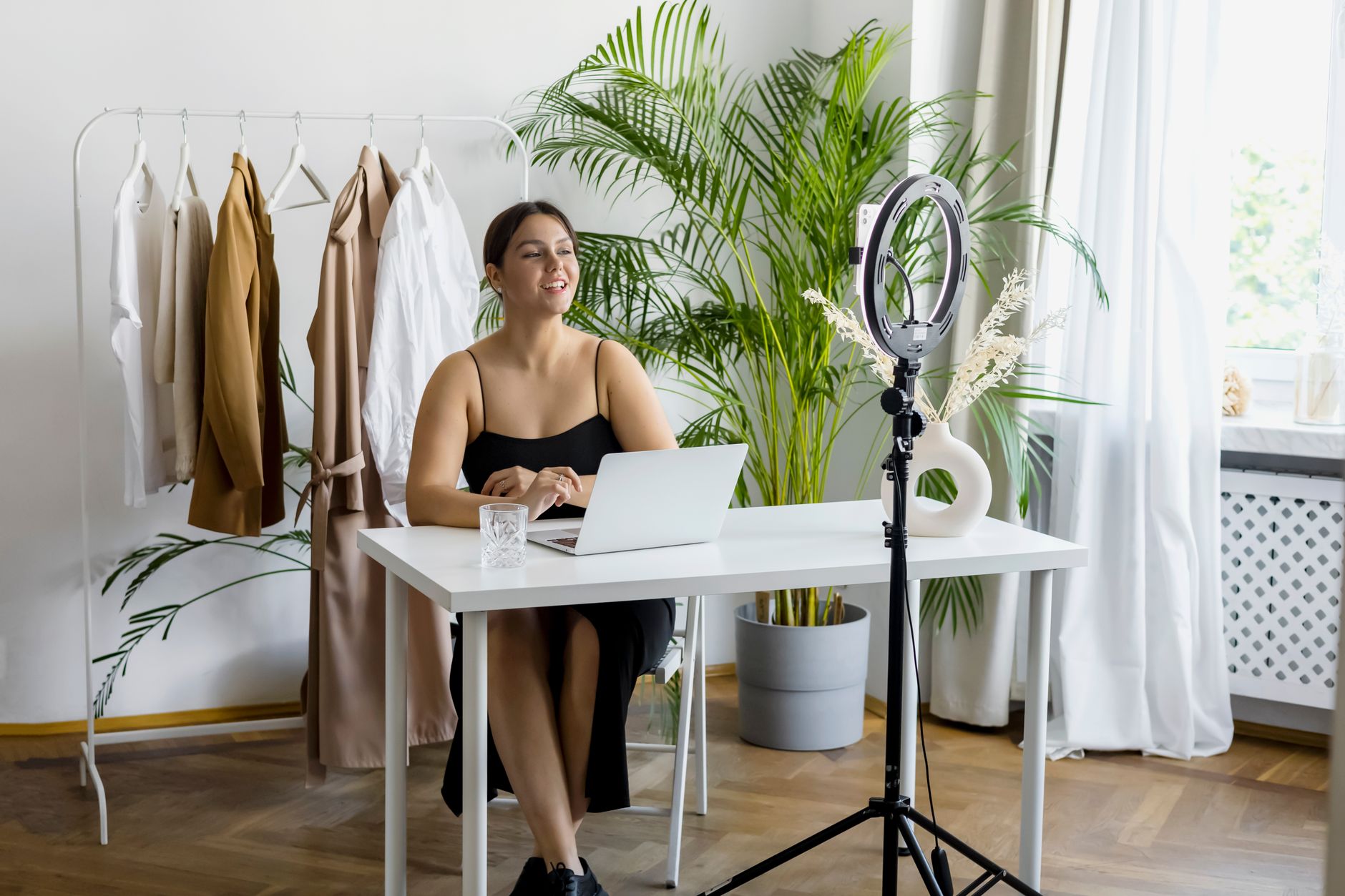
YouTube starter kit UK
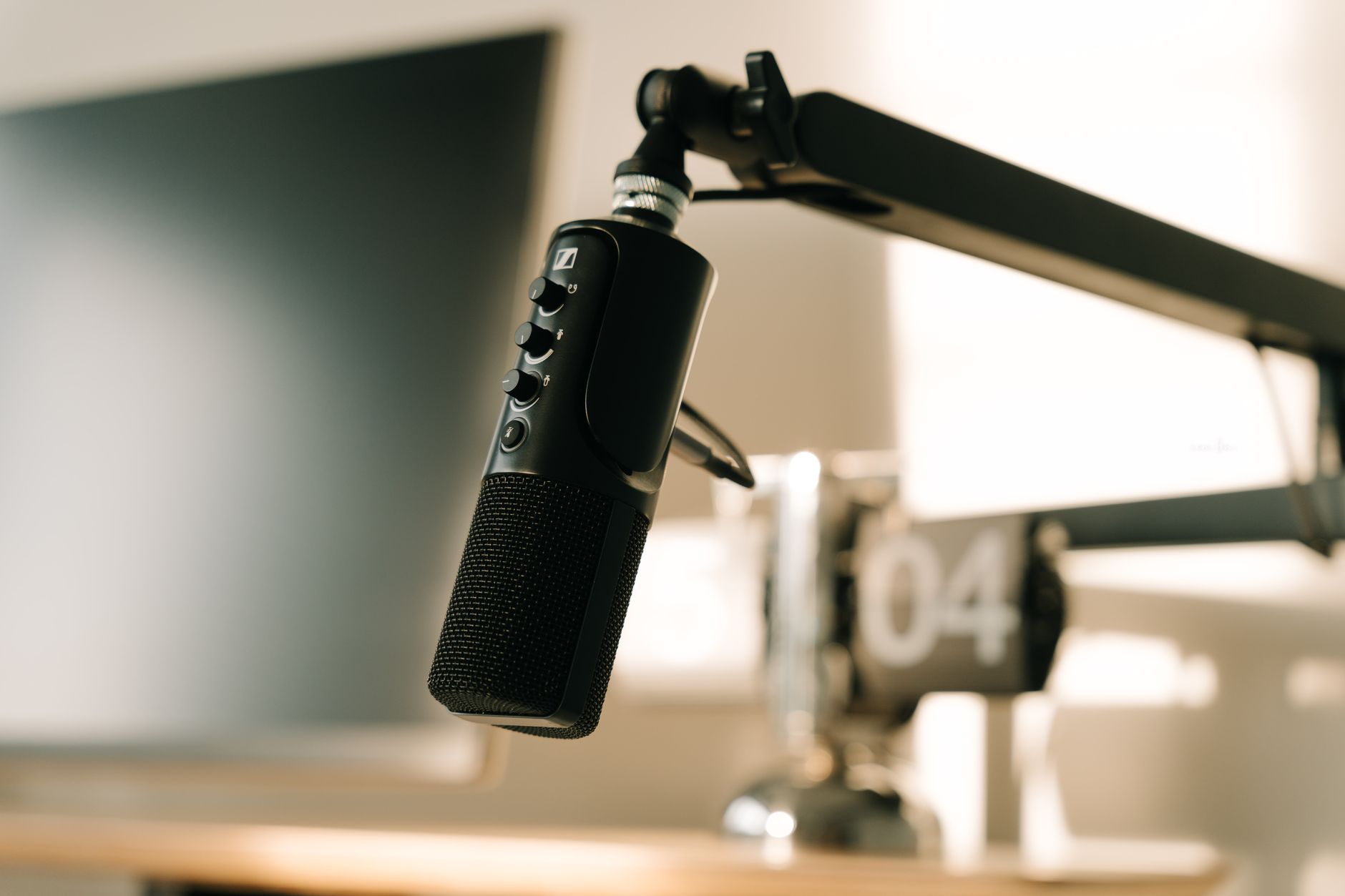
Budget microphone for voiceover
Best wireless microphones for creators