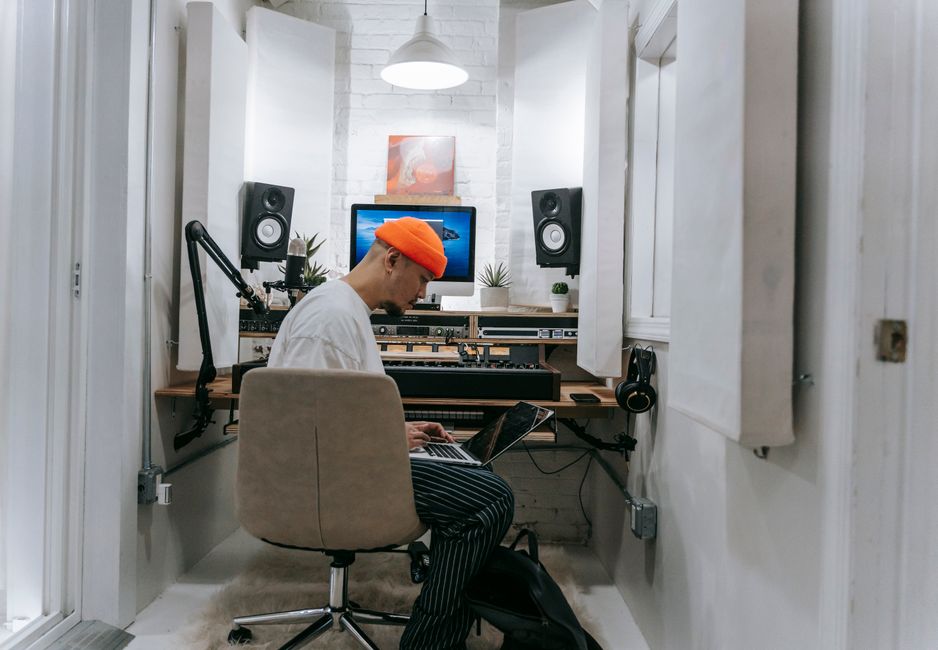
Professional YouTube Studio Setup: The Kit I'd Choose
A professional YouTube studio setup at UK prices: the cinema camera, broadcast mic, lights and room treatment I'd choose, and what the full build costs.
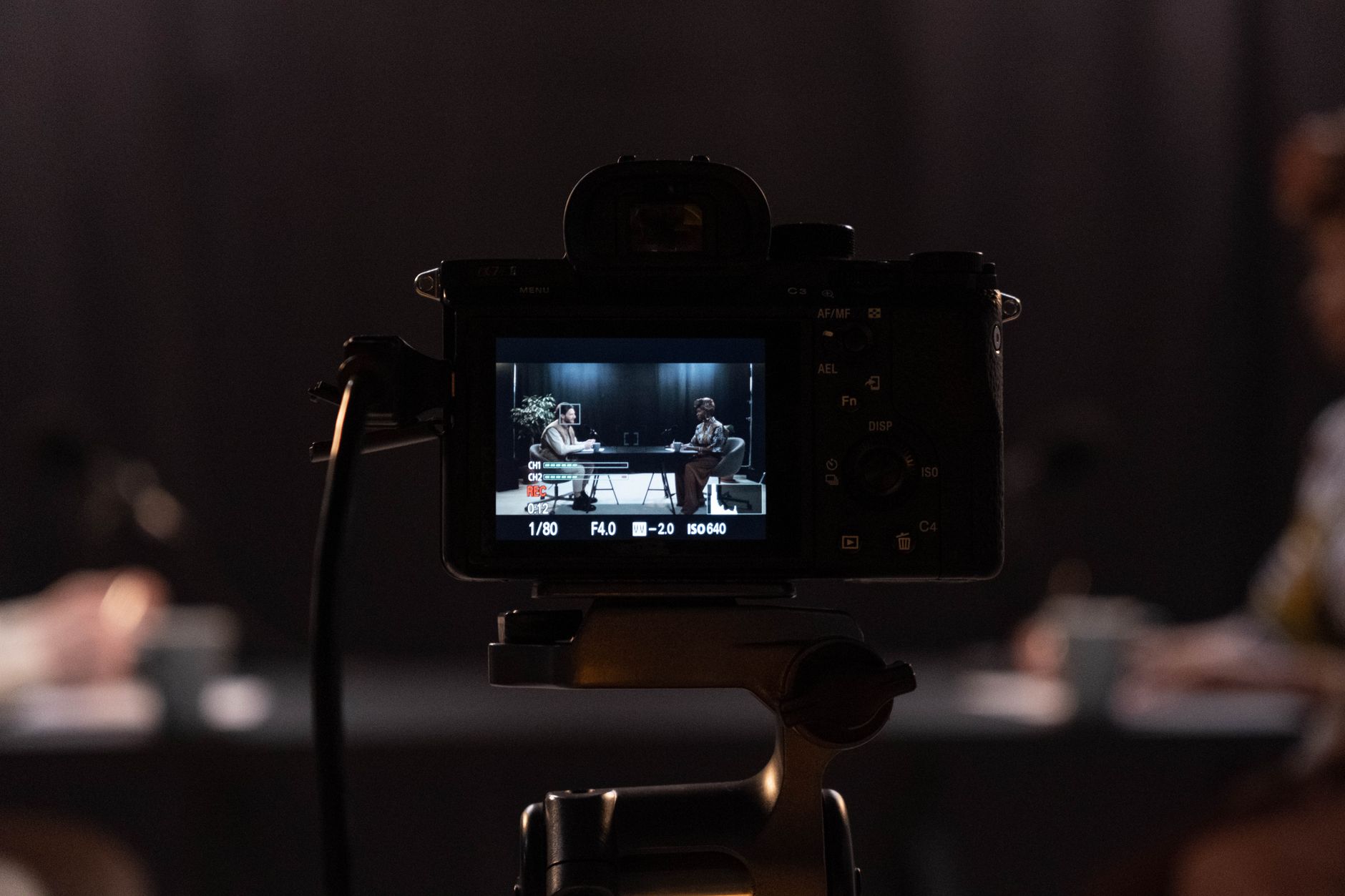
A professional YouTube studio setup is the permanent room a full-time channel films in every week: the camera stays on its stand, the mic stays on its arm, and the lights are set once and left alone. This guide sets out the kit I would put in that room, piece by piece, and why each piece earns its place.
My own channel is starting at the other end, on a budget of about £250, so this is the top of the ladder rather than where I am now. It is a research guide, not a test report: I have not used the kit on this page. What each product does comes from its maker's own pages and its Amazon UK listing, linked as I go. Links to Amazon UK are affiliate links: if you buy through one, Creator Kit Lab earns a small commission at no extra cost to you. The budget figures are rounded from Amazon UK prices when I checked on 3 November 2026. Prices move daily, so check the current price before you buy.
What makes a YouTube studio setup professional?
Four things separate a professional studio from a good home setup, and only one of them is the camera.
- Nothing gets set up twice. Every piece of kit has a fixed home, so you can sit down and record within a minute. That consistency is what keeps a weekly upload schedule alive.
- The camera runs for as long as you talk. It feeds a clean picture straight into the computer or a recorder, powered from the mains, so long takes never stop for a battery or a full card.
- The audio chain is XLR. A broadcast microphone goes into a dedicated audio interface, which gives you real control over gain and room noise.
- The light is controlled. A large soft key light, a fill and a separation light, all set to the same colour temperature, so the picture looks the same in December as it does in June.
The spending order from my YouTube starter kit guide still holds at this level: sound first, then light, then the camera. The difference is that every category now gets its professional version.
Which terms do you need to know?
- Clean HDMI out: a camera's HDMI feed with no menus or focus boxes on top, so it can be captured as a finished picture.
- Capture card: a small box that turns a camera's HDMI feed into something your computer treats as a webcam.
- XLR and phantom power: XLR is the three-pin cable professional mics use. Phantom power is the 48-volt supply an interface sends down that cable to power a mic's electronics.
- Audio interface: the box between an XLR mic and your computer, holding the preamp that sets your recording level.
- Bowens mount: the standard bayonet fitting that lets a studio light take softboxes and other modifiers from many brands.
- CRI (Colour Rendering Index): a 0-100 score for how faithfully a light shows colours. My colour temperature and CRI guide explains why about 95 and above matters on camera.
Which camera would I choose for a professional studio?
I would choose the Sony FX30 (Sony's entry cinema camera, part of its Cinema Line range). Amazon UK's listing gives a 20.1MP APS-C (Super 35) sensor, Sony's S-Cinetone colour profile for a finished look straight out of the camera, and a dual base ISO for clean images in dim rooms. It was rated 4.7 out of 5 from 541 Amazon UK ratings.
A cinema camera suits a studio for a practical reason: it is built to record for long stretches. Stills-first mirrorless cameras can cut out on long talking-head takes, and that is the exact failure a weekly studio schedule cannot afford.
The FX30 is a body only, so it needs a lens. I would pair it with the Sigma 18-50mm F2.8 DC DN Contemporary for Sony E. Its constant f/2.8 aperture gives a softly blurred background at any zoom setting, and the zoom range covers a tight head shot through to a wider desk shot without moving the camera. It was rated 4.6 out of 5 from 1,708 Amazon UK ratings. That listing's title is in German, but it is the Sony E-mount version sold on Amazon UK.
If the FX30 is more camera than your channel needs, my compact cameras for content creators comparison covers the steps below it.
How does the camera get into the computer?
Through a capture card. The Elgato Cam Link 4K (a USB capture card from Elgato, the creator-hardware brand owned by Corsair) takes the camera's HDMI feed and presents it to your computer as a webcam. Elgato's own page lists 4K30 and 1080p60 among its supported resolutions, from an unencrypted HDMI source. It was rated 4.6 out of 5 from 13,850 Amazon UK ratings.
That matters for two kinds of channel. A live or streamed show needs it outright. A recorded channel gains from it too: you can record straight to the computer's drive, with no card to fill and no files to copy off afterwards.
Which microphone and audio chain would I choose?
I would choose the Shure SM7dB (a dynamic broadcast microphone from US audio maker Shure). It is the long-running SM7B design with a preamp built in. Shure's product page gives a selectable boost of +18 dB or +28 dB, powered by 48-volt phantom power from your interface, and a bypass switch that returns it to plain SM7B behaviour. That boost is the point: the original SM7B is a quiet microphone that many home interfaces struggle to drive cleanly. The SM7dB was rated 4.4 out of 5 from 973 Amazon UK ratings.
A dynamic mic suits a studio room because it hears much less of the space around you. My guide to what a dynamic microphone is covers why in full.
For the interface I would choose the Focusrite Scarlett 2i2 (4th Gen) (a two-input USB-C audio interface from UK maker Focusrite). Amazon UK's listing gives a 120 dB dynamic range, Auto Gain to set your level and Clip Safe to stop a loud moment from distorting. It was rated 4.7 out of 5 from 2,708 Amazon UK ratings. Its second input leaves room for a guest mic later. My gain staging guide covers how to set levels on a chain like this.
To hold the mic I would choose the RØDE PSA1+, a spring-balanced studio arm from Australian maker RØDE. The listing rates it for microphones from 94 g to 1.2 kg, with internal dampening so the arm does not knock into the recording when you move it. It was rated 4.7 out of 5 from 17,574 Amazon UK ratings. An arm keeps the mic close to your mouth and just out of shot, which a desk stand cannot do.
How would I light a professional studio?
With three lights doing three jobs: a key light in front of you, a fill on the other side to soften shadows, and a light behind you to separate you from the background.
For the key I would choose the amaran Halo 200x (a 200-watt bi-colour studio light from amaran, the lower-priced brand of lighting maker Aputure). Amazon UK's listing gives a 2,700K-6,500K colour range, CRI 96+, a metal Bowens mount, mains power with no separate power brick, and a fan rated at about 28 dBA in its quiet mode. That last figure matters in a room where the mic is a metre away. It was rated 4.5 out of 5 from 72 Amazon UK ratings.
A bare studio light is harsh, so it needs a modifier. I would add the amaran Light Dome 60, a 60 cm round softbox that fits the Halo's Bowens mount and comes with a diffuser and a grid to control spill. It was rated 4.9 out of 5 from 27 Amazon UK ratings. The Halo and softbox need a stand: the NEEWER 2.6m air-cushioned light stand extends from 1.16 m to 2.6 m, with an air cushion that lowers the light gently if a lock slips.
For the fill or back light I would choose the Elgato Key Light Air MK.2 (Elgato's 15-inch LED panel light). Amazon UK's listing gives up to 2,100 lumens, CRI above 94, a 2,900K-7,000K range and a desk clamp, with control from the light, the Elgato app or a Stream Deck. It was rated 4.1 out of 5 from 14 Amazon UK ratings, which is a small sample for a light released this year.
Set all three lights to the same colour temperature, and shut out daylight if you can. Mixed light is the most common reason a well-equipped studio still looks amateur on camera.
Does the room need acoustic treatment?
Yes, and it is the cheapest upgrade on this page for the difference it makes. A bare room with hard walls adds echo that no microphone fully removes, and a dynamic mic only reduces it. Soft panels at the first reflection points around your desk, plus a rug and soft furnishings, do more for your sound than any step up in microphone.
Treatment is not soundproofing. It controls echo inside the room, not noise coming in from outside. My guide to soundproofing vs acoustic treatment explains the difference, and my acoustic panels guide covers what to buy for an echoey home office.
What does the full build cost?
| Job | Picks | Budget band |
|---|---|---|
| Camera | Sony FX30 body, Sigma 18-50mm F2.8 lens | About £1,800 |
| Capture | Elgato Cam Link 4K | About £100 |
| Audio | Shure SM7dB, Focusrite Scarlett 2i2, RØDE PSA1+ | About £700 |
| Lighting | amaran Halo 200x with Light Dome 60 and stand, Elgato Key Light Air MK.2 | About £520 |
| Total | About £3,100 | |
Bands are rounded from Amazon UK prices on 3 November 2026. A tripod or camera stand, cables and acoustic panels come on top, and depend on your room.
Which extras are worth adding?
None of these is needed on day one. Each one solves a specific problem a busy studio runs into.
- Elgato Stream Deck MK.2: a 15-key control deck that starts recordings, switches scenes and turns the lights on with one press. My Stream Deck workflows guide shows what it automates.
- Elgato Prompter: a teleprompter with its own screen that sits in front of the lens, so you can read a script while looking straight down the camera. My Elgato Prompter review covers it in depth.
- Blackmagic ATEM Mini Pro: a live switcher. Blackmagic Design's page gives it 4 HDMI inputs, recording to USB disks and a USB webcam output, so you can cut between cameras as you film. It only earns its place once you run two or more cameras; my multi-camera podcast setup guide shows how.
Where would I spend first if the budget is tight?
On the same order as any other tier: audio, then light, then the camera. The SM7dB, interface, arm and the key light with its softbox cost about £1,000 together, and they would lift almost any camera you already own, including a good phone. The FX30 and lens are the single biggest cost, and the last thing I would buy.
If you are starting from nothing, my YouTube starter kit guide builds the lower tiers from under £100, which is where my own channel begins.
Frequently asked questions
How much does a professional YouTube studio setup cost?
Do I need a cinema camera for a professional YouTube studio?
Do I need an audio interface for the Shure SM7dB?
Is the Shure MV7+ good enough for a professional studio?
Sources
- Shure: SM7dB dynamic vocal microphone with built-in preamp
- Elgato: Cam Link 4K
- Blackmagic Design: ATEM Mini
- Amazon UK product listings for each product linked above, checked on 3 November 2026
YouTube starter kit UK

Best podcast microphones UK
Multi-camera podcast setup