Comparison · 5 picks
Best Microphone for Talking Head Video (2026)
Affiliate disclosure: This article contains affiliate links. If you click through and buy a product we will earn a small commission at no extra charge to you. As an Amazon Associate I earn from qualifying purchases.
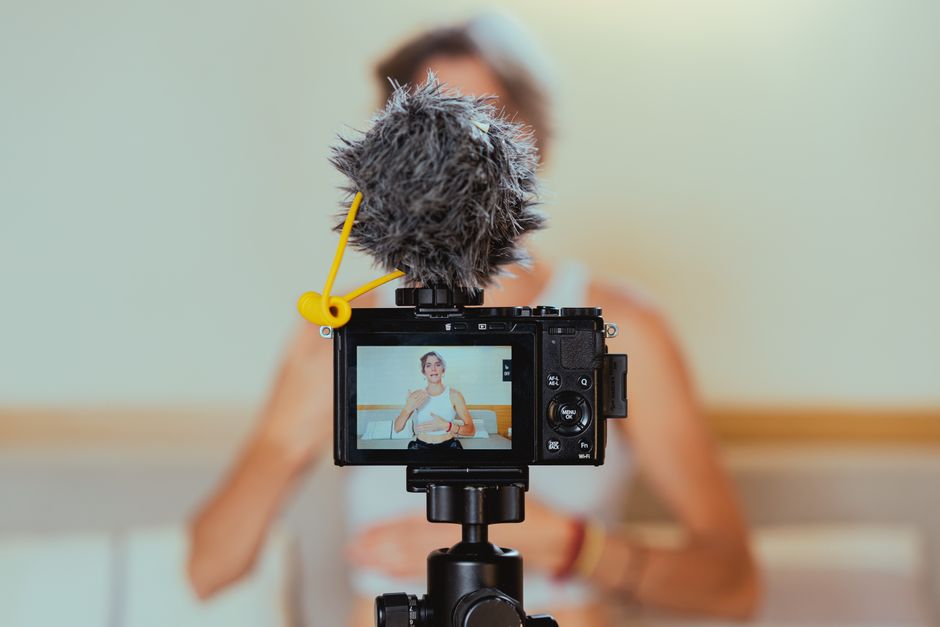
The best microphone for talking head video is the one that stays close to your mouth while you talk to the lens. A talking head video is you, framed from the chest up, speaking straight to camera: a tutorial intro, a channel update, a reaction or an explainer. The picture barely changes for minutes at a time, so viewers judge the video on how clearly they can hear you. The RØDE Wireless GO is RØDE's compact clip-on wireless mic system, and its third generation (Gen 3), released in December 2024, sets the standard the other picks are measured against.
My channel is mostly voice-led, with some videos of me on camera, so I researched this before choosing my own mic. This is a research comparison, not a test report: I haven't filmed with these microphones, and what each one does comes from its maker's specification pages and its Amazon UK listing, linked as I go. The links to Amazon UK are affiliate links: if you buy through one, Creator Kit Lab earns a small commission at no extra cost to you. Budget bands are rounded from Amazon UK prices when I checked on 3 November 2026, and prices move, so check the current price before you buy.
What makes a microphone good for talking head video?
Distance decides almost everything. The built-in mic on a phone or camera sits wherever the camera sits, usually a metre or more away, so it records your voice and the room in roughly equal measure: echo off bare walls, the fridge, the road outside. Vimeo's guide to filming on a phone makes the same point from the other end: the closer you are to the mic, the better the audio. Every pick below is a different way of closing that gap.
- Clip-on wireless (lavalier): a small transmitter on your collar sends your voice to a receiver on the camera or phone. It stays the same distance from your mouth wherever you stand.
- On-camera shotgun: a directional mic on the camera's shoe (the mount on top), pointed at you. It needs no batteries or pairing, but it is only as close as the camera.
- Desk dynamic: a broadcast-style mic on an arm, in shot or just below the frame. It suits a seated talking head at a desk, and doubles as your voiceover mic.
Two smaller things matter too. Backup recording (the transmitter saving its own copy of your audio) rescues a take if the wireless link drops or the level clips. And the connection has to match what you film on: a 3.5mm output for a camera's mic input, USB-C or Lightning for a phone.
Which type of mic suits your setup?
| How you film | Mic type | Pick | Budget band |
|---|---|---|---|
| Camera or phone, standing or seated | Clip-on wireless with backup recording | RØDE Wireless GO (Gen 3) | £100 to £150 |
| Camera or phone, tight budget | Clip-on wireless with backup recording | DJI Mic Mini 2S (1 TX + 1 RX) | Under £100 |
| Phone only, two people | Phone-only clip-on wireless | RØDE Wireless Micro | Under £100 |
| Camera close to you, no pairing | On-camera shotgun | RØDE VideoMic GO II | Under £100 |
| Seated at a desk, mic in shot | Desk dynamic, USB-C and XLR | Shure MV7+ | Over £250 |
At a glance
All 5 options side by side.
| RØDE Wireless GO (Gen 3) | Shure MV7+ | DJI Mic Mini 2S (1 TX + 1 RX) | RØDE Wireless Micro | RØDE VideoMic GO II | |
|---|---|---|---|---|---|
| Price | See price | See price | See price | See price | See price |
| Best for | Best overall for talking head video. | Best for a seated talking head at a desk where the mic can be in shot. | Best on a budget, and the one I bought for my own channel. | Best for phone-only creators who film two people. | Best when the camera sits close and you want nothing to set up. |
| Review | Read review → | Read review → | Read review → | Read review → | Read review → |
| Buy |
The picks in detail
RØDE Wireless GO (Gen 3)
Bottom line. Best overall for talking head video. RØDE (the Australian microphone maker) gives each transmitter 32-bit float on-board recording, so a clipped or too-quiet take can be recovered in editing, and GainAssist (RØDE's automatic level control) keeps the live feed steady. The receiver has a 3.5mm output for a camera and USB-C for a phone or computer, so it moves with you between both. It skips noise cancelling and a charging case.
Pros
- 32-bit float onboard recording means clipped or too-quiet takes are recoverable in post
- GainAssist auto-levelling makes it genuinely grab-and-go for solo shooters
- 260m line-of-sight range with stable, near-zero-latency transmission
- Locking 3.5mm TRS input stops lav mics pulling loose mid-take
- 32GB per transmitter stores over 40 hours of backup audio
- Ships with USB-C, Lightning and TRS cables for cameras, phones and computers
Cons
- No built-in noise cancellation, unlike the DJI Mic 2
- No timecode support - that stays exclusive to the Wireless PRO
- Charging case and lavalier mics are not included as standard
- The feed sent to camera is standard bit depth - 32-bit float applies to onboard recordings only
- Transmitters are bulkier on clothing than clip-magnet rivals
- No official water-resistance rating
Shure MV7+
Bottom line. Best for a seated talking head at a desk where the mic can be in shot. Shure (the US microphone maker) built the MV7+ as a podcast mic, with a dynamic capsule that hears your voice more than the room, with USB-C and XLR outputs. It costs the most here, and it also covers your voiceovers.
Pros
- Dynamic cardioid capsule rejects room noise far better than typical USB condensers
- USB-C and XLR outputs let the same mic grow from desk setup to studio mixer
- Auto Level Mode and the digital pop filter make recordings usable with no post-processing
- Settings persist on the device, so it works on any computer without Shure's software
- All-metal build with an integrated yoke for standard mic arms
- Works with phones as well as computers (iOS 16+ / Android 12+)
Cons
- All DSP features (denoiser, auto level, reverb) switch off when using the XLR output
- Premium pricing versus comparable USB dynamic mics
- No stand or boom arm in the box
- USB output sounds slightly more congested in the mids than the XLR path, per Podcastage's test
- Needs close-talking, like any dynamic podcast mic
DJI Mic Mini 2S (1 TX + 1 RX)
Bottom line. Best on a budget, and the one I bought for my own channel. The Mic Mini 2S is the August 2026 update to DJI's smallest wireless mic line (DJI is the Chinese maker of drones and gimbal cameras). It records a 32-bit float backup on the transmitter, which I think is worth paying for. Choose the standard receiver if a camera is in your plans.
Pros
- 32-bit float internal recording as a backup copy
- Standard receiver plugs into a camera's 3.5mm input or a phone
- Transmitter of about 12 g, with AI noise cancelling
Cons
- No charging case in the 1 TX + 1 RX kit
- One transmitter, so a second voice means a second purchase
- A Mobile receiver kit looks similar, so check the kit name before you buy
RØDE Wireless Micro
Bottom line. Best for phone-only creators who film two people. It is the simplest kit here. Plug the receiver into the phone, clip on a transmitter and record. It has no backup recording, so a dropout is lost, which makes it a weaker choice than the Mic Mini 2S for solo talking heads at a similar budget.
Pros
- Receiver plugs straight into a USB-C phone
- Two transmitters and a charging case in the box
- iPhones can pair over Bluetooth through the RØDE Capture app
Cons
- No on-board backup recording
- Phone-only: a camera needs the separate Camera Kit
- USB-C and Lightning versions are separate kits
RØDE VideoMic GO II
Bottom line. Best when the camera sits close and you want nothing to set up. This 33 g directional mic rides on the camera, points where the lens points and runs from the device it plugs into. Keep the camera within about an arm's length for a desk talking head; further back, a clip-on wins.
Pros
- No batteries, pairing or charging
- 3.5mm output for cameras and USB for phones and computers
- HELIX isolation mount cuts handling noise
Cons
- Only as close to you as the camera is
- Hears more of the room once the camera moves back
- Some phones need an extra cable
Which microphone should you buy for talking head video?
For most people filming themselves, buy a clip-on wireless mic with backup recording. It is the only type that keeps the same distance from your mouth whether the camera is on a desk, a tripod across the room or in your hand.
- You film on a camera and a phone: the RØDE Wireless GO (Gen 3). Its receiver covers both, and its 32-bit float backups are the strongest safety net here.
- You want the same safety net for less: the DJI Mic Mini 2S (1 TX + 1 RX), the mic I bought.
- You only ever film on a USB-C phone, often with a guest: the RØDE Wireless Micro.
- Your camera sits within arm's reach and you hate charging things: the RØDE VideoMic GO II.
- You sit at a desk and record voiceovers too: the Shure MV7+.
Which receiver do you need for a camera or a phone?
This is where I nearly went wrong. DJI sells the Mic Mini 2S with a standard receiver or with a Mobile receiver and charging case at the same price. I nearly bought the Mobile version before realising its receiver is USB-C only and would not work with my Nikon D3300, so I swapped to the standard receiver. If you only film on a USB-C phone, either suits you; if a camera with a 3.5mm mic input is in your plans, the standard receiver plugs into both.
I made a second wrong assumption about my GoPro HERO8. The DJI receiver has a USB-C port, so I expected to plug it straight into the GoPro, and I didn't know why I'd need a 3.5mm mic input. A camera takes an external mic through its mic input, and the HERO8 gets one through GoPro's Media Mod. Check what your camera has before you choose a kit.
The same split runs through RØDE's range. The Wireless Micro is sold as a phone kit, with a separate Camera Kit for cameras, while the Wireless GO (Gen 3) receiver carries both outputs.
Why does backup recording matter on a talking head?
A talking head take is often long, unscripted and hard to repeat exactly. If the wireless link drops for a second, or you laugh and the level clips, the take is ruined unless the transmitter kept its own copy. 32-bit float recording widens that safety net: the file holds so much headroom that a clipped or quiet section can be brought back to a normal level in editing.
RØDE says each Wireless GO (Gen 3) transmitter records 32-bit float on board for over 40 hours. Newsshooter's report on the Mic Mini 2S gives about 22 hours of 32-bit float or 28 hours of 24-bit recording on the transmitter. The RØDE Wireless Micro and the VideoMic GO II record nothing themselves, so whatever the phone or camera captures is all you have. My gain staging guide covers setting levels so you rarely need the backup.
When is an on-camera shotgun mic enough?
An on-camera shotgun suits a desk setup where the camera is close to your face, roughly an arm's length or less. At that distance a directional mic pointed at you records a clear voice, and you skip charging, pairing and clipping anything to your clothes. RØDE's VideoMic GO II needs no battery at all and has both a 3.5mm output for cameras and USB for phones and computers.
Move the camera back for a wider shot and the advantage goes. The mic stays on the camera, so your voice gets quieter and the room gets louder. My guide to microphone polar patterns explains why a directional mic still hears reflections off the wall behind you.
Should the microphone be in shot?
On a seated talking head, a mic in shot is a style rather than a mistake: podcast and commentary channels do it on purpose. A dynamic microphone such as the Shure MV7+ sits a few inches from your mouth on an arm and hears far less of the room than a camera mic. If you would rather hide it, drop the arm just below the bottom of the frame. If you also record voiceovers, my voiceover microphone comparison covers cheaper desk mics.
A clip-on is visible too, though small. Clip the transmitter to your collar or the centre of your top, a hand's width below your chin, or run a separate lavalier under your clothing if your kit has a 3.5mm input for one, as the Wireless GO (Gen 3) transmitter does.
How do you set up a mic for talking head video?
- Place it first. Clip-on: a hand's width below your chin, facing your mouth. Shotgun: on the camera, aimed at your mouth. Desk mic: a few inches away, slightly off to one side.
- Turn on backup recording if your transmitter has it.
- Record a ten-second test and play it back on headphones before the real take. Listen for rustle, echo and a level that peaks too close to the top.
- Kill the noise you can control. Fans, the washing machine, a ticking clock. Soft furnishings help with echo; my guide to soundproofing vs acoustic treatment explains what each fixes.
Frequently asked questions
What is the best microphone for talking head videos?
Is a lavalier or a shotgun mic better for talking head video?
Can I use a wireless mic with my phone for talking head videos?
Do I need a microphone for talking head YouTube videos?
Will a USB-C wireless receiver work with my camera?
Sources
- RØDE: Wireless GO (Gen 3)
- DJI: Mic Mini 2S specs
- Newsshooter: DJI Mic Mini 2S
- RØDE: Wireless Micro
- RØDE: VideoMic GO II
- Shure: MV7+ podcast microphone
- Vimeo: how to make a video on your phone
- Amazon UK product listings for each microphone linked above, checked on 3 November 2026
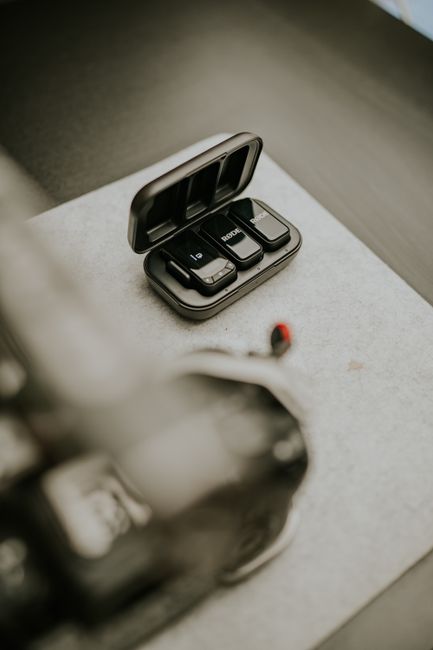
Best wireless microphones for creators
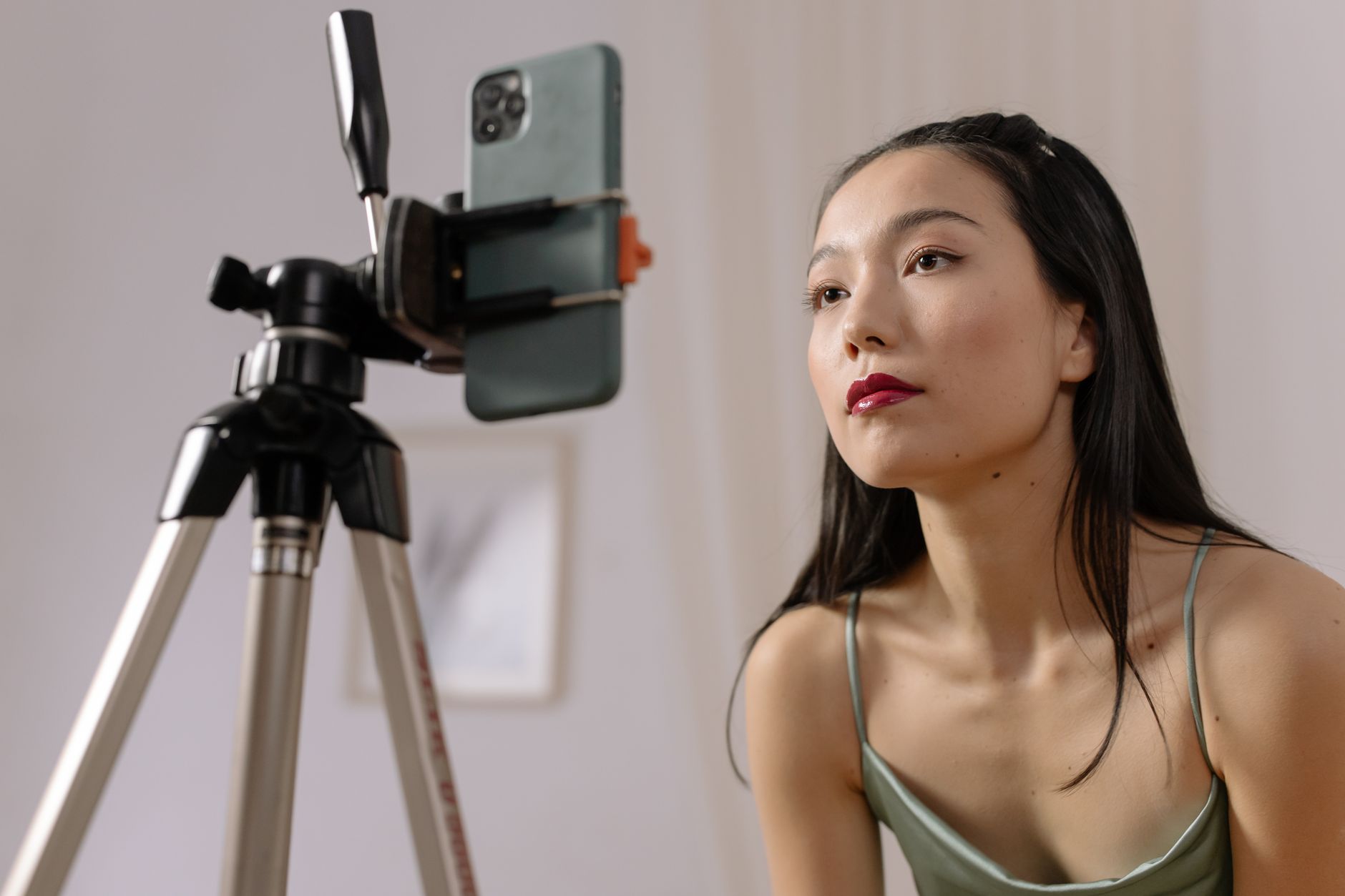
Start a YouTube channel with just a phone
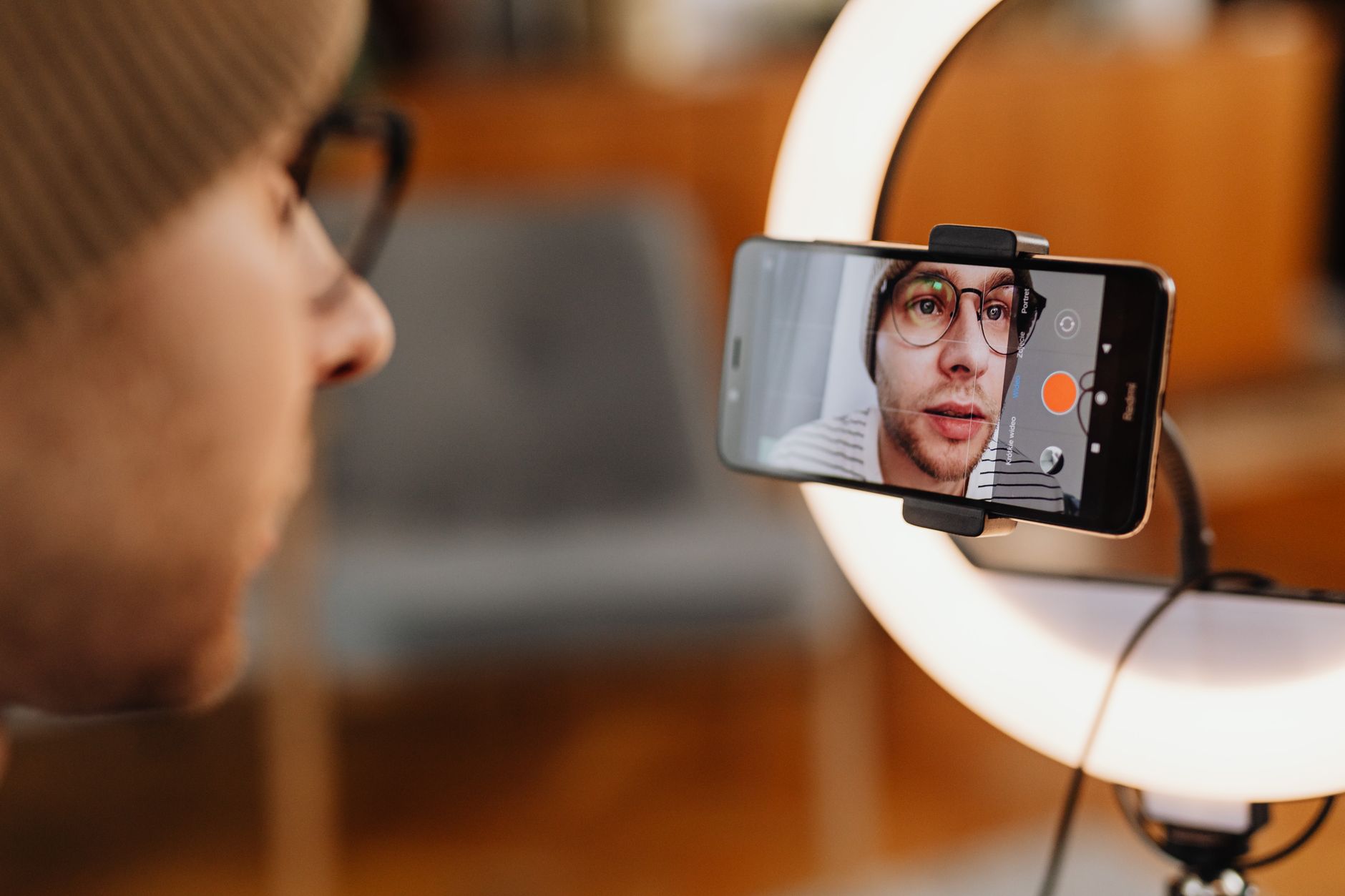
Vlogging kit UK
