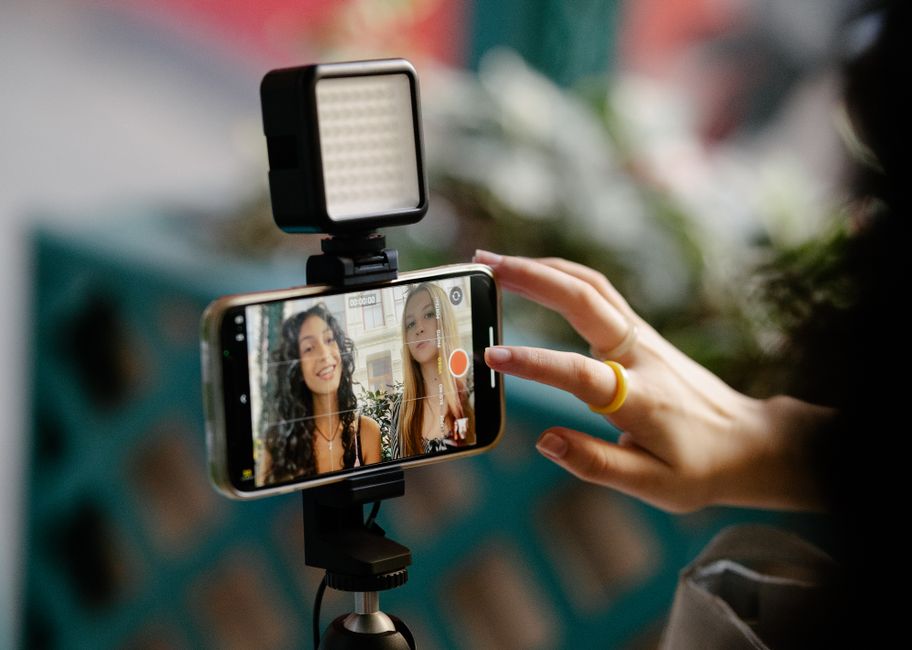
How to Start a YouTube Channel With Just a Phone
How to start a YouTube channel with just a phone: the camera and settings to use, fixing sound and light, and editing and uploading for free.
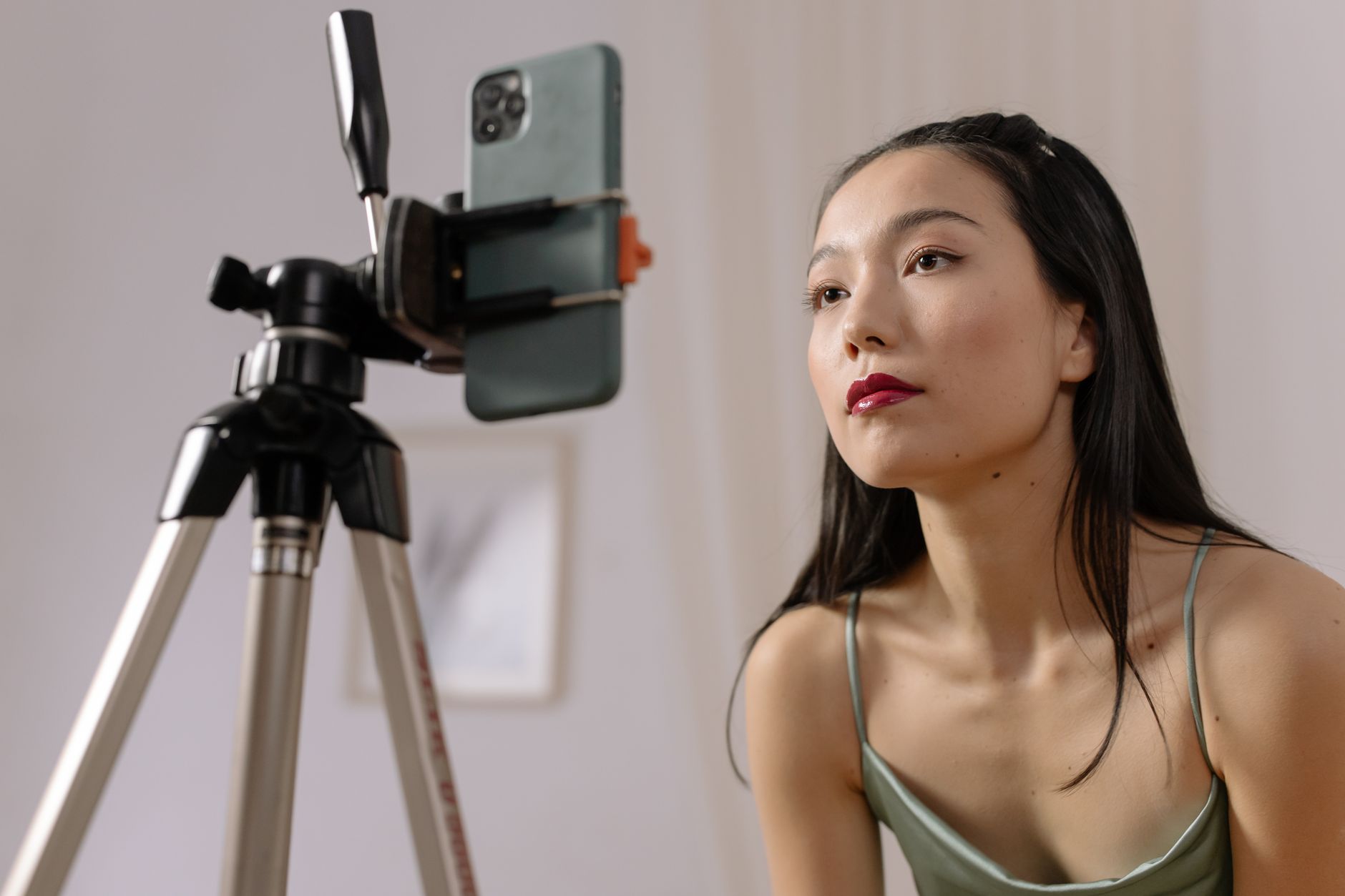
To start a YouTube channel with just a phone, you need the phone, a window and a free editing app. Nothing else is required to publish a first video that looks and sounds clean enough to keep a viewer watching.
I'm building a beginner channel of my own, mostly voice-led with some on-camera videos, and this guide sets out the phone-only route I'd take from day one. It is a research guide, not a test report: the settings and app details come from YouTube's own help pages and the makers' published specifications, linked as I go.
Links to Amazon UK are affiliate links: if you buy through one, Creator Kit Lab earns a small commission at no extra cost to you. Check the current price on each listing before you buy.
Can you really start a YouTube channel with just a phone?
Yes. A phone from the last few years records sharp 1080p or 4K video, and YouTube is built to take uploads straight from it. The YouTube app uploads a file from your camera roll, and any square or vertical video of three minutes or less goes up as a Short (YouTube's vertical short-form format) automatically.
The picture is rarely what holds a phone channel back. Sound and light are. A phone's built-in mic sits at arm's length or further when you film yourself, so it hears the room as much as your voice, and its small sensor struggles in a dim room. Fix those two with what you already have, and the phone is not the weak link.
So the phone-only plan has four parts: film well, sound clear, light from the front, then edit and upload without leaving the phone.
Which phone camera should you film yourself with?
Use the rear camera whenever you can. On most phones it has the larger sensor and the better lens, so it gives more detail and cleaner footage in ordinary room light. The front camera is the easy option because you can see yourself, and that is its whole advantage.
The gap is narrowing on recent flagships. Apple says the iPhone 17's front camera uses the first square front sensor on an iPhone, records stabilised 4K HDR, and lets you shoot landscape while holding the phone upright, according to Apple's iPhone 17 announcement. On an older or mid-range phone, the rear camera still wins.
To use the rear camera without seeing yourself, frame the shot first with a test recording, mark where you stand, and keep still within that frame. A cheap trick is to film a five-second clip, play it back, adjust, and repeat until your head sits about a third of the way down the frame with a little space above it.
What settings should you change before you film?
Four settings matter, and you set them once.
- Resolution: choose 4K if your phone offers it and you have the storage, otherwise 1080p. On many phones 4K is switched off by default and sits in the camera's video settings.
- Frame rate: pick one and stick to it. YouTube's recommended upload settings say a video should be uploaded at the same frame rate it was recorded at. In the UK, 25 or 50 frames per second avoids flicker under mains lighting; my guide to frame rate and shutter speed explains why.
- Zoom: leave it at 1x. Digital zoom crops the sensor, softens the image and magnifies every wobble, so move the phone closer instead.
- Focus and exposure lock: press and hold on your face before you press record. That stops the phone hunting for focus or brightening and darkening the shot as you move.
Two habits help as well: switch on flight mode so a call or notification never interrupts a take, and clear enough storage first, because 4K fills a phone fast.
How do you get good sound from a phone?
Distance is the whole game. The closer the mic is to your mouth, the louder your voice is against the room, which is the point Vimeo's mobile filmmaking guide makes about the built-in mic. With the phone at arm's length that is fine; at two metres on a tripod, it is not.
Before you spend anything, do three free things:
- Film in the softest room you have. A bedroom with curtains, carpet and a bed sounds far less echoey than a kitchen. My guide to soundproofing versus acoustic treatment explains what soaks up echo.
- Shut the noise out. Close windows, switch off the fridge or fan if you can, and film when the house is quiet.
- Record a test and listen on headphones. Phone speakers hide hiss and echo that a viewer on earbuds will hear.
If the test still sounds thin or roomy, a wireless mic is the fix, and it is the first thing worth buying. I bought the DJI Mic Mini 2S (1 TX + 1 RX). The DJI Mic Mini 2S is the 2026 update to DJI's smallest wireless lavalier line: a clip-on transmitter of about 12 g that sends your voice to a small receiver plugged into the phone. Amazon UK's listing gives 32-bit float internal recording, so the transmitter keeps its own backup copy of the audio, which is the feature I thought worth paying the extra for.
One detail matters for a phone-only creator. DJI sells the 2S with a standard receiver or with a Mobile receiver that plugs straight into a USB-C phone. I nearly bought the Mobile receiver version at the same price before realising it is USB-C only and would not work with my Nikon D3300, so I swapped to the standard receiver. If you will only ever film on a USB-C phone, either suits you; if a camera with a 3.5mm mic input is in your plans, the standard receiver plugs into both.
For the wider field at every budget, see the best wireless microphones for creators.
How do you light yourself without buying lights?
Face a window. Daylight from a window is a large, soft light source, which is exactly what a softbox imitates, and it costs nothing. Put the phone between you and the window, so the light falls on your face rather than behind your head.
The common mistake is the reverse: sitting with a bright window behind you. The phone then exposes for the window and turns you into a silhouette. Keep more light in front of you than behind you.
- Turn off the overhead light if daylight is doing the work. A warm ceiling bulb mixed with cool daylight gives your skin two colours at once; my colour temperature and CRI guide covers why.
- Film at the same time of day for a series, so the light matches from video to video.
- Bounce light into shadows with a white sheet or a sheet of card on the darker side of your face.
When you start filming after dark, a light becomes worth buying. My guide to a portable lighting kit for Reels and short-form video covers the options.
How do you hold the phone steady?
A stack of books at eye level works for a first video. Eye level matters more than height: a phone looking up from a desk shows the ceiling and the underside of your chin, while one level with your eyes looks like a conversation.
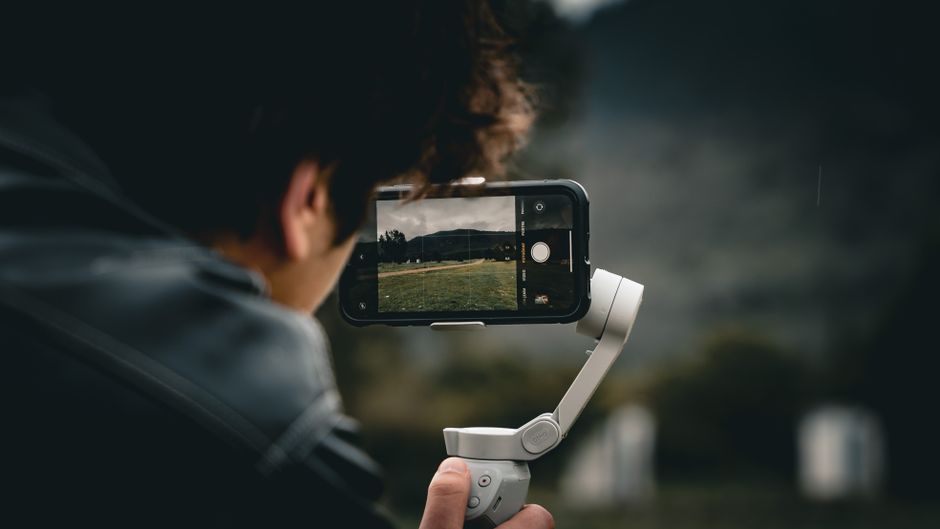
The cheapest upgrade is a small flexible tripod with a phone clamp, which grips the phone, stands on a desk or shelf, and wraps round a railing outdoors. The Lamicall flexible phone tripod with remote is one example: a bendy-legged mini tripod with a phone clamp, a ball head that turns the phone from portrait to landscape, and a Bluetooth remote so you can start recording without walking back to the phone.
If you film overhead shots of your hands, a desk, food or a product, a mini tripod is not tall enough; my guide to filming overhead on a phone covers the stands and arms that do it.
How do you edit a YouTube video on your phone?
Start with YouTube Create, YouTube's own free editing app. According to YouTube Help, it edits long videos and Shorts free of charge and without ads, and it runs on Android phones and on iPhone XR and newer models with iOS 17 or later. YouTube lists the United Kingdom among the countries where YouTube Create is available.
A first edit needs only four jobs:
Cut the dead air
Trim the start, the end and every pause, false start and retake. Most first videos get better simply by getting shorter.
Add captions
Many people watch on mute. YouTube Create can generate captions, which you then check and correct.
Balance the sound
Keep your voice clear over any music. Music should sit well underneath speech, never level with it.
Export at your recording settings
Export at the same resolution and frame rate you filmed at, so nothing is converted on the way out.
On an iPhone, Apple's free iMovie is the other obvious choice. Whichever you pick, learn one app properly before trying another; switching editors is a common way to stall a new channel.
How do you upload from your phone?
Upload from the YouTube app: tap Create, choose the video, add a title (up to 100 characters), a description and the audience setting, then publish. A square or vertical video of three minutes or less becomes a Short; YouTube raised that limit to three minutes for videos uploaded from 15 October 2024.
Verify your account early. YouTube caps uploads at 15 minutes until you verify your Google account with a code by text or voice call, and a long video uploaded before you verify has to be uploaded again afterwards.
For the rest of the setup, from creating the channel to the UK tax rules once it earns, see how to start a YouTube channel in the UK.
When does a phone stop being enough?
Later than most people expect. Upgrade when a specific limit keeps showing up in your videos, not before:
- Your voice is the problem: a wireless mic, above, fixes it for well under £100.
- You film after dark: a light, not a camera.
- You film while walking: a pocket gimbal camera, a small handheld camera on a motorised stabiliser such as the DJI Osmo Pocket line, steadies walking shots far better than a phone. My Osmo Pocket 3 versus iPhone comparison sets out when it beats the phone.
- You want background blur and interchangeable lenses: that is when a dedicated camera starts to earn its price.
If you are planning beyond the phone, my YouTube starter kit by budget builds the kit up in order: audio first, light second, camera last.
What would I do in the first week?
If I were starting a phone-only channel today, I'd keep the first week deliberately small. Pick one room and one window and film everything there. Set the camera to one resolution and one frame rate and leave them. Film three short videos on the same subject, edit each in YouTube Create, and upload them before buying anything.
Then listen back to all three on headphones. If the sound is the weakest part, and it usually is, buy the wireless mic. If the light is, film earlier in the day. Spend money only on the problem the videos show you, and the phone will carry the channel a long way.
Frequently asked questions
Can I start a YouTube channel with just my phone?
Should I film in 4K or 1080p on my phone?
Is the front or rear phone camera better for YouTube?
What is the first thing to buy for a phone YouTube channel?
Is YouTube Create free?
How long can a video uploaded from a phone be?
Sources
- YouTube Help: Edit your videos with the YouTube Create app
- YouTube Help: YouTube Create available locations
- YouTube Help: Upload YouTube videos
- YouTube Help: Upload videos longer than 15 minutes
- YouTube Help: Understand three-minute YouTube Shorts
- YouTube Help: Recommended upload encoding settings
- Apple Newsroom: Apple debuts iPhone 17
- Vimeo: How to make a video on your phone
How to start a YouTube channel in the UK
YouTube starter kit UK
DJI Osmo Pocket 3 vs iPhone for vlogging