Vlogging Kit UK: What to Buy at Each Step
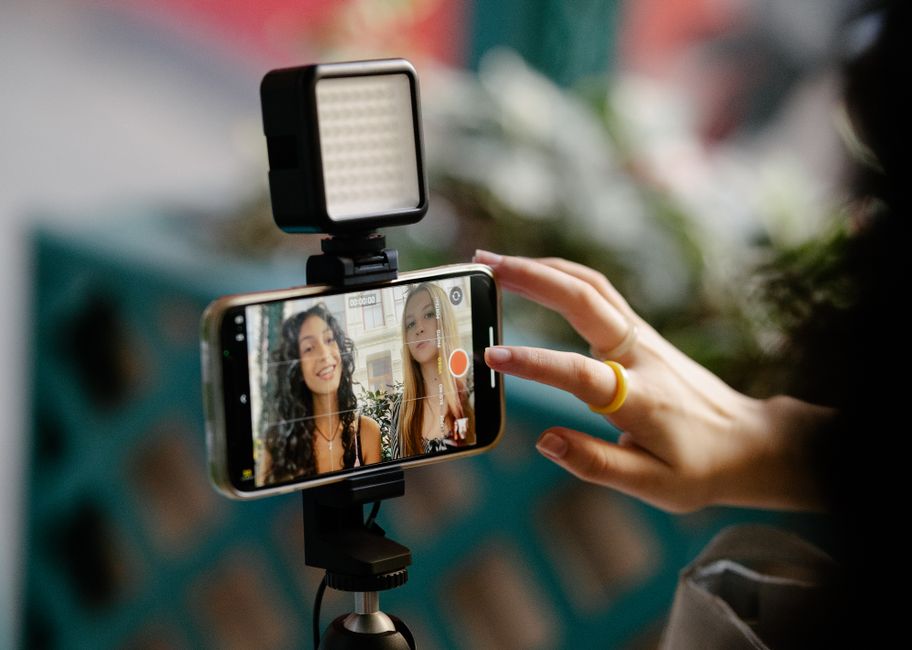
A vlogging kit UK guide for filming yourself on the move: the phone you own, a wireless mic and tripod grip, then a gimbal or pocket camera.
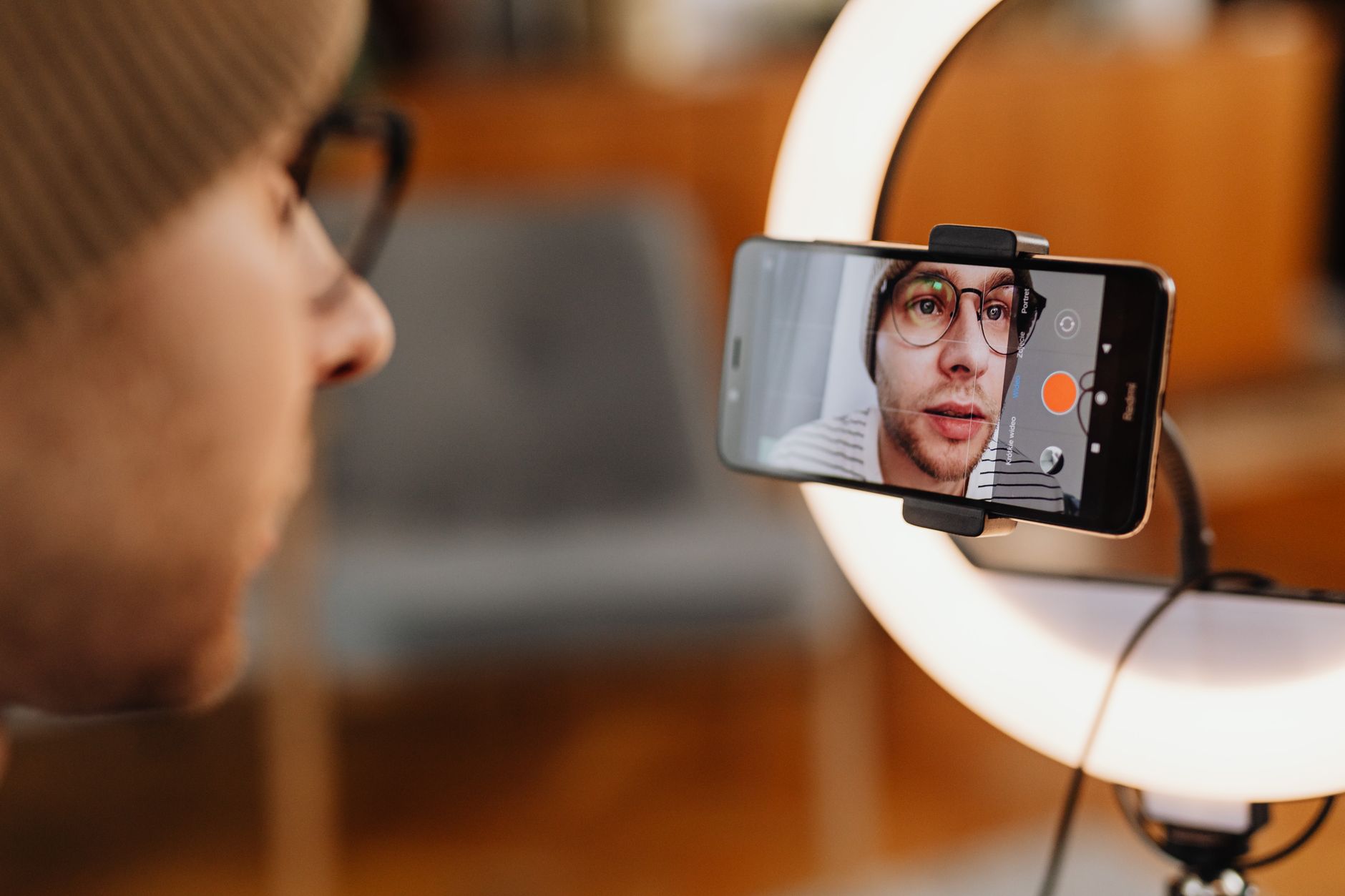
This vlogging kit UK guide is for filming yourself away from a desk: talking to camera on a walk, on holiday, at an event or in the kitchen. I'm building a beginner YouTube channel of my own, mostly voice-led with some on-camera videos, so I've worked through what an on-the-go setup needs and in what order to buy it.
This is a research guide, not a test report. What each product does comes from its maker's own page and its Amazon UK listing, linked as I go, and none of the picks below has been through a hands-on test for this page. Links to Amazon UK are affiliate links: if you buy through one, Creator Kit Lab earns a small commission at no extra cost to you. The budget bands are rounded from Amazon UK prices when I checked on 3 November 2026. Prices move daily, so check the current price before you buy.
How is a vlogging kit different from a desk setup?
A desk setup solves for one fixed spot: a mic on an arm, lights on stands, a camera that never moves. My YouTube starter kit guide covers that build. Vlogging breaks every one of those assumptions, because you and the camera are both moving and the room changes every few minutes.
That shifts what matters. Four problems come up every time you film yourself on the move, and each piece of kit below answers one of them:
- Sound: the phone's own mic is an arm's length away and picks up traffic, wind and everyone around you.
- Holding the camera: your arm gets tired, and handheld shots wobble with every step.
- Light: outdoors you get whatever the weather gives you, and indoors after dark there is often too little.
- Framing yourself: keeping your face in shot while you walk, without a camera operator, is harder than it sounds.
Weight matters more than it does at a desk, too. Anything you would leave at home because it is heavy or slow to set up is kit you never use.
Which terms do you need to know first?
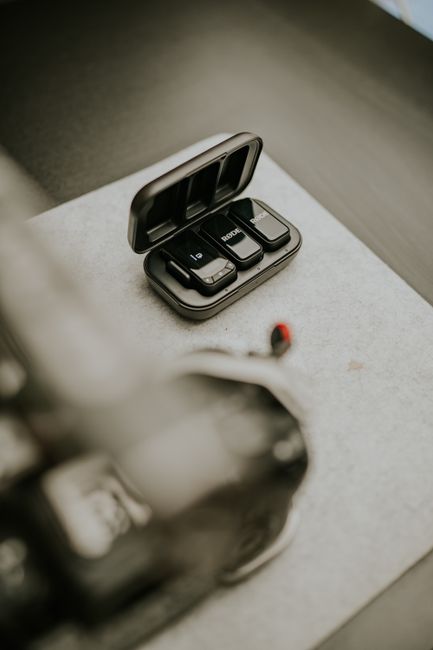
- Transmitter (TX) and receiver (RX): a wireless mic kit has a small transmitter you clip to your clothes and a receiver that plugs into your phone or camera. One transmitter per person on camera.
- 32-bit float internal recording: the transmitter keeps its own copy of your audio, in a format with so much headroom that a take recorded too loud can usually be recovered in the edit.
- 3-axis gimbal: a motorised mount that cancels out tilt, roll and pan wobble, so a walking shot looks smooth rather than bouncy.
- Pocket gimbal camera: a small camera with a gimbal built in, such as the DJI Osmo Pocket line or the Insta360 Luna line. It replaces the phone rather than holding it.
- ActiveTrack: DJI's subject tracking, which turns the gimbal to keep a chosen face or person in frame.
- Cold shoe: a small bracket that takes a light or mic receiver, common on tripods and phone mounts.
Can you vlog with just your phone?
Yes, and it is where a vlogging kit should start. A recent phone already records sharp 4K video, and its stabilisation handles gentle walking. The weak points are sound and how you hold it, not the picture.
A few settings make more difference than any purchase:
- Front or rear camera: the rear camera usually has the better sensor, while the front lets you see yourself as you talk. Newer phones narrow the gap: Apple's iPhone 17 announcement describes a square Center Stage front sensor that shoots landscape or portrait with the phone held upright, and Dual Capture, which records the front and rear cameras at once.
- One frame rate: pick 25 or 30 frames per second and keep it the same from recording to upload, so playback never stutters. My frame rate and shutter speed guide explains the choice.
- No digital zoom: pinch-zooming magnifies shake and softens the picture. Move the phone closer instead.
- Light in front of you: face the brightest part of the scene, so the sky or a window is not behind your head.
My guide to starting a YouTube channel with just a phone covers phone settings in more depth.
Step 1: what does an under-£110 vlogging kit include?
Step 1 is your phone plus two things: a clip-on wireless mic and a grip that doubles as a tripod. The table further down gives the budget band for each step.
Which wireless mic suits vlogging?
I bought the DJI Mic Mini 2S (1 TX + 1 RX) for my own channel. The DJI Mic Mini 2S is the 2026 update to DJI's smallest clip-on wireless mic line, and it suits vlogging for the same reason it suits a beginner channel in general: the transmitter clips to your collar, close to your mouth, so your voice stays loud while the street noise drops away. DJI's product page gives 32-bit float internal recording, up to 28 hours of storage on the transmitter and two levels of AI noise cancelling. Amazon UK's listing gives about 12 g for the transmitter, and it was rated 4.6 out of 5 from 2,417 ratings when I checked.
The internal recording is what makes it worth the money for vlogging. Wireless audio can drop out when your body blocks the signal between transmitter and receiver, and the copy on the transmitter means the take survives.
Watch the receiver. The standard receiver has a 3.5mm output for cameras as well as phones. DJI also sells a Mobile receiver that plugs straight into a USB-C phone; if you will only ever film on a phone, that is the tidier option. My wireless microphone comparison covers the full field at every budget.
Which grip or tripod should you carry?
The ULANZI MT-44 is a telescopic selfie stick with fold-out tripod legs from accessories maker Ulanzi. The listing gives a 7-section pole that extends from 34 cm to 147 cm, a 360-degree ball head, and a cold shoe plus a 1/4-inch thread for adding a light or a small camera later. It was rated 4.5 out of 5 from 4,726 Amazon UK ratings.
The length is the point. At full stretch it holds the phone far enough away to get more than your face in shot, and with the legs out it stands on a wall or a café table for a static piece to camera.
Step 2: do you need a light for vlogging?
Not outdoors in daylight. A small light earns its place indoors and after dark, when a phone pushes its sensitivity up and the picture turns grainy.
The ULANZI VL49 is a palm-sized rechargeable LED panel from Ulanzi. The listing gives 49 LEDs at a fixed 5500K daylight colour, a stated CRI of 95 or above, a built-in 2000mAh battery that runs about two hours at full brightness, and three cold shoe mounts. It was rated 4.6 out of 5 from 9,658 Amazon UK ratings, and it sits on the MT-44's cold shoe.
A fixed 5500K light matches daylight, which suits mixing with a window. Under warm room bulbs it can look cold on camera; my colour temperature and CRI guide explains why, and my portable lighting kit guide covers bigger battery lights.
Step 3: when is a phone gimbal worth it?
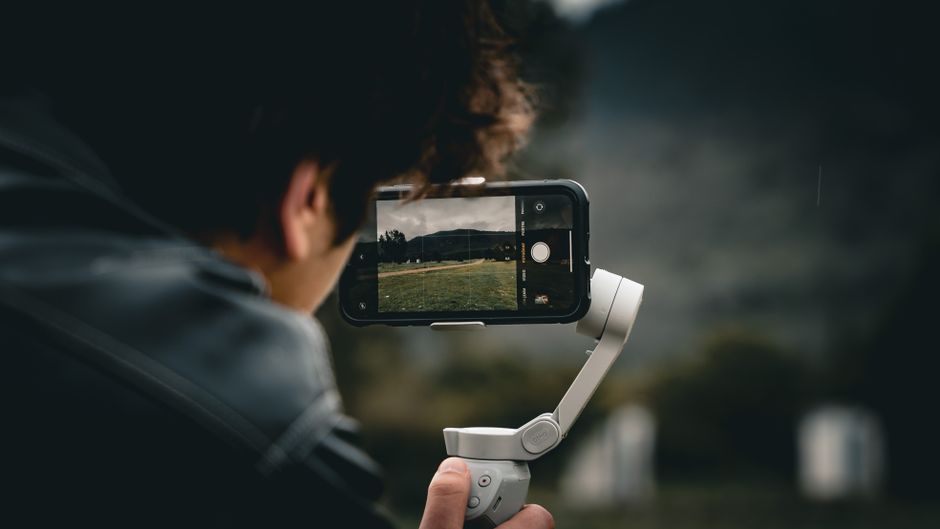
A phone gimbal is worth it once you film while walking for more than a few seconds at a time. Phone stabilisation smooths small jitters, but a long walking shot still bobs with each step, and a gimbal removes that.
The DJI Osmo Mobile 7 is DJI's entry 3-axis phone gimbal. Its listing gives a weight of 300 g, a built-in tripod, up to 10 hours of battery and the ability to charge your phone over USB-C. Tracking runs through DJI's Mimo app, which turns the gimbal to keep your face in frame.
The DJI Osmo Mobile 8 tracking combo costs about twice as much. The listing adds a full 360-degree pan, a built-in extension rod as well as the tripod, and a tracking module that can receive DJI wireless mics and adds a small light. That makes it the more self-contained choice for filming yourself.
A gimbal replaces the MT-44 for walking shots, but not for long static ones: a light stick that stands on its own is still handy, which is why Step 1 does not become wasted money.
Step 4: which pocket gimbal camera replaces the phone?
A pocket gimbal camera is the step up when the phone is the thing holding the vlog back: you want the larger sensor for low light, you are tired of a phone overheating or its battery running flat, or you want the phone free for calls and maps while you film. It puts a 1-inch sensor and a gimbal in something the size of a chocolate bar.
DJI Osmo Pocket 3
The DJI Osmo Pocket 3 is the cheapest of the three. DJI's listing gives a 1-inch CMOS sensor, 4K at up to 120 frames per second, a 2-inch touchscreen that rotates between landscape and portrait, ActiveTrack 6.0 and 10-bit D-Log M colour. It was rated 4.4 out of 5 from 3,838 Amazon UK ratings. My Osmo Pocket 3 review covers it in depth, and my Osmo Pocket 3 vs iPhone weigh-up sets it against the phone you may already own.
DJI Osmo Pocket 4
The DJI Osmo Pocket 4 Standard Combo costs more than the Pocket 3. DJI's Osmo Pocket 4 page gives a new 1-inch sensor with an f/2.0 lens, 4K at up to 240 frames per second, 14 stops of dynamic range, ActiveTrack 7.0 and Gesture Control: show a peace sign to start or stop recording, or your palm to start tracking, from 0.5 to 5 metres away. For filming yourself with no one behind the camera, that gesture control is the headline change over the Pocket 3.
Insta360 Luna Pro
The Insta360 Luna Pro (from Insta360's Luna line, its first vlogging cameras, launched in 2026) is the dearest of the three. Its listing gives a 1-inch sensor recording up to 8K at 30 frames per second, native 4K vertical video, and a 2-inch touchscreen that detaches and works as a remote and live preview up to 20 metres away. That detachable screen suits solo shots set up on a wall or tripod, where you want to check framing from in front of the camera.
Does the mic carry over?
Yes, and that is a reason to buy the mic first. DJI's Mic Mini 2S listing says its transmitter connects directly to the Osmo Pocket 3, Pocket 4 and Pocket 4P with no receiver at all, recording 48 kHz, 24-bit audio. A Step 1 mic keeps working when you move up to a DJI pocket camera.
| Step | Adds | Budget band |
|---|---|---|
| Step 1 | DJI Mic Mini 2S and ULANZI MT-44 (your phone is the camera) | About £110 together |
| Step 2 | ULANZI VL49 pocket light | Under £25 |
| Step 3 | DJI Osmo Mobile 7 or Osmo Mobile 8 phone gimbal | Under £70, or under £140 |
| Step 4 | DJI Osmo Pocket 3, Osmo Pocket 4 or Insta360 Luna Pro | About £300 to under £500 |
What about a dedicated vlog camera?
A compact vlog camera such as the Sony ZV-1F (Sony's entry vlogging compact) gives you a vari-angle screen, 4K video and a proper camera's handling. What it lacks is the built-in gimbal, so walking shots need either a steady hand or software stabilisation.
For most people filming themselves on the move, a pocket gimbal camera is the more natural step. A compact or mirrorless camera makes more sense when you also want a blurred background at a desk or interchangeable lenses later. My compact cameras for content creators comparison covers that ladder.
Which vlogging kit would I start with?
If I were starting a vlog from nothing, I'd buy Step 1 and film with the phone I already own for a month before spending anything else. The mic fixes the problem every viewer notices first, the MT-44 fixes tired arms and gives a stable static shot, and both carry forward to every later step.
After that, let the footage decide. Grainy evening shots point to Step 2, bouncing walking shots to Step 3, and a phone that overheats, runs flat or cannot keep you in frame to Step 4. If a step does not fix a problem you actually have, skip it.
Frequently asked questions
What is the cheapest vlogging kit worth buying in the UK?
Do I need a gimbal to vlog on a phone?
Is a pocket gimbal camera better than a phone for vlogging?
Will a DJI wireless mic work with an Osmo Pocket camera?
How do I cut wind noise when vlogging outside?
Sources
YouTube starter kit UK
DJI Osmo Pocket 3 vs iPhone for vlogging
Best wireless microphones for creators