Faceless YouTube Channel Setup: The Voice-Led Kit
A faceless YouTube channel setup for UK beginners: the voiceover mic, free screen recorders and the YouTube rules that decide whether it earns.
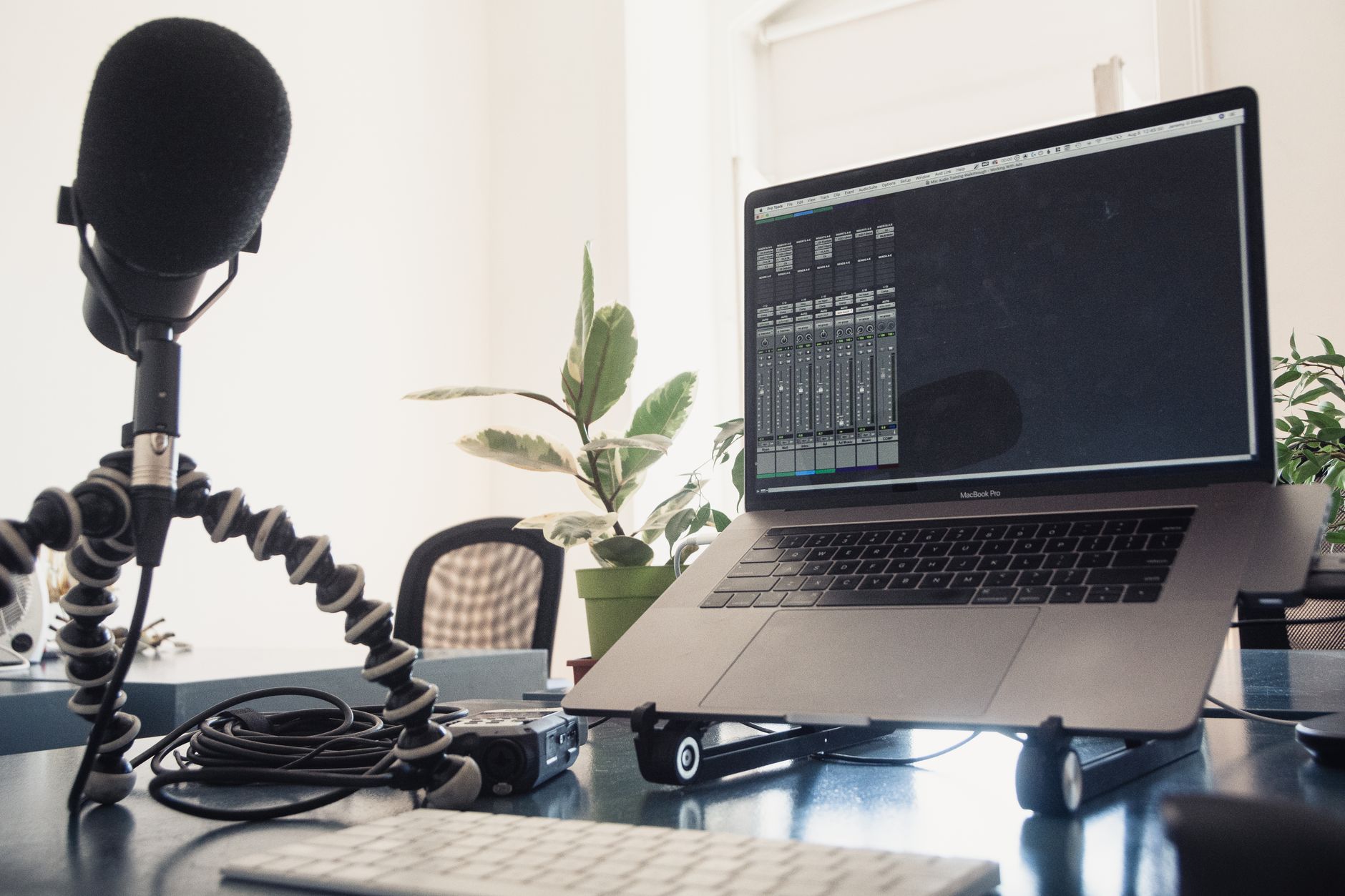
A faceless YouTube channel setup is cheaper than an on-camera one, because the camera drops out of the shopping list. What replaces it is a good voice recording, a clean screen capture and a script that is clearly yours.
My own channel is mostly voice-led: screen recordings, desk and product b-roll, and my voiceover over the top, with some on-camera videos later. This page sets out the setup I would build for that kind of channel from a standing start, and the YouTube rules that decide whether it can earn.
This is a research guide, not a test report. What each product and tool does comes from its maker's own pages and from independent reviews, linked as I go. Links to Amazon UK are affiliate links: if you buy through one, Creator Kit Lab earns a small commission at no extra cost to you. Prices are Amazon UK prices when I checked on 3 November 2026, and they move, so check the current price before you buy.
What is a faceless YouTube channel?
A faceless YouTube channel is one where the presenter is never on screen. The picture is screen recordings, slides, hands on a desk, product shots or edited footage, and the presenter is a voice. Tutorials, software walkthroughs, explainers, commentary and product breakdowns all work this way.
The format suits anyone who is camera-shy, films in a room they would rather not show, or wants to spend the budget on sound instead of lenses. It also puts more weight on the two things a viewer still meets directly: your voice and what is on the screen.
- Voice: the only human presence in the video, so it carries the trust a face would normally carry.
- Screen or b-roll: the picture, which needs to be sharp, readable and steady rather than cinematic.
- Script: the part that makes the channel original, and the part YouTube's rules look at hardest.
Can a faceless YouTube channel be monetised?
Yes. Nothing in YouTube's channel monetisation policies requires a face on screen. What the policies target is how a video is made. In July 2025 YouTube renamed its "repetitious content" rule to inauthentic content (mass-produced, templated or repetitive videos), and stated that such content has always been ineligible for monetisation. The policy names AI-generated content made with generic or unoriginal templates as one example.
A second rule, reused content (other people's material without significant original commentary or editing), applies even when the original creator gave permission. Footage you edit and narrate with your own storyline and commentary can be monetised. Videos that earn their views from mostly silent reactions cannot.
In July 2026 YouTube went further. Android Headlines reported that YouTube's Matt Halprin described three demonetisable buckets on the Creator Insider channel: templated or automated mass content, distressing or manipulative content, and synthetic AI presenters giving advice on sensitive topics such as health and money. The same report notes that even simple tutorial channels are at risk when they only duplicate content that already exists.
For a faceless channel, that points one way. Write your own scripts, record your own voice, and make each video answer something a viewer cannot already get from ten identical uploads. Eligibility for the Partner Programme (the YouTube scheme that shares ad revenue with creators) is a separate hurdle: YouTube's Partner Programme page sets 1,000 subscribers plus either 4,000 qualified watch hours in the past 12 months or 10 million qualified Shorts views in the past 90 days.
Which microphone should a faceless channel start with?
A dynamic microphone (a less sensitive mic that you work a few centimetres from your mouth) is the right starting point for most faceless channels. Most people record voiceover in a spare room, a bedroom or a bare-walled office, and a dynamic mic hears far less of that room than a condenser does. The Post Flow's voiceover mic guide makes the same recommendation for untreated rooms, and adds that modest room treatment often does more than a pricier mic.
A USB connection matters at this stage too. It plugs straight into the computer you are already screen recording on, with no audio interface to buy. The classic broadcast choice, the Shure SM7B, needs roughly 60 dB of clean gain according to the same guide, which means an interface and often an inline booster on top of the mic. That is a later upgrade, not a first purchase.
Which desk mic did I choose?
I'm going with the MAONO PD200X (a dynamic microphone from Chinese audio brand MAONO with both USB-C and XLR outputs). It will fit well onto the stand I bought, and I'd rather have my mic raised than sitting on the desk. It was rated 4.6 out of 5 from 3,781 Amazon UK ratings when I checked.
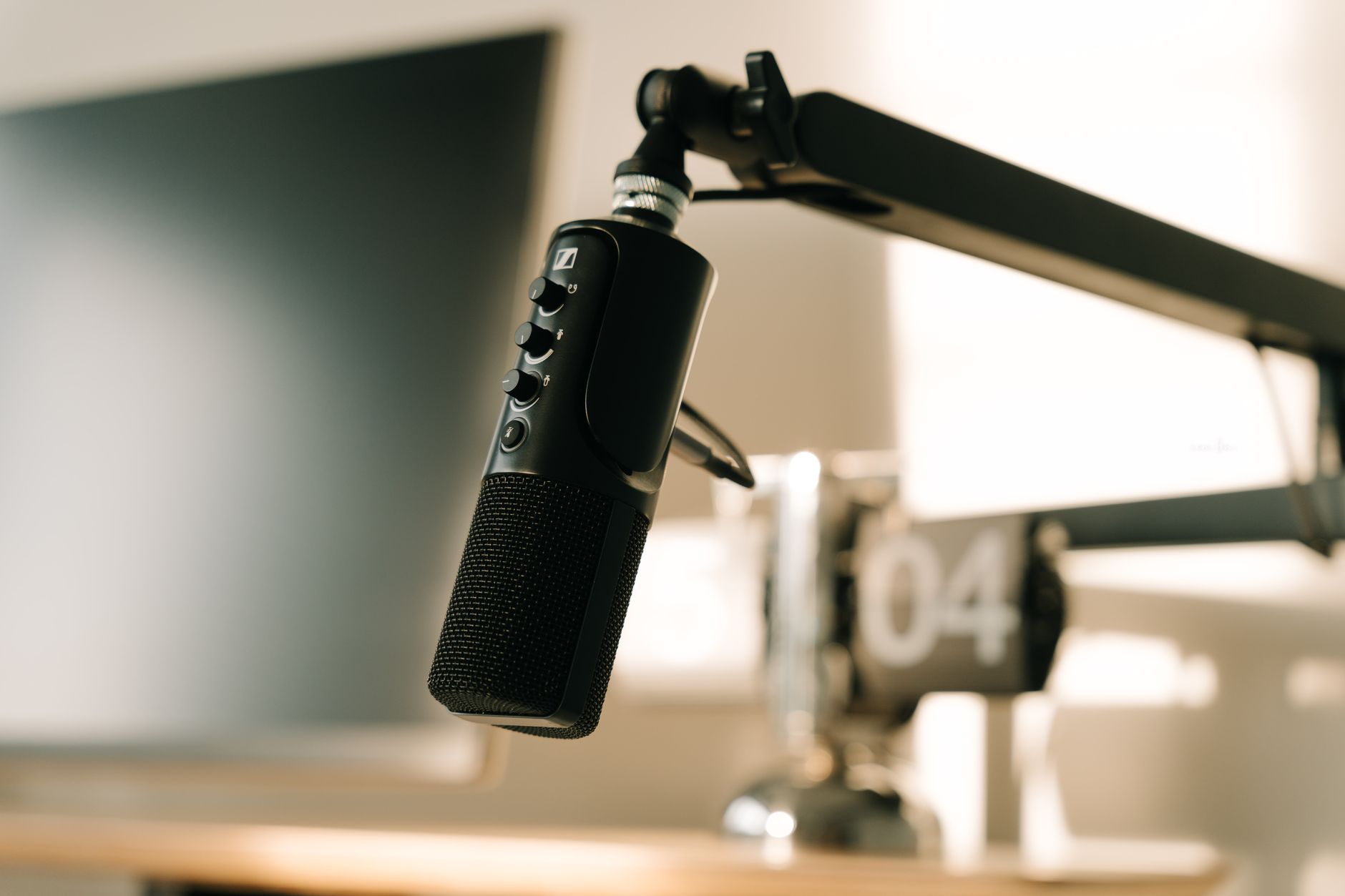
Microphone Geeks scores the PD200X 9.1 out of 10, finds it good at rejecting an untreated room, and recommends working it about 5-8 cm from the mouth. The same review notes there is no XLR cable in the box, which only matters once you add an interface. My budget microphone for voiceover comparison sets it against four other candidates, and what a dynamic microphone is explains why the type suits a home room.
How do you record your screen for free?
You do not need to buy screen recording software. Both main desktop systems include a recorder, and the free OBS Studio (an open-source recording and streaming app) covers everything beyond that.
- Mac: Apple's guide shows Shift-Command-5 opening the recording controls. Choose your microphone in Options to record your voice with the screen. Recordings save to the desktop by default.
- Windows: Microsoft's Snipping Tool guide records video through Record > New, or the Windows logo key + Shift + R shortcut. Microsoft calls these recordings video snips.
- OBS Studio: the step up, for recording several sources at once, such as a screen, a desk camera and a separate mic track. OBS Studio 33.0.0 arrived on 23 October 2026 and a 33.0.1 hotfix followed on 29 October, according to the OBS release notes.
One OBS setting is worth changing on day one. The OBS recording output guide recommends recording to MKV, because a crash then loses only the last moments rather than corrupting the whole file. File > Remux Recordings converts MKV to MP4 without re-encoding, or you can switch on automatic remux so OBS converts each file when recording stops.
How do I set up a faceless recording session?
Write the script first
Write what you will say before you record. A script keeps narration tight and is the clearest proof the video is your own work.
Set the mic close and level
Put the dynamic mic a hand's width from your mouth, then set the gain so your loudest line peaks well below the top of the meter.
Record the screen and the voice separately
Capture the screen walkthrough first, then record the voiceover against the edit. Retakes of a sentence are far easier than retakes of a whole screen recording.
Record to MKV in OBS
Use MKV with automatic remux to MP4, so a crash mid-take costs seconds rather than the whole file.
Edit, then listen on headphones
Cut breaths and long pauses, and check the voice on headphones before upload. Earbuds hide hum and room echo that speakers and headphones reveal.
Do you need to treat the room?
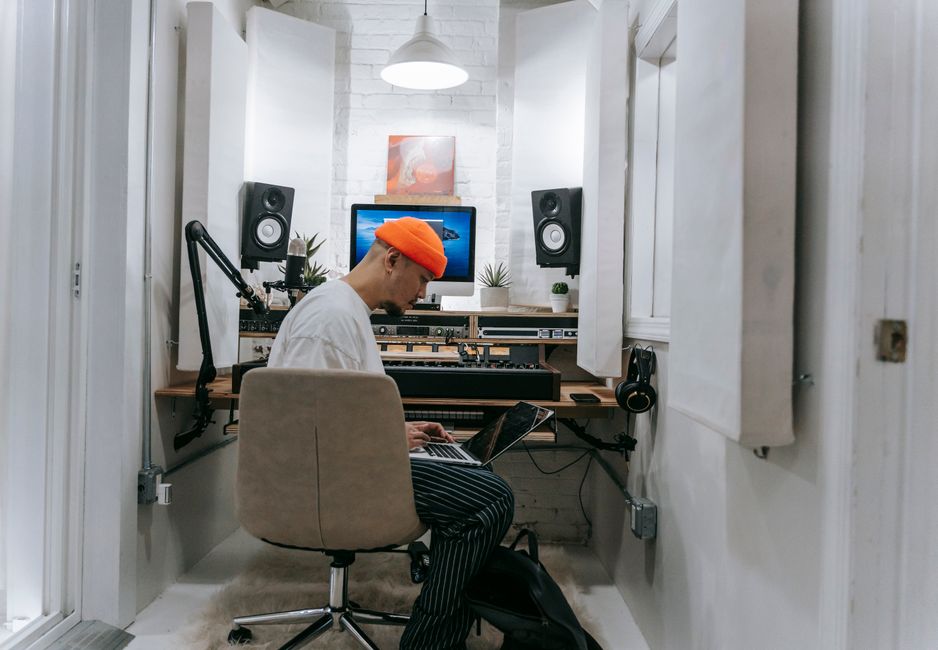
Often more than you need a better mic. A bare room bounces your voice off hard walls and back into the microphone, and no mic upgrade fully removes that. Soft furnishings, a rug, curtains and recording facing into an open wardrobe all help, and cost little.
Soundproofing and acoustic treatment solve different problems: one keeps noise out, the other stops your own voice echoing. My guide to soundproofing vs acoustic treatment separates the two, and acoustic panels for an echoey home office covers the step after soft furnishings. If your recordings clip or sound thin, gain staging is usually the fix rather than new kit.
Where does a wireless mic fit in a faceless setup?
A wireless mic is for when you leave the desk: product b-roll with narration, hands-on demonstrations filmed on a phone, or the on-camera videos a faceless channel sometimes grows into. For a channel that is purely screen and voiceover, the desk mic comes first.
I bought the DJI Mic Mini 2S (1 TX + 1 RX), because my channel will mix desk work with some filming away from the desk. It seemed the best fit, particularly for the backup copy it records on the transmitter, which I think is worth paying the extra for. It was rated 4.6 out of 5 from 2,416 Amazon UK ratings when I checked on 3 November 2026.
Watch the variant if you have a camera with a 3.5mm mic input. I nearly bought the version with the Mobile receiver and charging case at the same price, before realising its receiver is USB-C only and would not work with my Nikon D3300. I swapped to the standard receiver version. My YouTube starter kit UK guide sets out where the wireless mic sits in a full kit by budget.
Should a faceless channel use an AI voice?
Your own voice is the safer choice, for both trust and monetisation. YouTube's GenAI disclosure rules do not require a label for cloning your own voice to create voiceovers or dubs, or for repairing audio. They do require one when realistic content makes a real person appear to say something they did not say. For non-music AI audio, the label can appear in the expanded description rather than on the player.
The risk is less the label than the pattern. YouTube's inauthentic content rule names templated AI-generated content directly, and synthetic narration over stock footage and templated thumbnails is the shape of channel that rule was written for. A synthetic voice reading a generic script puts a channel closer to that line than a human voice reading an original one.
Protection is also uneven for now. PPC Land reports that YouTube's likeness detection covers only visual content, with cloned voices planned but not yet covered. A faceless creator whose voice is the brand has less recourse than an on-camera one if someone imitates it.
What does a faceless YouTube channel setup cost?
| Part | What I would use | Cost (3 Nov 2026) |
|---|---|---|
| Voiceover mic | MAONO PD200X dynamic USB mic | About £60 |
| Screen recorder | Built-in Mac or Windows recorder, then OBS Studio | Free |
| Editor | DaVinci Resolve free version | Free |
| Room | Soft furnishings you already own | Free |
| Wireless mic (optional) | DJI Mic Mini 2S, for filming away from the desk | About £80 |
The core faceless setup costs about £60, the price of the mic. DaVinci Resolve (Blackmagic Design's video editor) has a free version that covers cutting, colour and audio clean-up for a new channel, and the screen recorders above cost nothing.
What would I set up first?
The mic, then the script habit, then everything else. A clear voice close to a dynamic mic, over a sharp screen recording, is a complete faceless video. The camera, lights and wireless kit can wait until a video genuinely needs them.
Record a two-minute test with your computer's own recorder before you buy anything, and listen back on headphones. If the room echo or the laptop mic is what lets it down, the desk mic is the right first purchase. If the script is what lets it down, no kit will fix it.
Frequently asked questions
What equipment do you need for a faceless YouTube channel?
Can faceless YouTube channels make money?
Is a dynamic or condenser mic better for voiceover at home?
Do I have to disclose an AI voice on YouTube?
What is the best free screen recorder for YouTube?
Sources
- YouTube: Channel monetisation policies
- YouTube: Disclosing the use of altered or synthetic content
- YouTube: Partner Programme overview and eligibility
- Android Headlines: YouTube targets AI slop with inauthentic content rules
- PPC Land: YouTube likeness detection coverage
- OBS Project: Standard recording output guide
- OBS Studio release notes
- Apple Support: How to record the screen on your Mac
- Microsoft Support: Use Snipping Tool
- The Post Flow: The best USB and XLR mics for voiceover
- Microphone Geeks: MAONO PD200X review
- Blackmagic Design: DaVinci Resolve
Budget microphone for voiceover
YouTube starter kit UK
Soundproofing vs acoustic treatment