What Is a Wireless Lavalier Microphone? A Beginner's Guide
What a wireless lavalier microphone is, how its transmitter and receiver work, the main types, and what matters when choosing one for YouTube.
A wireless lavalier microphone solves the most common audio problem on a new channel: the camera is a metre or more away, and its built-in mic hears the room as loudly as the voice. Moving the microphone onto the speaker, and removing the cable, fixes both the sound and the freedom to move.
This guide explains what a wireless lavalier microphone is, how the transmitter and receiver work together, the main types of system, and what matters when choosing one for a beginner YouTube setup. It names no winner; it explains how to read any listing.
For the budget systems compared side by side, and the one chosen for the Creator Kit Lab channel, see the budget wireless microphone for YouTube decision post. Both belong to the series that starts with what kit you need to start a YouTube channel.
What is a wireless lavalier microphone?
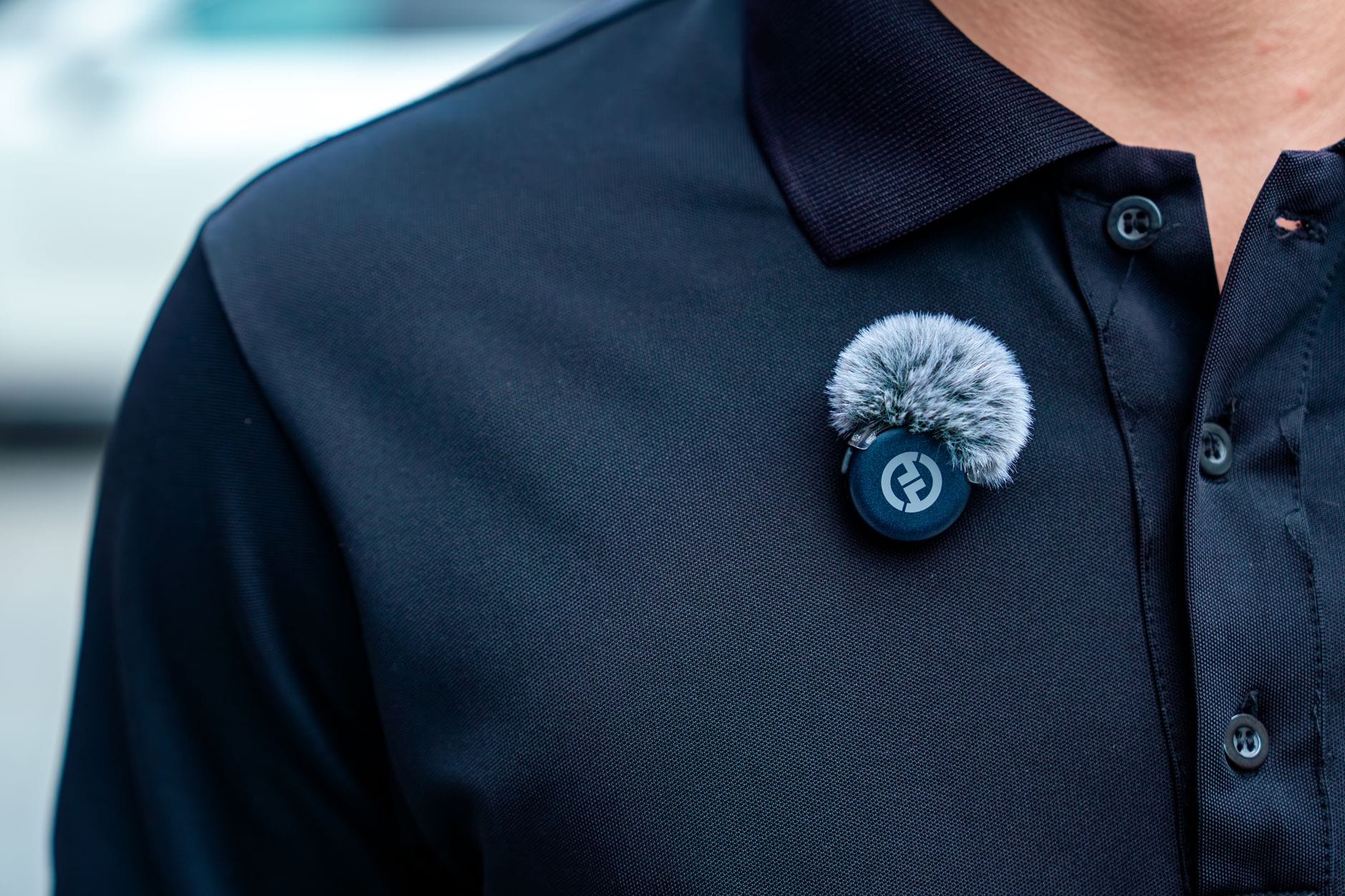
A lavalier (often shortened to lav, or called a lapel mic) is a very small microphone worn on the body, usually clipped to a collar, shirt placket or jacket lapel. A wireless lavalier adds a radio link, so the microphone does not need a cable running back to the camera.
A system has two parts, and every spec sheet uses the same shorthand for them:
- Transmitter (TX). The part you wear. On most creator systems the microphone capsule is built into the transmitter itself, so the whole unit is a clip-on box roughly the size of a matchbox or smaller. Older and professional systems use a separate wired lav capsule that plugs into a belt-pack transmitter.
- Receiver (RX). The part that plugs into the recording device. It picks up the radio signal and passes the audio on to the camera, phone or computer, which records it alongside the picture.
Most creator systems ship one receiver with one or two transmitters. Two transmitters let two people be recorded at once, typically onto separate left and right channels.
How does a wireless lav mic work?
The transmitter's capsule turns sound into an electrical signal, converts it to digital and broadcasts it. Creator systems almost all use the 2.4 GHz band, the same licence-free band used by Wi-Fi and Bluetooth. DJI's specifications for its Mic Mini range, for example, list an operating frequency of 2.400 to 2.4835 GHz (DJI Mic Mini 2S specs).
The receiver decodes that signal and outputs it in one of two ways:
- 3.5 mm analogue. A small headphone-style jack and cable carry an analogue signal into a camera's microphone socket. Cameras use a three-contact plug called TRS (tip, ring, sleeve). Phones with a headset socket use a four-contact TRRS plug, which is why a camera cable and a phone cable are not interchangeable.
- USB-C or Lightning digital. The receiver plugs straight into a phone, tablet or computer and delivers the audio as digital data, with no analogue cable in between.
Some transmitters can also skip the receiver and pair directly with a phone over Bluetooth. That is convenient, but it can cost quality: on the original DJI Mic Mini, a direct Bluetooth link drops the audio from 24-bit to 16-bit, according to TechRadar's review.
What are the main types of wireless lav system?
Wireless lavaliers sold to creators fall into a few clear shapes. Knowing which one a listing describes settles most compatibility questions before price comes into it.
Phone-only systems
The receiver is a small USB-C or Lightning dongle that plugs straight into a phone. It is the neatest option for phone filming, but there is no 3.5 mm output, so it cannot feed a camera. DJI calls this a Mobile RX (DJI Mic Mini 2 specs).
Camera-and-phone systems
The receiver sits in the camera's cold shoe (the unpowered accessory mount on top of most cameras) and outputs over a 3.5 mm cable. Most also accept a USB-C adapter for a phone. DJI calls this a Standard RX. A camera that has only a 3.5 mm microphone input needs this type.
Multi-output receivers
Some receivers swap between 3.5 mm, USB-C and Lightning outputs from one unit. BOYA's BOYALINK 2, for instance, lists all three on its receiver (BOYA product page). These cover the widest spread of devices from a single box.
Wired lav into a transmitter
Professional systems, and some creator transmitters, accept a separate wired lav capsule through a 3.5 mm input. The tiny capsule hides under clothing and the transmitter sits in a pocket. Many budget transmitters omit this input, so a hidden-mic look is not possible on them.
Wireless lav system types at a glance
| Phone-only (mobile RX) | Camera-and-phone (standard RX) | Multi-output RX | Wired lav into TX | |
|---|---|---|---|---|
| Receiver output | USB-C or Lightning | 3.5 mm TRS, plus USB-C on most | 3.5 mm, USB-C and Lightning | Varies by system |
| Works with a camera | No | Yes, via 3.5 mm input | Yes | Yes, on camera systems |
| Works with a phone | Yes, plugged in directly | Yes, usually with an adapter | Yes | Varies |
| Best suited to | Phone-first filming | Mixed camera and phone kit | The widest range of devices | Hidden mics and interviews |
Wireless lav vs camera mic vs desk mic: which job is it for?
A wireless lav is a body-worn mic for a moving or on-camera speaker. It sits between two other common choices for a new channel:
- Camera or phone built-in mic. Free and always there, but placed wherever the camera is. At a metre or more it records the room as much as the voice.
- On-camera shotgun mic. A directional mic mounted on the camera. Better than the built-in mic, but still at camera distance.
- Desk mic. A USB or XLR microphone worked close at a desk, ideal for narration recorded at a computer. It stays put, so it does not suit walking, demonstrating or filming away from the desk. The guide to dynamic desk microphones covers that route.
A voice-led channel that records narration at a desk and occasionally appears on camera can end up using both a desk mic and a lav, each for the job it does best.
What matters when choosing a wireless lavalier mic?
Once the system type fits your devices, a short list of features separates one wireless lav from another. Work through them in this order.
1. Does the receiver reach every device you film with?
List every camera and phone you will record on and check each input. A camera with a 3.5 mm mic socket needs a 3.5 mm output; a phone needs USB-C or Lightning. A phone-only kit that cannot feed your camera is the most common wrong purchase. The guides to filming on an older DSLR and the GoPro HERO8 show how much an input socket shapes the rest of the kit.
2. Is there an onboard recording or safety track?
Some transmitters record a copy of the audio internally, as well as sending it to the receiver. If the radio link drops out, or the level was set too high, the internal copy rescues the take. Two related terms appear on spec sheets:
- Safety track: a second copy recorded at a lower level, so a sudden loud moment that distorts the main track survives on the quieter one.
- 32-bit float: a recording format with so much headroom that an over-loud take can be turned down afterwards without distortion. Digital Camera World describes it as working like RAW for audio.
Internal recording is rare at the bottom of the market. It matters most when you cannot monitor levels on the camera, for example on a body with no headphone socket.
3. How good is the noise cancellation?
Many systems offer switchable noise reduction to suppress hum, traffic or air conditioning. Quality varies widely. Engadget found that the strongest setting on one budget unit noticeably distorted the voice, while Digital Camera World found another brand's processing clean. Treat noise cancellation as a rescue for a bad room, and record without it when the room allows.
4. Can you monitor and adjust the level?
Budget receivers often have no level meter, only a gain dial and a pairing button. Without a meter, or headphones plugged into the camera, a level problem shows up only in the edit. A receiver with a screen, or a camera with a headphone socket, closes that gap. The explainer on gain staging covers how to set levels that neither hiss nor clip.
5. One transmitter or two?
A single transmitter covers a solo presenter. A second suits interviews, two-person videos, or placing a spare mic near a product or instrument. Bundles with two transmitters usually cost a good deal more than single kits, so decide whether the second one has a planned use.
6. Battery life and a charging case
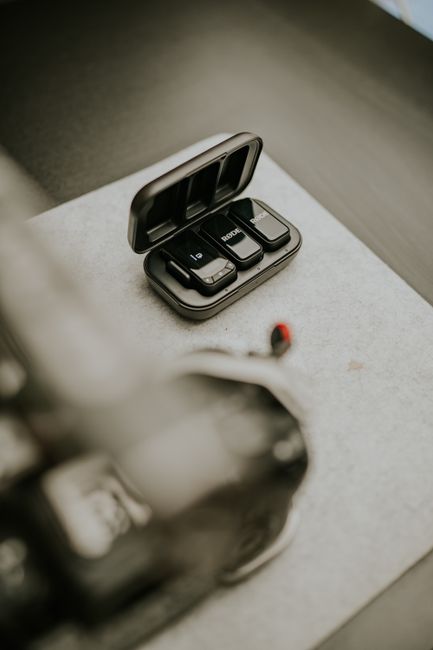
Creator transmitters typically run for around 10 hours on a charge; DJI quotes about 11 hours for the Mic Mini 2S transmitter (DJI specs). A charging case tops the units up between sessions and keeps the parts together, which counts for more on location than on a desk.
7. Range, read honestly
Advertised ranges of 300 to 400 metres are open-air, line-of-sight figures. In a Digital Camera World test, a system rated at 300 m began dropping out at about 33 m once the presenter turned his back to the camera, because the body blocks the signal. For desk and room filming any current system has range to spare; it only becomes a deciding factor outdoors.
8. Wind protection and mounting
Outdoors, a clip-on mic needs a dead cat (a small furry windshield) to stop wind rumble. Check that one comes in the box. Magnetic mounts let the transmitter attach through thin fabric, avoiding a clip that pulls a T-shirt collar out of shape.
9. Will the parts work together later?
Some brands make newer receivers compatible with older transmitters. DJI states that the Mic Mini 2S receiver accepts Mic Mini, Mic Mini 2 and Mic Mini 2S transmitters (DJI specs). Cross-generation compatibility lets a second transmitter be added later without replacing the whole kit.
Where should a lav mic be clipped?
Placement decides most of the sound. A few rules cover nearly every shoot:
- Centre of the chest, about a hand's width below the chin. Closer sounds boomy and catches breath; lower sounds thinner and picks up more room.
- Clear of fabric that moves. Clothing rubbing on the capsule is the commonest lav fault. Clip to a firm edge, away from scarves, lanyards and long hair.
- On the side you face. If you will turn towards a product or a second person, clip slightly to that side so your voice stays on-axis.
- Outdoors, always with the windshield. Even a light breeze rumbles on an unprotected capsule.
Lav capsules are usually omnidirectional, hearing sound equally from all sides, so aiming the capsule matters less than keeping it close. The guide to microphone polar patterns explains why that is.
What does a wireless lav cost?
Wireless lav systems for creators span a wide range. At the time of writing, UK listings for well-known budget systems with one transmitter and a camera-capable receiver start at roughly £40 to £50, two-transmitter bundles with a charging case run around £65 to £90, and premium kits with screens, timecode and long internal recording cost well over £200. Prices on this category move often, so check current listings before you buy.
The features above, rather than the price, decide whether a kit suits your devices. A cheap kit with the wrong receiver costs more than a dearer one that works first time.
Summary: how to read any wireless lav listing
- Match the receiver to your devices. 3.5 mm for cameras, USB-C or Lightning for phones, or a receiver that does both.
- Decide how much you need a backup. Internal recording or 32-bit float matters most when you cannot monitor levels on the camera.
- Count your speakers. One transmitter for a solo presenter; two only with a planned use.
- Check the practical details. Level control, battery life, charging case, windshield and compatibility with later parts.
- Ignore headline range. For indoor filming, every current system reaches far enough.
For a ranked view of specific systems across every budget, see the best wireless microphones for creators.
Frequently asked questions
What is the difference between a lavalier and a lapel mic?
Do I need a receiver with a wireless lav mic?
Will a wireless lav mic work with my phone and my camera?
Is 32-bit float recording worth having?
How far away can a wireless lav mic be from the receiver?
Can a wireless lav mic be used for voiceover at a desk?
Sources
- DJI: Mic Mini 2S specifications
- DJI: Mic Mini 2 specifications
- TechRadar: DJI Mic Mini review
- Digital Camera World: DJI Mic Mini review
- Engadget: DJI Mic Mini 2 review
- Digital Camera World: DJI Mic Mini 2S launch and 32-bit float
- Digital Camera World: Hollyland Lark M2S Combo review
- BOYA: BOYALINK 2 product page
Best Wireless Microphones for Creators

How to Film Yourself With a Phone
Microphone Polar Patterns Explained