Budget Wireless Microphone for YouTube: The One I Chose
The budget wireless microphones for YouTube I compared, their sourced pros and cons, and why I chose the DJI Mic Mini 2S with the standard receiver.
A budget wireless microphone for YouTube was the first piece of my beginner starter kit for a channel that is mostly voice-led, with some on-camera videos. The same kit also films the reviews I write for other sites, so it has to work with the cameras I already have. This post sets out the candidates I researched, the pros and cons independent reviewers report for each, and the one I chose.
This is a research comparison: everything below about how these mics sound and perform comes from published reviews and manufacturer specs, linked as I go. Links to Amazon UK are affiliate links: if you buy through one, Creator Kit Lab earns a small commission at no extra cost to you. Prices are the Amazon UK prices when I compared on 30 October 2026. They move daily, so check the current price before you buy.
This is the first step in my from-nothing series on what kit you need to start a YouTube channel. If transmitters, receivers and backup recording are new to you, what is a wireless lavalier microphone? explains how these systems work before any model is named.
Which terms do you need to know first?
Before buying, I didn't naturally understand what transmitters and receivers are, when you need more than one, or why backup recording is useful. Those are the things I wanted to know before making the purchase, so here they are in plain terms.
- Transmitter (TX): the small clip-on unit with the microphone built in. You clip it to your collar and it sends your voice by radio.
- Receiver (RX): the unit that catches that signal and plugs into whatever is recording, such as a camera or a phone. A transmitter and a receiver are paired once, so they find each other each time you switch on.
- 2.4 GHz: the radio band these budget systems use, the same band as Wi-Fi and Bluetooth.
- 3.5mm analogue: the small round headphone-style plug. It carries sound as an electrical signal, and it is how most older cameras take an external mic.
- USB-C digital: the flat reversible plug on modern phones. It carries sound as data, and only a device that accepts USB audio can use it.
- Standard receiver vs mobile receiver: DJI's names for its two receiver types. The standard one sits on a camera and outputs over a 3.5mm cable, and also plugs into a phone by USB-C. The mobile one is a USB-C-only dongle for phones.
- Onboard recording: the transmitter saves its own copy of the audio to internal memory, as well as sending it to the receiver. If the radio link drops or the level on the camera was wrong, that backup copy is still there.
- 32-bit float: a recording format with so much headroom that a take recorded too loud can usually be turned down in the edit without distortion.
- Safety track: a second copy recorded at a lower level alongside the main one, so a sudden shout does not clip both.
- Clipping: the harsh distortion you get when a sound is louder than the recording can hold. My gain staging guide explains how levels cause it.
- Auto-limiting: the mic turns its own level down on loud peaks. It helps, but it is not a substitute for 32-bit float.
What does a wireless mic do for a beginner channel?
A wireless mic puts the microphone a hand's width from your mouth instead of on a camera a metre or two away, so your voice dominates the room around it. The transmitter sends over 2.4 GHz to a receiver on the camera or phone, as DJI's spec sheet sets out. Nothing trails across the floor between you and the lens.
When do you need more than one transmitter? One transmitter covers one voice. A second covers a second speaker, such as an interview or a two-person video, or a mic placed near something you want to hear, such as a product on a desk. If you film yourself alone, one is enough to start.
When does a backup recording save you? In three cases: when the radio link drops out, when the level on the camera was set too high and the take clipped, and when you cannot hear what the camera is recording while you film. Digital Camera World (a long-running UK photography and video magazine) describes 32-bit float as "RAW for audio" and notes that most budget units lack any onboard recording.
Is range worth paying for? Not at a desk. Range figures are best cases with a clear line of sight: Digital Camera World found the Hollyland Lark M2S, rated to 300 m, started dropping out at about 33 m once the presenter turned his back to the camera. For tabletop and room shoots, every candidate here has range to spare.
Which receiver connection does your camera need?
This is the part that nearly caught me out. The receiver has to match the input on the device you record with, and the three I already own each take audio differently.
| Device | Mic input | Receiver it needs |
|---|---|---|
| Nikon D3300 | 3.5mm | Standard (3.5mm out) |
| GoPro HERO8 Black | None without the Media Mod; 3.5mm with it | Standard (3.5mm out) |
| Pixel 9a | USB-C | Standard or mobile |
The Nikon D3300 (an entry-level Nikon DSLR from 2014) has a 3.5mm external mic input, per PetaPixel. None of the sources I found shows a headphone socket on it, so on paper there is no way to listen to the audio while filming. That makes a backup recording more valuable on this camera than on most.
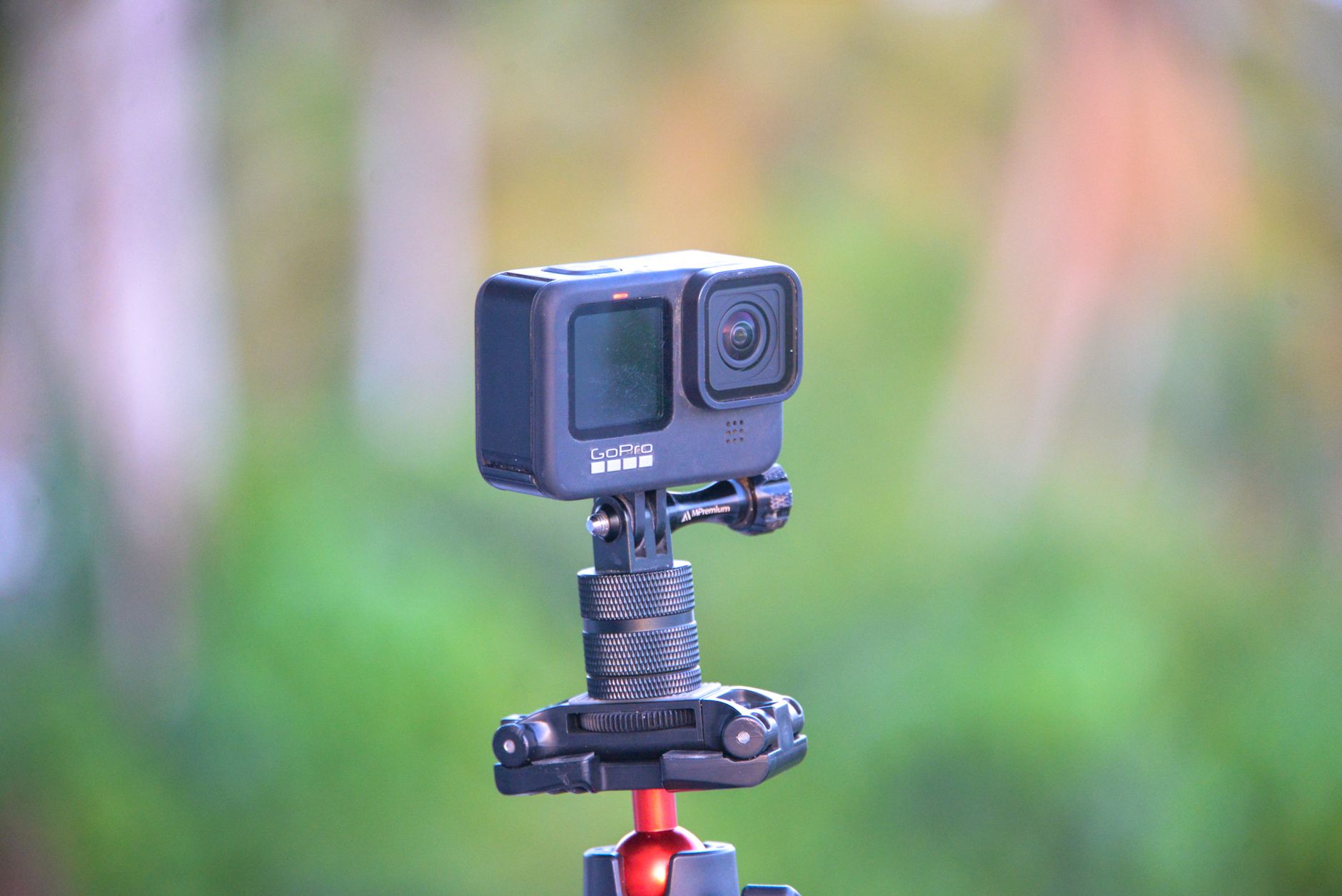
I assumed that because the DJI receiver has USB-C, I could plug it straight into my GoPro. I didn't know why I'd need a 3.5mm mic input. In fact the GoPro HERO8 has no mic socket of its own: it takes an external mic only through the Media Mod, an add-on housing with one 3.5mm input. That applies to me only because I already own a HERO8; if you are starting from nothing, you would not buy one for this.
The Pixel 9a is the easy one: every candidate below plugs into a phone by USB-C. So the rule for my kit was simple. Any receiver had to have a 3.5mm output, which rules out USB-C-only kits however good they are on a phone.
Which budget wireless microphones did I compare?
My budget for the mic was up to about £80, inside a phase-one kit budget of about £250. Five systems made the comparison, each with a receiver that reaches a 3.5mm camera input.
| Kit | Price (30 Oct 2026) | Transmitters | Onboard backup? |
|---|---|---|---|
| DJI Mic Mini, standard RX | £42 / £65 / £82 with case | 1 / 2 / 2 | No |
| DJI Mic Mini 2, standard RX | £49 | 1 | No |
| DJI Mic Mini 2S, standard RX | £79 | 1 | Yes, 32-bit float |
| Hollyland Lark M2 Mini Combo | £81 | Not stated on the listing | No |
| BOYA BOYALINK 2 A2 | £63.79 | See listing | No |
DJI Mic Mini
The DJI Mic Mini (the first of DJI's compact wireless mic line; DJI is the Chinese drone and camera maker) now sells well below its launch price, with two newer generations above it. With the standard receiver it comes as 1 transmitter and 1 receiver, 2 transmitters and 1 receiver, or the 2-transmitter kit with a charging case. DJI rates the transmitter at about 10 g and 11.5 hours, with a 3.5mm camera cable in the box.
- Pros: TechRadar found it tiny and very reliable, working with phones and cameras alike, with parts sold individually. Digital Camera World adds long battery life and a direct link to DJI's Osmo cameras.
- Cons: no safety track and no display, per Digital Camera World. The receiver's only controls are a ±12 dB level dial, power and pairing, so TechRadar notes there is no easy way to check levels. Camera Jabber confirms no internal recording and no 3.5mm input on the transmitter for a separate lav mic.
Who it suits better: on paper, someone who needs two voices on the smallest spend. Its 2-transmitter kit is the cheapest route to two transmitters in this comparison, and it was my provisional pick before I looked at the backup question.
DJI Mic Mini 2
The DJI Mic Mini 2 with the standard receiver is the cheapest current-generation kit here with one transmitter; the 2-transmitter kit with a charging case sits just over my band. It adds magnetic covers, three voice-tone presets and a direct Bluetooth link to phones, per Engadget, and DJI lists 24 dBA self-noise (the hiss the mic makes on its own; lower is quieter).
- Pros: Engadget reports good sound, effective noise reduction and outstanding range, and calls it the best budget wireless mic for new buyers. Its "Rich" preset needed no EQ in post for voice in Engadget's use.
- Cons: Engadget judges it a very mild upgrade over the Mic Mini, with auto-limiting but no 32-bit float and no internal recording. Its highest noise-cancelling setting distorts audio considerably.
Who it suits better: on paper, a beginner who wants the current generation for the least money, and who can hear their audio while they record, so a backup copy matters less.
DJI Mic Mini 2S
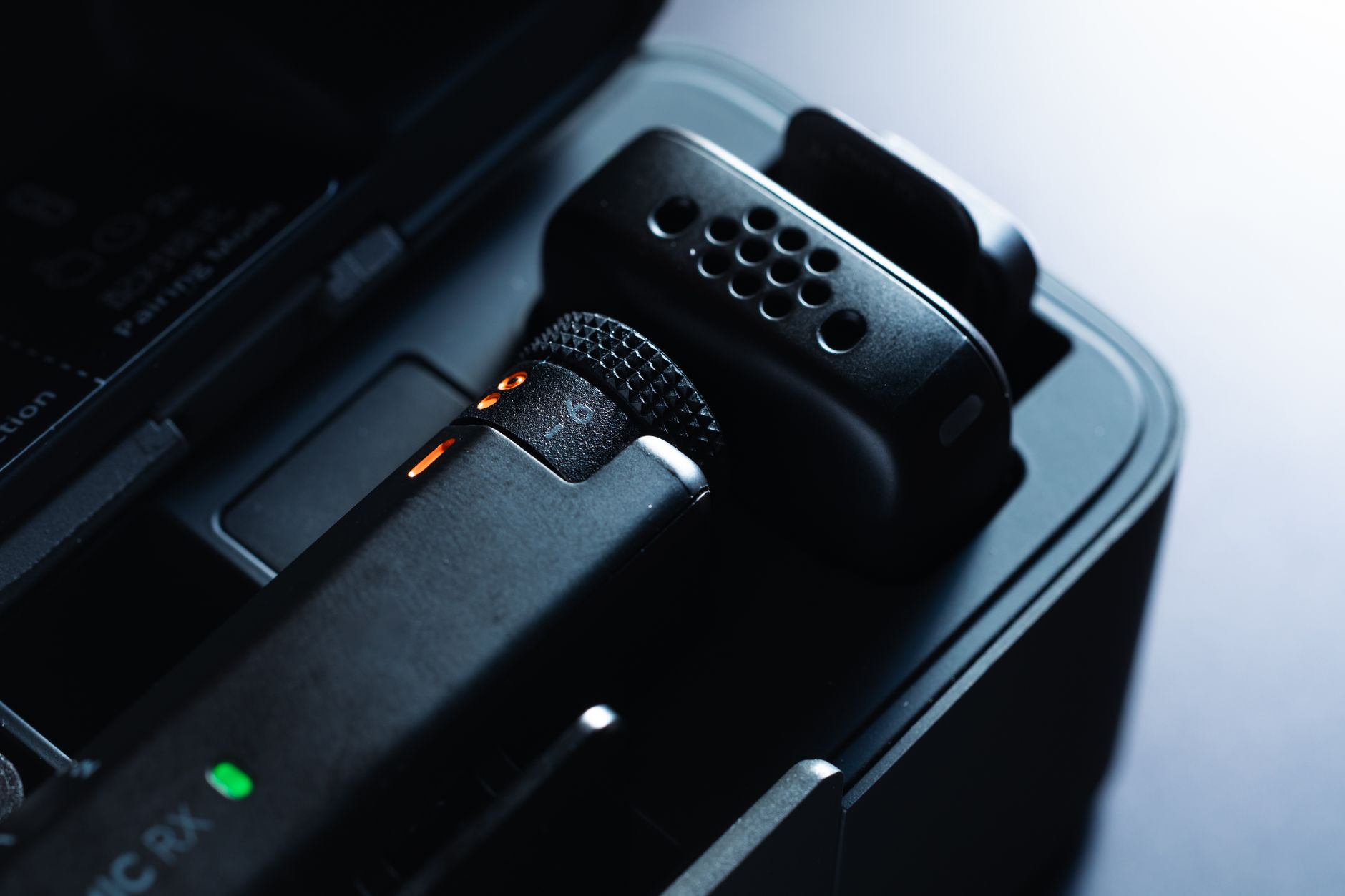
The DJI Mic Mini 2S with 1 transmitter and 1 standard receiver sits at the top of my band. DJI launched the 2S in the UK on 5 August 2026, and it is the first in the Mini line to record on the transmitter itself. DJI lists a 12 g transmitter, about 11 hours of battery, 22 dBA self-noise and a 126 dB maximum sound level, and its receiver accepts Mini, Mini 2 and Mini 2S transmitters.
Watch the variant. The 1-transmitter kit with the mobile receiver and a charging case costs the same, but its receiver is USB-C only and does not reach a 3.5mm camera input.
- Pros: Digital Camera World's review rates the very compact transmitter, the on-mic recording in 32-bit float (or up to 28 hours of 24-bit, recorded on a loop) and the AI noise cancelling.
- Cons: the same review finds the receiver plasticky, and long recordings split into files of about 250 MB. It is the dearest single-transmitter kit here, and a second transmitter is sold separately at extra cost.
Hollyland Lark M2 Mini Combo
The Hollyland Lark M2 Mini Combo (from Hollyland, a Chinese maker of wireless video and audio kit) pairs a camera receiver with a USB-C receiver. The listing's title and bullets do not state how many transmitters are in the box, so confirm that before you buy. The cheaper USB-C-only version has no camera receiver.
- Pros: Trusted Reviews found it couldn't be easier to use, with greatly improved noise cancelling, better audio and manual controls on the camera receiver. Digital Camera World found it held signal at distance better than the newer Lark M2S.
- Cons: Trusted Reviews notes fast wind can beat the noise cancelling, and the Combo needs a bigger charging case. None of the reviews I gathered lists onboard recording.
Who it suits better: on paper, someone who films on a phone and a camera equally, and wants a dedicated USB-C dongle that sits neater on a phone than a camera receiver does. It is the only non-DJI candidate here with substantial independent reviews.
BOYA BOYALINK 2 A2
The BOYA BOYALINK 2 A2 (from BOYA, a Chinese budget microphone brand) sits mid-band and has one receiver that switches between 3.5mm, USB-C and Lightning outputs. BOYA lists 10+ hours of battery, two levels of noise cancellation through its app and a two-year warranty.
- Pros: one receiver for every device, in the middle of the band.
- Cons: I found no in-depth independent review, and at 4.0 out of 5 from 110 ratings it had the lowest Amazon UK score of the set. Engadget says rivals at this price, BOYA among them, either cannot connect to camera and phone together or lack features.
Who it suits better: on paper, someone who also records on an older iPhone with a Lightning port. With so little review evidence, I treated it as a value outlier rather than an equal of the four above.
What did I leave out, and why?
- Hollyland Lark M2S, camera version (Amazon UK): over budget, no onboard recording, and the dropout Digital Camera World measured at about 33 m.
- RØDE Wireless Micro Camera Kit (Amazon UK): well over budget. The original Wireless Micro is phone-only with no 3.5mm output, per TechRadar.
- Hollyland LARK A2 (Amazon UK): below the band, but its receiver is USB-C only, so it reaches neither the D3300 nor the Media Mod.
For mics across every budget, including the ones above my band, see the best wireless microphones for creators.
Which wireless mic did I choose, and why?
I bought the DJI Mic Mini 2S (1 TX + 1 RX) for £79. It seemed the best fit, particularly with the backup copy, which I think is worth paying the extra for.
I nearly bought the version with the Mobile receiver and charging case at the same price, before realising its receiver is USB-C only and would not work with my Nikon D3300. I swapped to the standard receiver version.
On paper, the trade was a backup recording against a second transmitter: the Mic Mini with two transmitters cost £65, and the 2S with one cost £79. For the D3300 and the GoPro in its Media Mod, where none of my sources shows a way to monitor levels while filming, the backup copy is the feature that covers the gap.
Where does my choice fit your situation?
My choice follows from my own kit, which most readers won't share.
- If you film only on a phone, the mobile-receiver version of the 2S costs the same and adds a charging case; the USB-C-only kits I ruled out are open to you too.
- If you need two voices from day one, the Mic Mini 2-transmitter kit at £65 is the cheapest way there, at the cost of any backup recording.
- If you can hear your audio while you record, through a camera with a headphone socket, the Mic Mini 2 at £49 gives the current generation for £30 less.
- If you film on a phone and a camera equally, the Hollyland Lark M2 Mini Combo gives each its own receiver.
Whichever you pick, check the receiver in the exact listing before you buy, because the same mic is often sold with different receivers at the same price.
Frequently asked questions
Do I need a standard or mobile receiver?
Can I plug a wireless mic receiver into a GoPro by USB-C?
Is onboard recording worth paying extra for?
How many transmitters does a beginner need?
Sources
- DJI: Mic Mini 2S specs
- DJI: Mic Mini 2 specs
- DJI: Mic Mini specs
- Digital Camera World: DJI Mic Mini 2S launch
- Digital Camera World: DJI Mic Mini 2S review
- Digital Camera World: DJI Mic Mini review
- TechRadar: DJI Mic Mini review
- Engadget: DJI Mic Mini 2 review
- Camera Jabber: DJI Mic Mini 2 vs Mic Mini
- Trusted Reviews: Hollyland Lark M2 review
- Digital Camera World: Hollyland Lark M2S Combo review
- BOYA: BOYALINK 2 product page
- PetaPixel: Nikon D3300
Best wireless microphones for creators
Budget microphone for voiceover
Is the Nikon D3300 good for YouTube?