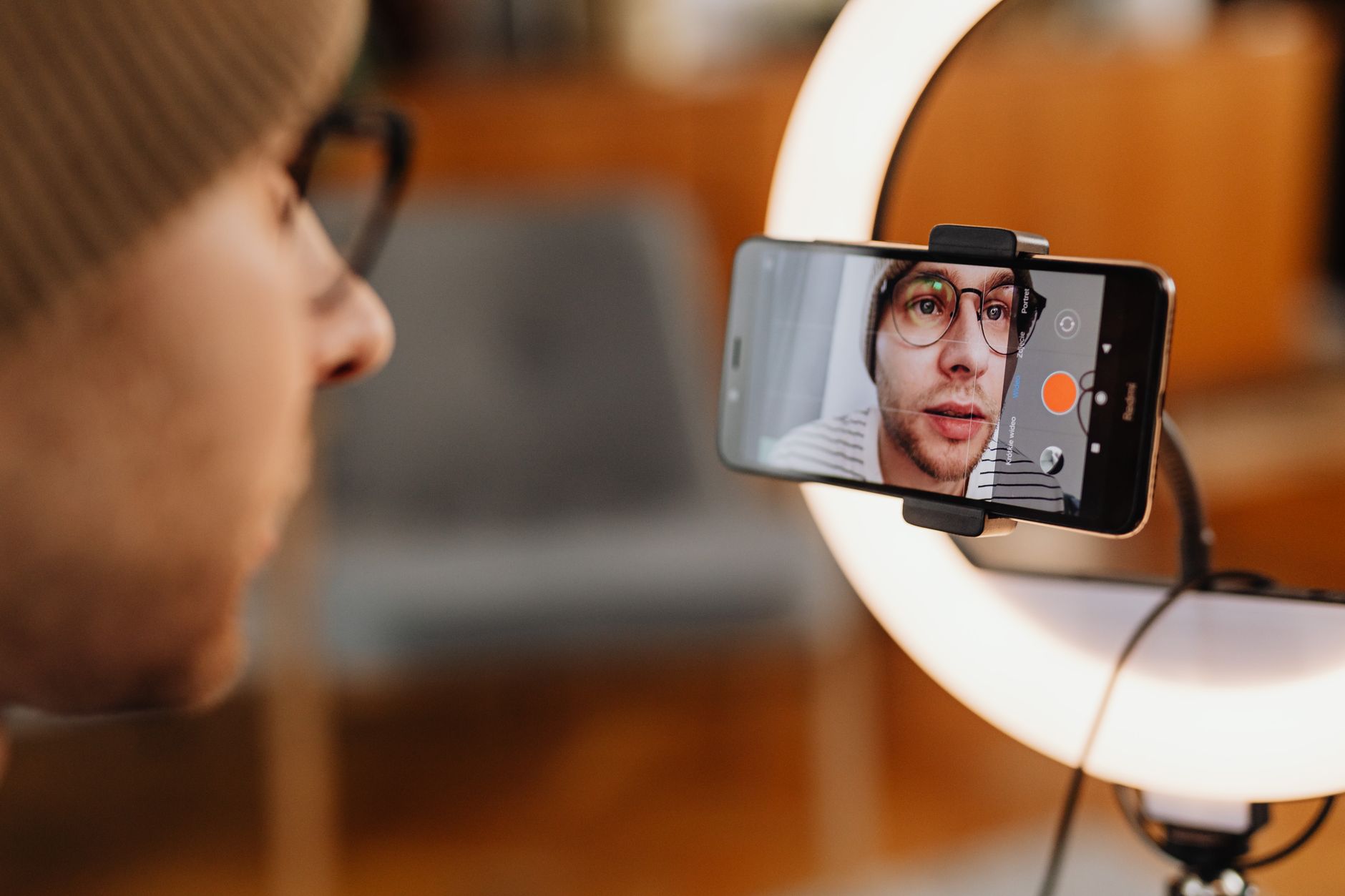
Pixel 9a for YouTube: Using the Kit You Already Own
Is the Pixel 9a good enough for YouTube? Which camera to film on, the mic question, and where a Nikon D3300 and GoPro HERO8 fit on a first channel.
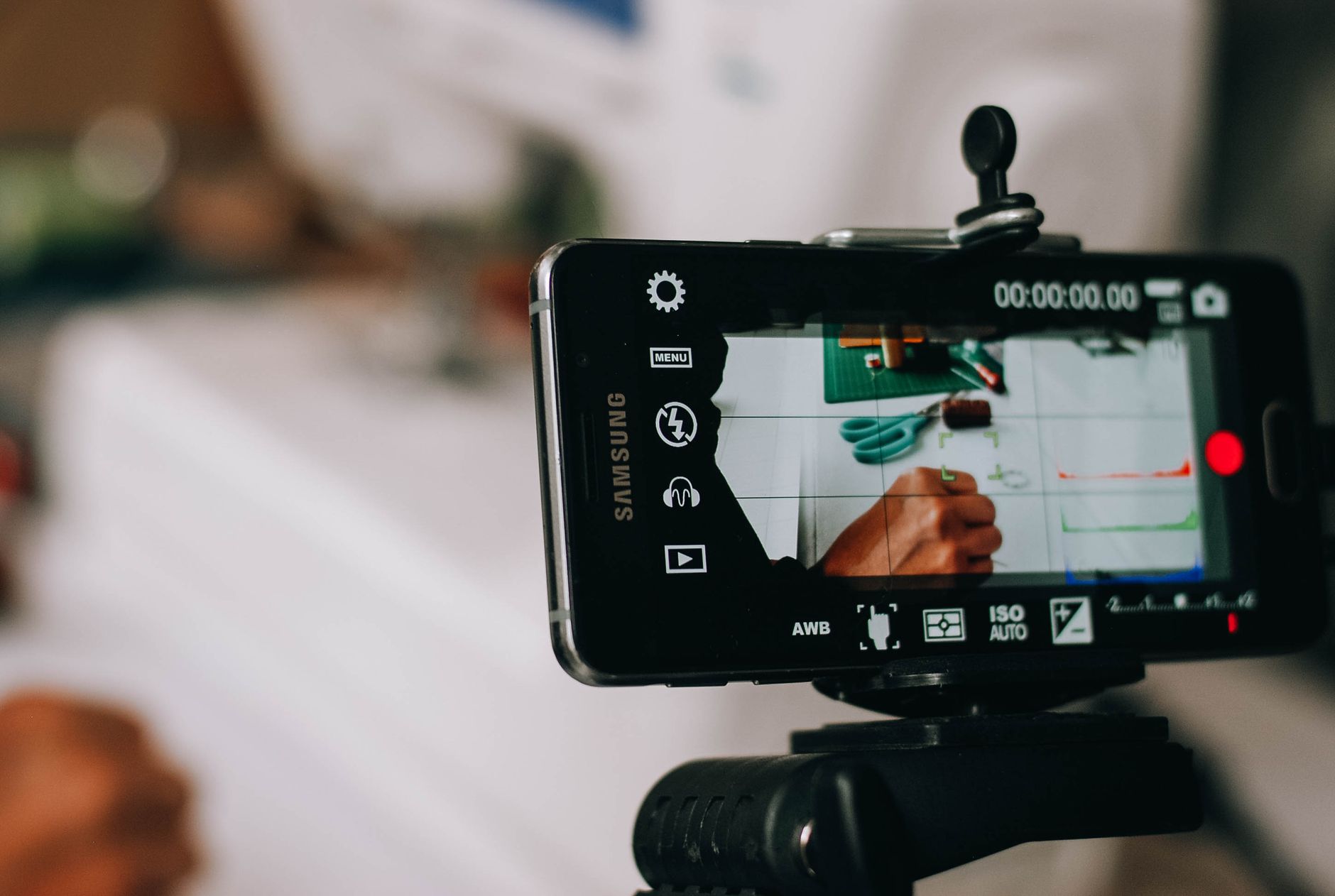
The Pixel 9a for YouTube is a capable starting camera, and if one is already in your pocket it is the obvious place to begin. This guide sets it beside the two other cameras a lot of new creators have in a drawer, an old DSLR and an action camera, using the Nikon D3300 and the GoPro HERO8 Black as the examples, and works out which job each one does best on a first channel.
Two of those are mine: I own the Nikon D3300 and the GoPro HERO8, and I chose the wireless mic for my own beginner channel with both in mind. What follows about how each device records is research, drawn from manufacturer specs and independent reviews and linked as I go. The Amazon UK link on this page is an affiliate link: if you buy through it, Creator Kit Lab earns a small commission at no extra cost to you.
Is the Pixel 9a good enough for YouTube?
The Pixel 9a (Google's 2025 mid-range Android phone) clears the bar for a first channel comfortably. Its main rear camera records 4K at up to 60fps, and GSMArena (a long-running phone specs and review site) credits it with excellent stabilisation, good colour and good dynamic range. Stabilisation matters more than resolution for a beginner: it is what keeps a handheld walk-and-talk watchable.
The same review is honest about the limits. The main camera's 4K looks a little soft and short on fine detail for the resolution, and the 9a drops the HDR video mode the Pixel 8a offered. None of that will stop a channel. YouTube viewers on phones and laptops forgive soft 4K far more readily than they forgive bad sound or a shaky frame.
The phone's real strengths for YouTube are practical ones. It is always with you, it uploads straight to YouTube, and the front camera lets you see yourself while you film, which neither of the other two cameras here can do out of the box.
Which Pixel 9a camera should you film with?
The Pixel 9a has three cameras, and they are not equal for video. GSMArena's testing gives this split:
| Camera | Best video mode | Use it for |
|---|---|---|
| Main (rear) | 4K at 60fps | Everything you can frame without seeing yourself: b-roll, overhead desk shots, a talking head with a monitor or a test recording |
| Ultrawide (rear) | 4K at 30fps, or 1080p at 60fps | Occasional wide establishing shots only; its video is noisy, especially in the corners, and looks closer to 1080p |
| Front (selfie) | 4K at 30fps, or 1080p at 60fps | Talking to camera when you need to see your framing; it is 13MP and fixed-focus |
The rule that falls out of that table is simple: film on the main camera whenever you can. Switch to the front camera only when seeing yourself matters more than image quality, and keep the ultrawide for the odd wide shot. My guide to how to film yourself with a phone covers how to frame a rear-camera talking head without seeing the screen.
Pick one frame rate and stick with it. For a talking-head channel, 30fps on the main camera keeps you matched with the front camera, so cutting between the two looks seamless. The guide to frame rate, shutter speed and the 180-degree rule explains why mixing rates shows up in the edit.
Can you plug a microphone into the Pixel 9a?
Probably, but it is unconfirmed for this model. In 2018 Google committed to supporting plugged-in external microphones in the default camera app on every Pixel from the Pixel 2 onward, over USB-C, as Phone Scoop reported at the time. No source I found confirms how the Pixel 9a itself handles a USB-C or wireless mic receiver, so test it before you rely on it for a full shoot.
Sound is still the single biggest upgrade a phone channel can make. The built-in mics sit at arm's length or further, so on a tripod two metres away they record as much room as voice. A clip-on wireless mic moves the microphone to your collar, which no camera upgrade can match.
Where does a Nikon D3300 still earn its place?
The Nikon D3300 (an entry-level DSLR Nikon announced in January 2014) is old, but it has one thing the phone cannot fake: a much bigger sensor. Its DX sensor, Nikon's name for the APS-C format, measures 23.2 x 15.4mm, according to the dslrbodies D3300 specifications. That size is what gives genuine background blur and cleaner footage in dim rooms.
The trade-offs are real, though, and they all show up when you film yourself:
- 1080p only. Video tops out at 1080p at 60fps, saved as H.264 MOV files. There is no 4K.
- Short clips. One clip runs for at most 20 minutes, with a 4GB file limit, per both dslrbodies and Dummies. A long talking-head take needs restarting.
- A fixed screen. The rear LCD neither tilts nor flips, so you cannot see yourself while you film to camera, as the data sheet from Imaging Resource (a long-running independent camera review site) confirms.
- Focus noise. In AF-F, Nikon's continuous autofocus mode, the built-in mono mic picks up the focus motor. Locking focus in AF-S before you press record, focusing manually, or using an external mic all fix it.
- Battery life. Imaging Resource rates the battery at about 55 minutes of video, so a spare battery is worth having for a long session.
What it does have is a proper 3.5mm stereo mic jack, which is why my Nikon D3300 shaped the mic I bought (more on that below). It also has a mini-HDMI port, but whether that output is clean enough to use the camera as a webcam through a capture card is not confirmed by any source I found.
Put together, the D3300 is a b-roll and product camera rather than a vlogging one. Locked on a tripod, focused once, and pointed at a product or a desk, its sensor earns its keep.
What is a GoPro HERO8 good for on a YouTube channel?
The GoPro HERO8 Black (GoPro's 2019 action camera) is built for moving shots outdoors, and that is where it belongs on a beginner channel. I already own one, and it is the camera I am adding audio to for filming on the go.
The points that matter for YouTube, from Engadget's review:
- No front screen. You cannot see yourself. GoPro's Display Mod, a fold-out screen accessory, was the official fix.
- The Narrow lens. GoPro's digital lenses crop the wide view, and Narrow gives roughly the field of view of a phone camera, which suits talking to camera far better than the fisheye default.
- HyperSmooth 2.0. GoPro's in-camera stabilisation crops the frame by about 10% on its On and High settings, and more on Boost.
- Battery. The 1,220mAh battery gives roughly an hour of active use.
- Webcam mode. Since July 2020, firmware plus the GoPro Webcam desktop utility turns it into a 1080p USB webcam, which GoPro says works for YouTube live streaming.
Audio is the HERO8's weak point. The official route to an external mic is the Media Mod, a frame that adds a built-in shotgun mic, a 3.5mm mic input, HDMI and two cold shoes. I went with a used official GoPro Media Mod, because I want the option of filming on the go, and the workaround adapters looked awkward for that.
That choice taught me something worth passing on. I had assumed that because my wireless mic receiver has a USB-C plug, it would go straight into the GoPro. It does not work that way: the HERO8 takes an external mic through a 3.5mm input, which is exactly what the Media Mod adds.
How do the Pixel 9a, D3300 and HERO8 compare for YouTube?
| Pixel 9a | Nikon D3300 | GoPro HERO8 Black | |
|---|---|---|---|
| Best video mode | 4K at 60fps (main camera) | 1080p at 60fps | 4K at 60fps |
| See yourself while filming? | Yes, front camera at 4K30 | No, fixed screen | No, without the Display Mod |
| Background blur | Limited | Best of the three (APS-C sensor) | Minimal |
| Clip length | Limited by storage | 20 minutes, 4GB | Limited by battery and card |
| External mic | USB-C, unconfirmed on the 9a | Native 3.5mm jack | 3.5mm via the Media Mod |
| Stabilisation | Strong on the main camera | Depends on the lens | HyperSmooth 2.0 |
Which job should each camera do?
Read across that table and each camera has an obvious role, so you never have to make one device do everything:
- Pixel 9a: the main camera for talking to camera. It is the only one of the three that shows you yourself, it records 4K, and it is always charged and to hand. It also works well overhead for desk and hands shots; my guide to filming overhead on a phone covers the mounts.
- Nikon D3300: product shots and b-roll. Lock it on a tripod, focus once, and let the bigger sensor give you the blurred background the phone cannot. Keep clips under its 20-minute limit.
- GoPro HERO8: anything outdoors or on the move. Set the Narrow lens for talking to camera, and plan audio through the Media Mod.
If you only want to run one camera, make it the phone. The other two are worth adding only when a video needs what they do.
What is the one thing worth buying first?
A wireless mic, because all three cameras record their weakest results through their built-in mics. I bought the DJI Mic Mini 2S (1 TX + 1 RX). The DJI Mic Mini 2S (the 2026 update to DJI's smallest wireless lavalier mic) clips a small transmitter to your collar and sends your voice to a receiver on the camera. It seemed the best fit for my kit, particularly for the backup copy: DJI lists 32-bit float internal recording on the transmitter, which I think is worth paying the extra for.
The receiver choice is where owning older cameras matters. I nearly bought the version with the Mobile receiver and charging case at the same price, before realising its receiver is USB-C only and would not work with my Nikon D3300. I swapped to the standard receiver version. Amazon UK's listing for that bundle includes a USB-C phone adapter and a 3.5mm TRS camera cable in the box, so the one receiver can feed a USB-C phone, the D3300's mic jack, and the HERO8 through the Media Mod's 3.5mm input.
Prices move, so check the current price before you buy. For the wider field at every budget, see the best wireless microphones for creators.
Frequently asked questions
Can the Pixel 9a film in 4K for YouTube?
Is the Pixel 9a front camera good enough for vlogging?
Does the Pixel 9a work with an external microphone?
Is a Nikon D3300 still good for YouTube?
Can a GoPro HERO8 be used as a webcam?
Which wireless mic works with a phone, a DSLR and a GoPro?
Sources
- GSMArena: Google Pixel 9a review
- Phone Scoop: Google's Pixel camera app to add support for external mics
- dslrbodies: Nikon D3300 specifications
- Imaging Resource: Nikon D3300 data sheet
- Dummies: Nikon D3300, shoot movies using the default settings
- Engadget: GoPro HERO8 Black review
- GoPro: HERO8 Black now works as an HD webcam
- DJI: Mic Mini 2S
How to start a YouTube channel with just a phone
How to film yourself with a phone
YouTube starter kit UK