GoPro HERO8 External Microphone: The Route I Chose
How to add a GoPro HERO8 external microphone: the Media Mod, adapter and cage routes I compared on a beginner budget, and why I chose a used Media Mod.
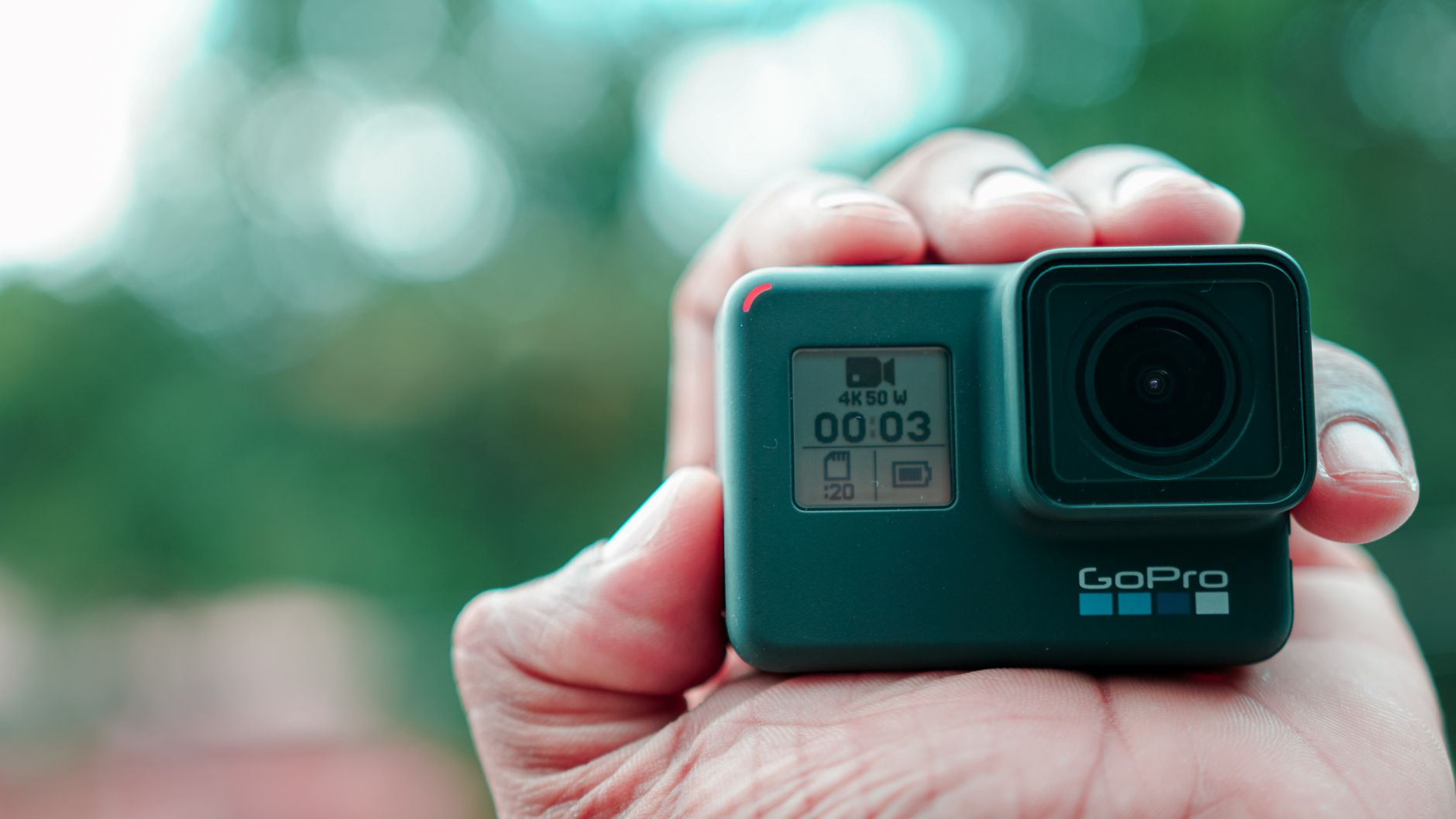
Adding a GoPro HERO8 external microphone was the next piece of my beginner starter kit, because I already own the GoPro HERO8 (GoPro's 2019 flagship action camera) and want it for filming on the go. The HERO8 body has no microphone socket, so the real decision is how to give it one. This post sets out the routes I researched within a beginner budget, the pros and cons published reviews report for each, and the one I chose.
Before anything else: I am only going down this route because I already have the GoPro HERO8. Most people starting out will be starting from scratch or have different equipment to hand, and what I am doing is not going to be the best route for most people. If that is you, the last section of this post says where to look instead.
This is a research comparison. What follows about how these accessories work comes from independent reviews, GoPro's own support community and retailer listings, linked as I go. Links to Amazon UK are affiliate links: if you buy through one, Creator Kit Lab earns a small commission at no extra cost to you. Prices are the Amazon UK prices when I compared on 3 November 2026. They move daily, so check the current price before you buy.
This post is one step in my series on what kit you need to start a YouTube channel, which sets out all seven pieces I chose.
Which terms do you need to know first?
These are the terms the rest of this post relies on, in plain words.
- 3.5mm analogue: the small round headphone-style plug. It carries sound as an electrical signal, and it is how most cameras take an external mic.
- USB-C digital: the flat reversible plug on modern phones. It carries sound as data, and only a device built to accept USB audio can use it that way.
- Media Mod: GoPro's name for a frame that wraps the camera and adds ports. Each GoPro body has its own version, and they are not interchangeable.
- Dongle: a short adapter cable that plugs into a port. Here it means a USB-C plug on one end and a 3.5mm mic socket on the other.
- Cage: a metal frame around the camera that adds mounting points but no audio connection.
- Cold shoe: a small flat bracket for sliding an accessory on, such as a mic receiver or a light. "Cold" means it carries no power or signal; it only holds things.
- Battery door: the side flap on the HERO8 that covers the battery, memory card and USB-C port. It also keeps water out.
- Powered, unpowered and line-in: the HERO8's settings for an external input. Powered mics take a little power from the camera, unpowered ones do not, and line-in is for a signal that is already at full level, such as a wireless receiver or a mixer.
Why can't you plug a microphone straight into a HERO8?
The HERO8 Black has no 3.5mm socket, and its USB-C port is not a plain microphone input. A wireless mic receiver with a USB-C plug will not simply plug in and record. To connect an external mic, a HERO8 needs one of two things: the HERO8 Media Mod, or a USB-C to 3.5mm adapter the camera recognises.
GoPro's own external microphone guide confirms that GoPro's own Pro 3.5mm Mic Adapter works with the HERO8. The catch is that third-party adapters are not all treated the same: HERO8 owners have reported generic USB-C audio adapters not being recognised, and some firmware updates stopping an adapter working. Those reports date from 2019 and 2020, but they are the reason every adapter route below comes with a test-it-on-arrival warning.
What does the HERO8 Media Mod add, and what does it cost you?
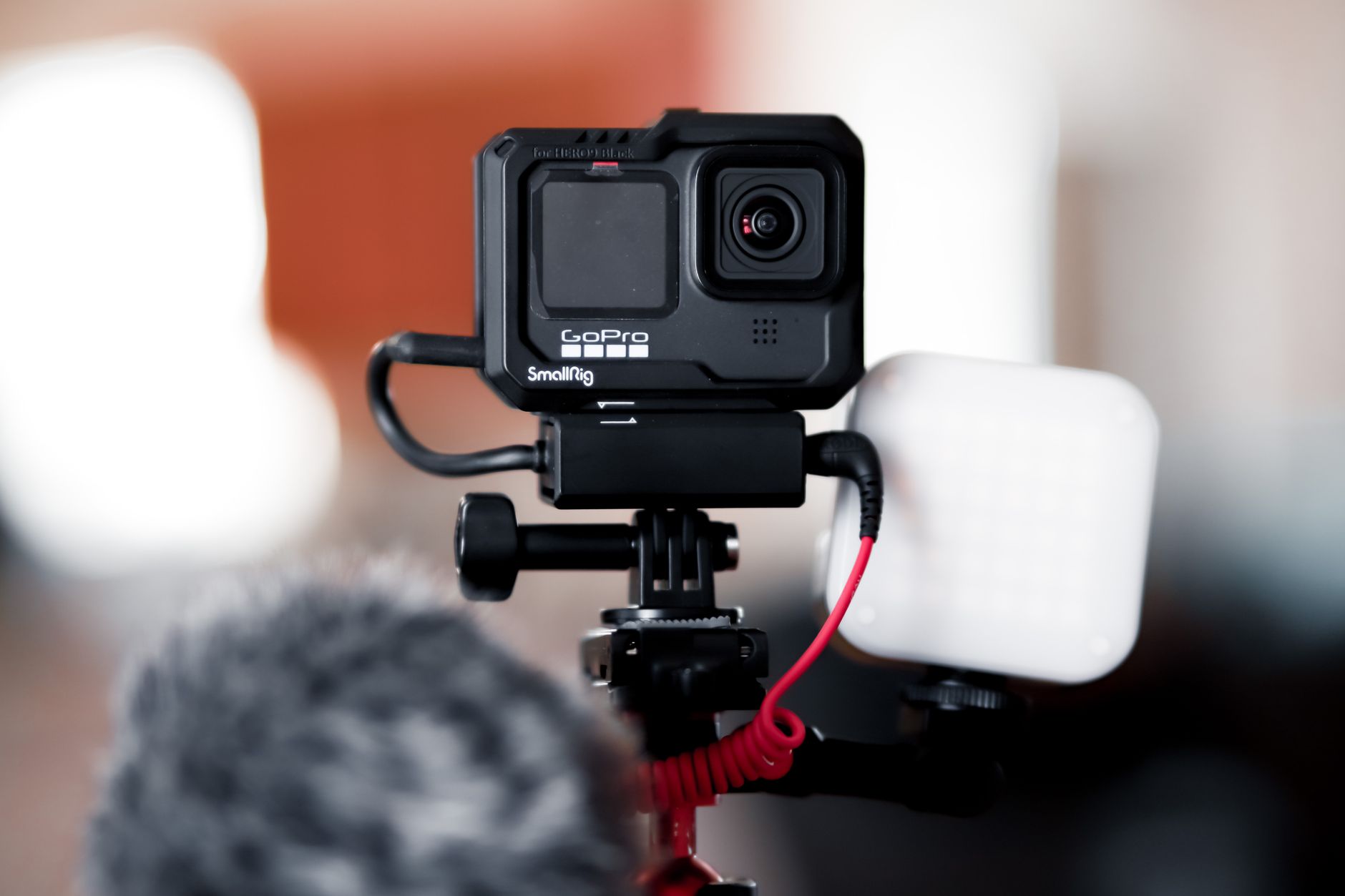
The Media Mod for the HERO8 Black (part number AJFMD-001) is a frame that fully encloses the camera. According to DC Rainmaker (a long-running independent gear-testing blog), it adds a built-in shotgun mic, a 3.5mm mic input, two cold shoes on the top and side, a micro-HDMI output and a USB-C port. It weighs 50g and launched in the US at $79. My guide to what the GoPro Media Mod is covers it in more depth.
Digital Trends (a US consumer technology news and review site) notes that the 3.5mm jack takes a powered mic, an unpowered mic or line-in, with an optional +20dB boost, and that a plugged-in mic overrides the internal ones. The two reviews disagree about the built-in mic: DC Rainmaker heard no real gain over the camera's own mics, while Digital Trends found it clearer but less good at cutting background noise. Both agree the value is the 3.5mm port.
The costs are real, and both reviews set them out:
- You take the battery door off to fit it, so swapping the battery or memory card means taking the rig apart.
- Inside it, the camera is no longer waterproof. Light rain is fine; swimming is not.
- It has no battery of its own and draws a little from the camera, though its USB-C port charges the camera in place.
- DC Rainmaker found the HDMI output unreliable, with sound and picture out of sync.
- There is no headphone socket, so you cannot listen to what you are recording.
Which routes did I compare?
My budget for this piece was roughly £40 to £80, with second-hand allowed. Within that, four routes give a HERO8 a mic input, plus a fifth that costs nothing. I judged each against the jobs I want the GoPro for: outdoor, on-camera pieces and walk-through shots for reviews, with a clip-on wireless mic whose receiver needs somewhere to sit on the camera.
Used official GoPro Media Mod (HERO8 Black)
GoPro no longer sells the HERO8 Media Mod, and I found no Amazon UK listing for it, so second-hand is the only way to get one. Used camera dealers such as MPB and Wex have listed it at around £40 to £55, but I could not confirm a current price from either site, so check on the day you buy.
- Pros: one piece that gives a 3.5mm input, two cold shoes for a mic receiver or light, charging in place and HDMI out. It is the part GoPro designed for this camera, so fit is not in question as long as it is the AJFMD-001.
- Cons: it is discontinued, so the condition of a used unit varies. The camera loses its waterproofing inside it, the battery door has to come off, and the price is only known on the day.
Who it suits better: a HERO8 owner who wants the mic, a receiver mount and charging in one frame, and who films mostly on dry land.
Runpower USB-C to 3.5mm mic adapter
The Runpower external microphone adapter is a third-party USB-C to 3.5mm dongle, and the cheapest of the adapters I compared. Its listing names support for the HERO5 to HERO13 Black, and it held a 3.8 out of 5 rating from 17 ratings when the research was gathered.
- Pros: the cheapest verified way I found to put a 3.5mm input on a HERO8, sold new with a normal return window.
- Cons: it carries the recognition risk owners report for third-party adapters. It adds no cold shoe, so the receiver needs its own mount, and the side door stays open while it is plugged in.
Who it suits better: someone who mounts the HERO8 in one place, such as on a tripod or a desk, and only needs the audio. Test it the day it arrives, inside the return window.
Homesuit mic adapter with wind noise reduction
The Homesuit mic adapter is another third-party USB-C to 3.5mm dongle, dearer than the Runpower when I compared, with a 3.8 out of 5 rating from 7 reviews when the research was gathered. It also lists HERO5 to HERO13 support.
- Pros: the seller adds wind noise reduction, which is aimed at outdoor shooting.
- Cons: the same recognition risk and missing cold shoe as the Runpower, for more money and with fewer reviews. The wind reduction claim is the seller's own, and I found no independent test of it.
Who it suits better: on paper, someone set on the adapter route who films mostly outdoors and wants to try the wind claim.
Forevercam cage plus the Runpower adapter
The Forevercam aluminium case for the HERO8 Black is a metal cage made for this camera, and the cheapest single part in this comparison. Paired with the Runpower adapter, it still came in under my budget.
- Pros: it does the same job as the Media Mod (a mic input plus somewhere to mount a receiver) from parts that are all sold new. The metal frame also protects the camera.
- Cons: it is two parts that have to be used together, the adapter still carries the recognition risk, and I could not confirm how many cold shoes the cage has, because its product page did not show the details.
Who it suits better: a HERO8 owner who wants the Media Mod's layout but would rather buy new, with returns, than take a chance on a used frame.
The £0 route: record the sound on the mic itself
If your wireless mic saves its own copy of the audio on the transmitter, you can skip connecting it to the GoPro at all and line the sound up with the picture in the edit. The DJI Mic Mini 2S covered in my budget wireless microphone post records that kind of backup. This is my own reasoning rather than a sourced test, but it is the option every paid route has to beat.
- Pros: costs nothing extra, and the camera keeps its battery door and waterproofing.
- Cons: syncing every clip by hand adds editing time, and the camera's own audio is only a guide track.
Who it suits better: a voice-led channel where the GoPro is an occasional second angle rather than the main camera.
What did I leave out, and why?
- GoPro Pro 3.5mm Mic Adapter (AAMIC-001). GoPro's own dongle is the one its staff confirm for the HERO8, but I found no UK offer with a price for it when I compared.
- SmallRig vlogging cage for the HERO8 (CVG2678). SmallRig made a HERO8 cage with a holder for GoPro's adapter, but one retailer lists it as discontinued and I found no UK price for it.
- The HERO9 to HERO13 Media Mod. It does not fit a HERO8, as the warning above explains.
Which external microphone route did I choose, and why?
I went with a used official GoPro Media Mod, as I'd like the option of using it on the go, which seems like it would be awkward with the workaround solutions.
On paper, the adapters leave the receiver with nowhere to sit and the side door hanging open, and the cage route spreads the same job across two parts and an adapter the camera might not recognise. The Media Mod puts the mic input and the cold shoes in one frame made for the HERO8. The trade, on paper, is losing the waterproofing and easy access to the battery while it is fitted.
Where does my choice fit your situation?
My choice follows from owning a HERO8 already. Most readers will not be in that position, so here is where I would point each situation, based on the research above.
- If you do not own a GoPro, do not buy a HERO8 to follow this route. Start with the phone you already carry, as my guide to starting a YouTube channel with just a phone explains, and put the money into a mic and a light.
- If you own a different camera, check what it already has. My Pixel 9a and Nikon D3300 guides cover two common examples.
- If your HERO8 stays mounted in one place, the Runpower adapter at £45.16 is the cheapest input, provided your camera recognises it.
- If you want to buy new with returns, the Forevercam cage plus the Runpower adapter gives the Media Mod's layout for £61.15.
- If the GoPro is only an occasional second angle, try the £0 route first and see whether syncing in the edit bothers you.
For what the HERO8 is good at as a YouTube camera, and the settings to use, see my GoPro HERO8 for YouTube guide.
Frequently asked questions
Does the GoPro HERO8 have a microphone input?
Does the HERO9 Media Mod fit the HERO8?
Can I plug a wireless mic receiver into a HERO8 by USB-C?
Is the HERO8 waterproof with the Media Mod fitted?
Do third-party GoPro mic adapters work on a HERO8?
Sources
What Is the GoPro Media Mod?
GoPro HERO8 for YouTube
Budget Wireless Microphone for YouTube