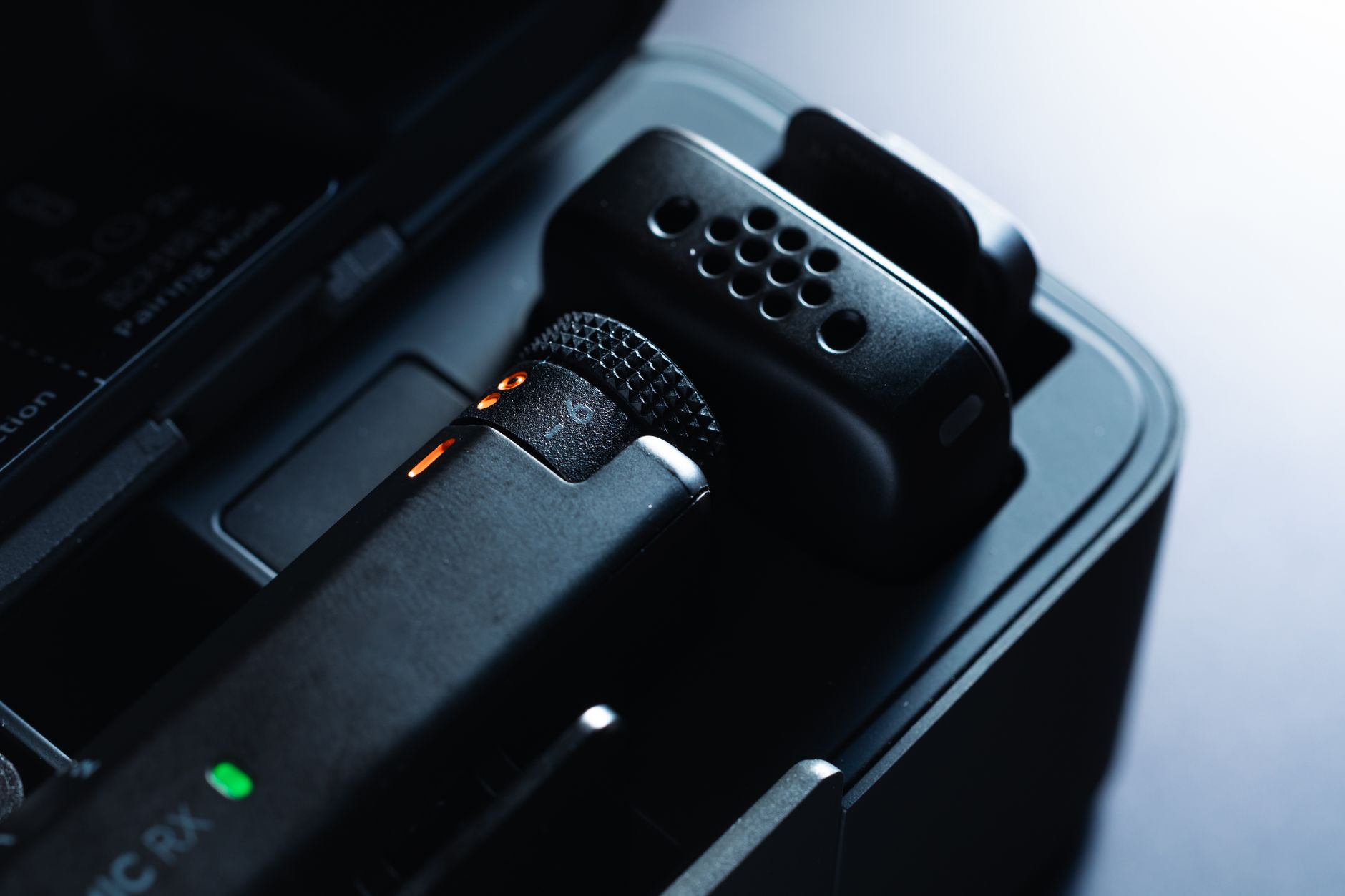
What Camera Do You Need to Start YouTube?
What camera do you need to start YouTube? Every beginner route, from your phone to a webcam, action camera, compact or mirrorless, and kit you already own.
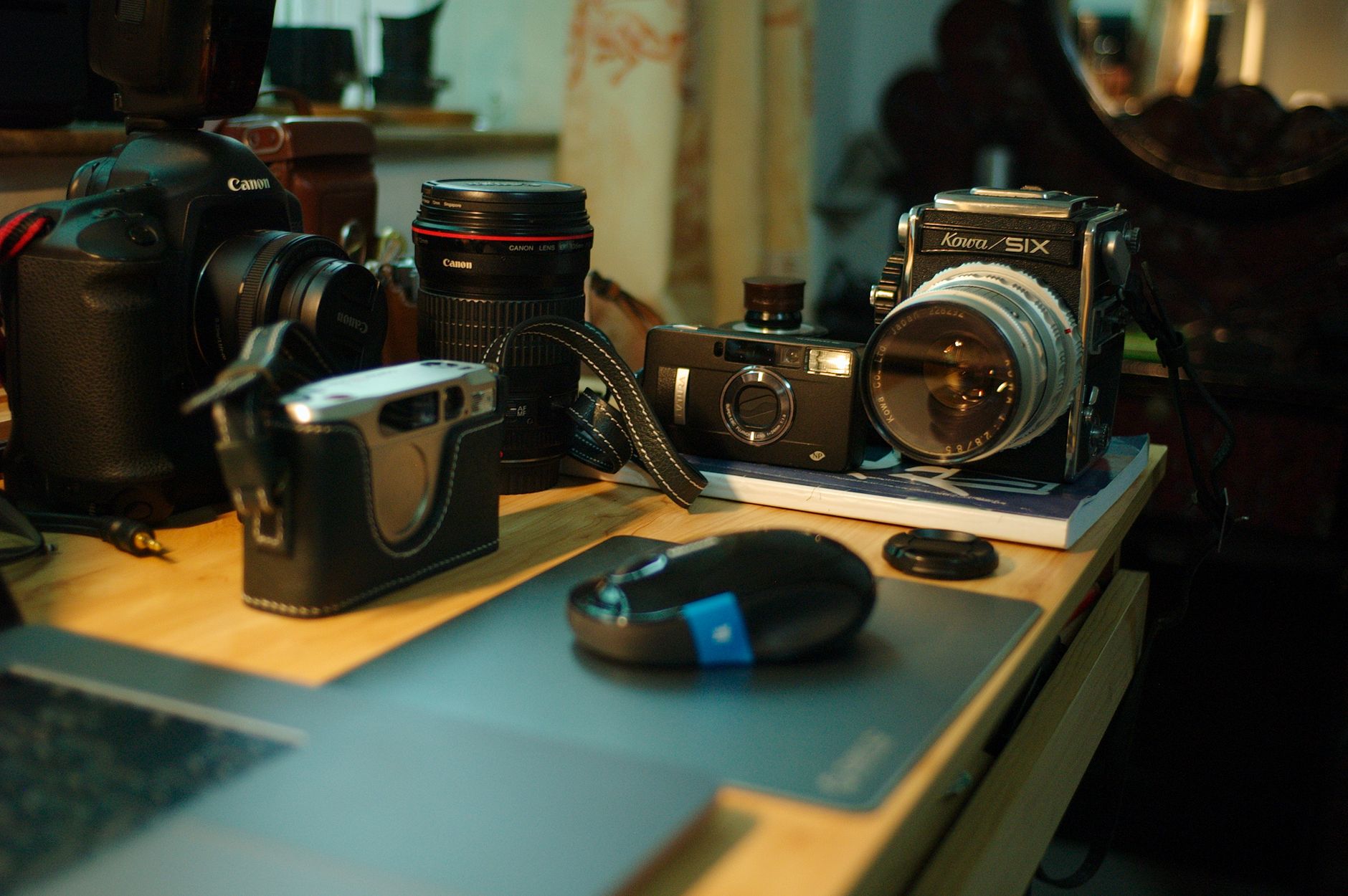
What camera do you need to start YouTube? For most people starting from nothing, the honest answer is the one already in your pocket. This guide is part of my from-nothing-to-content-creator series, where I am building a beginner channel one piece of kit at a time, and it sets out every camera route a beginner can take, at the desk and on the go, with the options that fit a beginner budget.
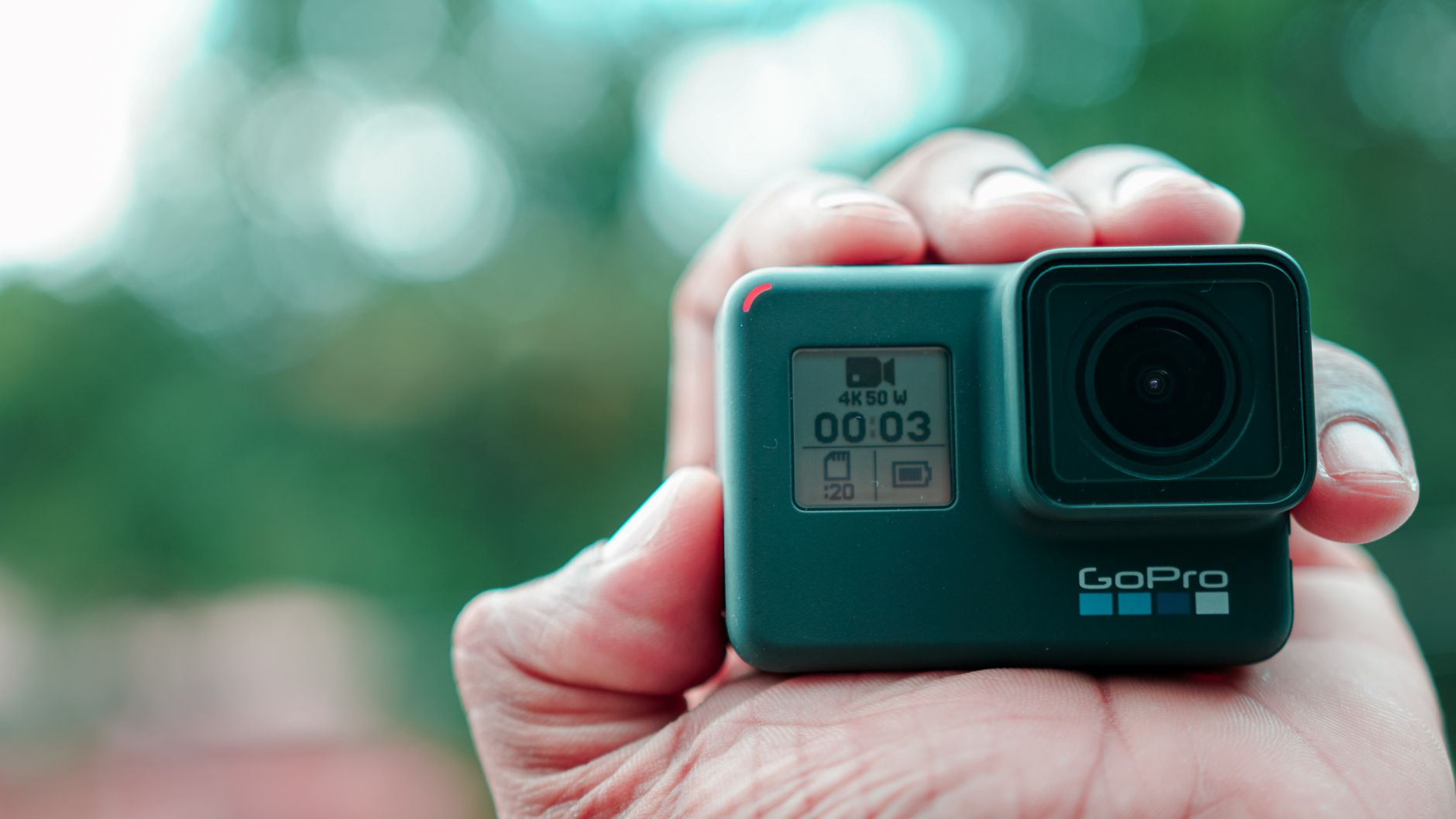
My own channel is mostly voice-led, with some on-camera videos. Where I can, I am repurposing kit I already own: a GoPro HERO8 (GoPro's 2019 flagship action camera) and a Nikon D3300 (Nikon's 2014 entry-level DSLR). That fits my situation rather than most readers', so each route below says who it suits better.
Everything here about how these cameras perform is research, drawn from manufacturer specs and independent reviews linked as I go. Links to Amazon UK are affiliate links: if you buy through one, Creator Kit Lab earns a small commission at no extra cost to you. Prices are the Amazon UK prices when I checked on 3 November 2026. They move daily, so check the current price before you buy.
Which camera terms do you need to know first?
These are the words the rest of this guide leans on, in plain terms.
- Sensor: the chip inside a camera that turns light into a picture. A bigger sensor gathers more light, so it copes better in a dim room and blurs the background more naturally.
- 1-inch, 1/1.3-inch and APS-C: sensor sizes, smallest to largest of the ones in this guide. Phones and action cameras use small sensors; pocket cameras and vlog compacts use 1-inch; most beginner mirrorless cameras and DSLRs use APS-C.
- 4K and 1080p: video resolution. 1080p (also called Full HD) is plenty for a first channel; 4K has four times the pixels and gives you room to crop in the edit.
- fps (frames per second): how many still images make up each second of video. 30fps is standard for talking; 60fps or more allows smooth slow motion.
- Gimbal: a motorised mount that keeps the camera level and steady as you move.
- Mirrorless and DSLR: cameras that take interchangeable lenses. A DSLR (digital single-lens reflex) has a mirror and an optical viewfinder; a mirrorless camera drops the mirror, so it is smaller and usually focuses better for video.
- Kit lens: the basic zoom lens sold bundled with a camera body.
- 3.5mm mic input: the small round headphone-style socket most cameras use to take an external microphone.
- Webcam mode and capture card: two ways to use a camera as a computer webcam. Some cameras do it over USB with the maker's software; others need a capture card, a small box that takes the camera's HDMI video output and presents it to the computer as a webcam.
- Clean HDMI: an HDMI video output with no on-screen menus or icons over the picture, which a capture card needs.
Do you need a camera at all to start YouTube?
No. A phone is a capable first camera, and spending on sound and light usually does more for a beginner video than a camera upgrade. This series works to a phase-one kit budget of about £250, and at that budget every route except the phone and a webcam takes most or all of the money on its own.
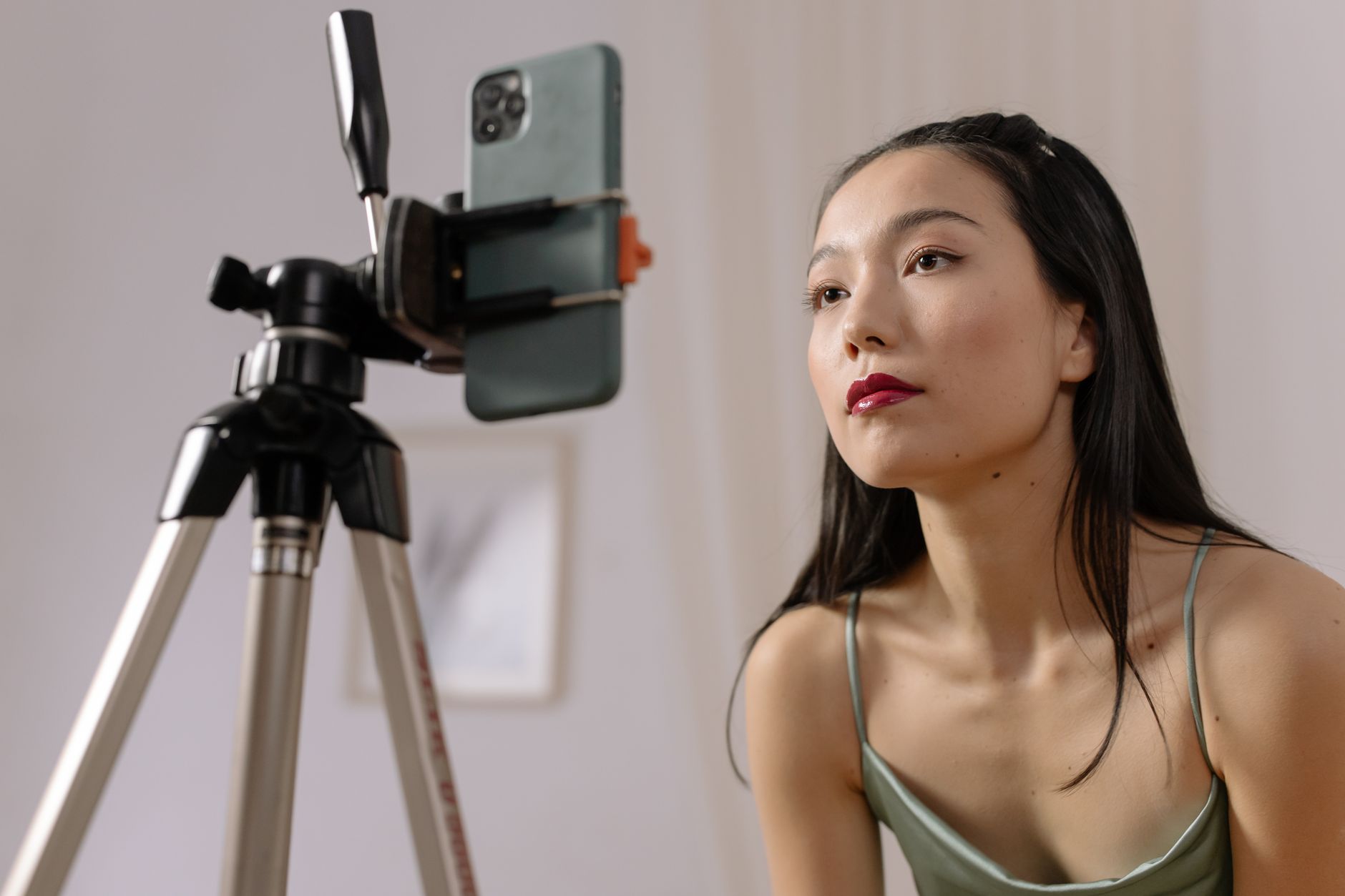
The first purchases in my series were a budget wireless microphone, a budget softbox lighting kit and a mount to hold the camera, rather than a camera. If you are starting with only a phone, my guide to starting a YouTube channel with just a phone covers the settings, sound and light in full.
What are the camera routes for a beginner?
There are five routes. Here is how they compare at a glance, with the cheapest option I would look at on each at the time of writing.
| Route | Desk or on the go | Cheapest beginner option | Suits |
|---|---|---|---|
| Phone | Both | The one you own: £0 | Anyone starting at zero |
| Webcam | Desk only | Logitech C920 HD Pro (Logitech's long-running 1080p webcam): £62.50 | Talking heads, screen tutorials, streaming |
| Action camera | On the go | DJI Osmo Action 5 Pro (DJI's current flagship action camera): £289 | Outdoors, rough or wet conditions, mounted shots |
| Compact | Both | DJI Osmo Pocket 3 (DJI's pocket gimbal camera): £309 | Walking vlogs and filming yourself in low light |
| Mirrorless or DSLR | Mostly desk | Sony ZV-E10 (Sony's first-generation mirrorless vlog camera) with 16-50mm lens: £599 | A desk or room setup that will grow into lenses |
Is a phone good enough for YouTube?
Yes. Which? (the UK consumer testing organisation) says phones take sharp, well-exposed pictures in a wide range of conditions, and a recent phone records 4K. The front camera lets you see yourself while you film, though the rear camera usually records the better picture.
The limits are the ones Which? lists for phones generally: they struggle or lean on heavy processing in dim light, their background blur is simulated in software and can smear hair, and their zoom crops the picture or switches lens rather than zooming optically. None of that stops a first channel.
Who it suits: almost everyone starting out, at the desk and on the go. Who should look further: someone filming mostly in dim rooms, or who wants real background blur for a talking head.
For a worked example, my guide to the Pixel 9a for YouTube goes through which of a phone's cameras to film on and the mic question, and how to film yourself with a phone covers placement and settings.
Which webcam should a beginner buy for a desk channel?
A webcam plugs straight into a computer by USB, needs no capture card and is the cheapest dedicated camera there is. It only works at the desk, and its small sensor gives a flatter picture than a phone's rear camera. Three sit within a beginner budget.
- Logitech C920 HD Pro: the long-running webcam from Logitech, the computer accessories maker. Logitech lists 1080p at 30fps, autofocus, two stereo mics and automatic light correction. The catch is that 1080p30 ceiling and a fixed 78° field of view (how wide the camera sees). Suits a tight budget and a plain talking head.
- Elgato Facecam MK.2: from Elgato, a streaming hardware brand. Elgato specifies 1080p at 60fps from a Sony sensor, up to an 84° field of view and software pan, tilt and zoom. It has fixed focus (sharp from 30 to 120cm) and no microphone, so it assumes you already have a mic. Suits streamers and anyone who has bought a desk mic first.
- OBSBOT Tiny 2 Lite: from OBSBOT, a Chinese maker of AI-tracking cameras. OBSBOT lists a 1/2-inch sensor, 4K at 30fps, a two-axis gimbal that follows you and dual mics. Suits a creator who moves about while teaching at a desk.
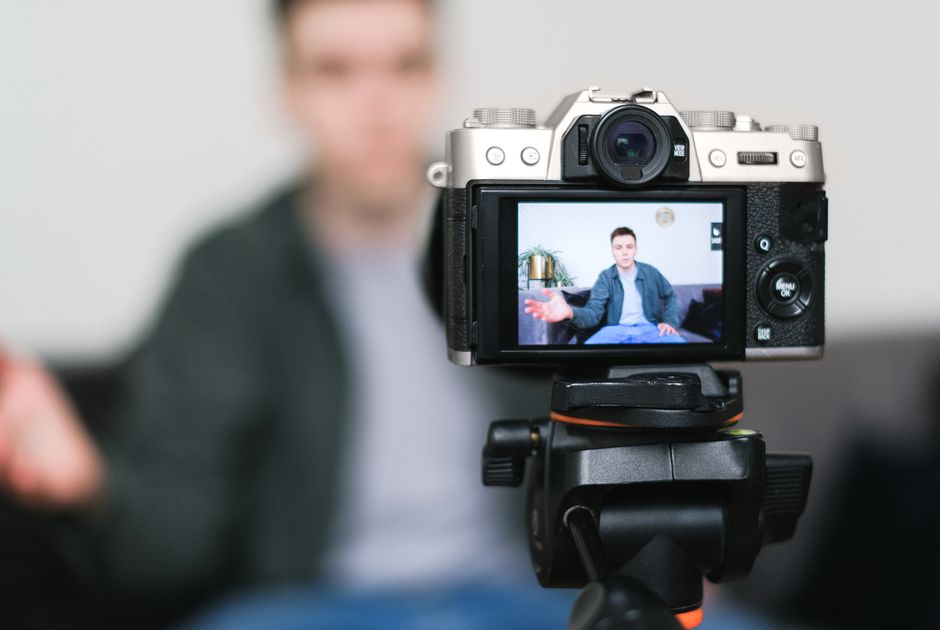
Above these, the Insta360 Link 2 is the desk webcam pick in my best compact camera for content creators comparison, so I won't repeat it here.
Who a webcam suits better than a phone: screen-share tutorials, live streams and anyone who wants a camera that is always set up. Who it doesn't: anyone who wants to film away from the desk.
Is an action camera a good first YouTube camera?
An action camera is a small, tough, waterproof camera built to be mounted on a helmet, bike or chest. Its strength is filming on the go where a phone would be at risk. Its weaknesses are a small sensor and a very wide lens, which makes faces look distorted close up, and getting an external mic in usually needs an adapter or a wireless mic.
The current option within reach of a beginner is the DJI Osmo Action 5 Pro Standard Combo, from DJI, the Chinese drone and camera maker. DJI's spec sheet lists a 1/1.3-inch sensor, 4K at up to 120fps, a front screen so you can frame yourself, waterproofing to 20m without a case, 64GB of built-in storage and a battery rated up to 240 minutes. That battery figure was measured at 1080p with the screens off, so expect less in real filming.
Who it suits: outdoor, sport and travel channels, and anyone who films in rain or water. Who should look elsewhere: a desk channel or a talking head, where a webcam or phone does the job for less.
If you already own an older action camera, don't buy one: see the repurpose section below.
Should a beginner buy a compact camera?
A compact here means one of two pocket-sized cameras built for filming yourself: a pocket gimbal camera, which has the gimbal built in, or a vlog compact, a small camera with a flip-out screen and a fixed lens. Both use a 1-inch sensor, bigger than a phone's, so they handle dim light better and blur the background optically. The trade is a fixed lens you cannot swap.
- DJI Osmo Pocket 3: DJI's pocket gimbal camera, with a 1-inch sensor, 4K at up to 120fps and three-axis stabilisation. It is the best-overall pick in my compact camera comparison, which covers it in depth. Suits walking vlogs and filming yourself on the move.
- Sony ZV-1F: Sony's entry vlog compact. iTechGuides describes it as a straightforward vlogging camera of about 229g with a vari-angle screen (one that flips round to face you) and a wide fixed lens that suits filming at arm's length. Its stabilisation is electronic only, and you cannot swap to a tighter lens. It costs more than the Pocket 3, which adds a mechanical gimbal. Suits someone who wants a conventional camera shape with a screen.
Both sit above the series' phase-one kit budget on their own. I set the Pocket 3 against a phone in DJI Osmo Pocket 3 vs iPhone for vlogging.
Is mirrorless or a DSLR worth it for a beginner?
Only if your channel will live at a desk or in one room and you know you want background blur and the option of other lenses. An APS-C sensor has far more area than a 1-inch compact: Apotelyt puts the Sony ZV-E10 II's sensor at 216% more area than the 1-inch ZV-1 II. The costs are size, price and a lens budget, and stabilisation that depends on the lens fitted.
- Sony ZV-E10 with 16-50mm lens: the first-generation version of Sony's mirrorless vlog camera, and the cheapest new mirrorless kit with a lens I found on Amazon UK. Amazon notes that a newer model exists.
- Sony ZV-E10 II with 16-50mm lens: the Sony ZV-E10 II is the current, second-generation version. iTechGuides reports 26MP, 4K at 60fps oversampled from 5.6K (recorded at higher resolution and scaled down for a sharper result), Sony's E-mount lens range and about 130 minutes of recording on Sony's standard battery test. It also notes a crop at 4K 60fps and a possible overheating concern in long 4K takes.
Both are well beyond a beginner budget, and I found no new entry-level DSLR on Amazon UK when I checked. In practice, the DSLR route for a beginner is a used body, or one you already own.
Who it suits: a desk or studio channel, product filming and anyone who already plans to add lenses. Who it doesn't: a beginner who has not yet sorted sound and light, because those two show in a video before a bigger sensor does.
Can you start YouTube with a camera you already own?
Very often, yes, and it is where my own channel starts. The two questions to ask of any camera you already have are the same: can you see yourself while you film, and can you get a microphone into it?
GoPro HERO8 plus the Media Mod (my route)
The HERO8 Black has no 3.5mm mic socket of its own. The Media Mod, a frame GoPro made for it, adds a built-in shotgun mic, a 3.5mm input, an HDMI output and two cold shoes (mounting slots for a mic receiver or light), according to DC Rainmaker. The trade is that the battery door comes off and the camera is no longer waterproof while it is fitted. The HERO8 has no front screen; GoPro's separate Display Mod adds one. Since a July 2020 update, GoPro's webcam software also turns the HERO8 into a 1080p USB webcam.
I went with a used official GoPro Media Mod, as I'd like the option of using it on the go, which seems like it would be awkward with the workaround solutions. The routes I compared, including the cheaper adapters, are in my post on adding a GoPro HERO8 external microphone, and GoPro HERO8 for YouTube covers the camera itself.
Other older GoPros
The same two needs recur on any older GoPro: a way to see yourself and a way to get a mic in. Media Mods are model-specific, so a HERO8 Media Mod does not fit a HERO9 to HERO13, and the reverse is true too. A USB-C to 3.5mm adapter is the cheaper route, such as the Runpower external microphone adapter, whose listing names HERO8 to HERO13 support. Owners report that GoPros do not always recognise third-party adapters, so keep the receipt.
An older DSLR, such as the Nikon D3300
The Nikon D3300 is the other camera I own. It has an APS-C sensor, records 1080p at up to 60fps and has a 3.5mm mic socket, but its screen is fixed, each clip stops at 20 minutes and a battery lasts about 55 minutes of video, by the specs dslrbodies lists. When I chose my wireless mic, I nearly bought a version whose receiver is USB-C only, before realising it would not work with my Nikon D3300, and swapped to the standard receiver. Is the Nikon D3300 good for YouTube? covers where it fits.
As a desk webcam it is harder. Nikon Webcam Utility does not list the D3300, though it does list the D3500, D5300, D5500, D5600 and several Z-series mirrorless bodies, so check yours against it. Without the utility, the route is a capture card, which needs the camera to send clean HDMI, and I could not confirm that the D3300 does. Test the HDMI picture on a TV before buying a card. If it is clean, a basic card such as the UGREEN HDMI to USB-C capture card captures 1080p at 30fps, which matches what the D3300 sends; the Elgato Cam Link 4K is the better-known step up. Long sessions also need mains power through a dummy battery, as one charge will not last.
A phone you already own
A recent phone needs only a tripod or clamp and, ideally, a mic. Check that your phone accepts a USB-C or Lightning mic before you rely on one for a whole shoot; my Pixel 9a guide explains why that is not always confirmed.
What does each option cost?
These are the Amazon UK prices when I checked on 3 November 2026. Amazon prices change daily, so follow the links above for today's price.
| Option | Route | Price (3 Nov 2026) |
|---|---|---|
| Logitech C920 HD Pro | Webcam | £62.50 |
| Elgato Facecam MK.2 | Webcam | £109.99 |
| OBSBOT Tiny 2 Lite | Webcam | £159 |
| DJI Osmo Action 5 Pro Standard Combo | Action camera | £289 |
| DJI Osmo Pocket 3 | Compact (pocket gimbal) | £309 |
| Sony ZV-1F | Compact (vlog compact) | £398.96 |
| Sony ZV-E10 with 16-50mm lens | Mirrorless | £599 |
| Sony ZV-E10 II with 16-50mm lens | Mirrorless | £779 |
| Runpower GoPro mic adapter | Repurpose: older GoPro | £45.16 |
| UGREEN HDMI to USB-C capture card | Repurpose: camera as webcam | £17.99 |
| Elgato Cam Link 4K | Repurpose: camera as webcam | £90 |
Which camera route should you choose?
- Starting with nothing and a £250 kit budget: use your phone and spend the money on a mic, a light and a mount.
- Desk-only channel, tutorials or streaming: a webcam from £62.50, once the mic is sorted.
- Outdoors, sport or wet weather: an action camera, or the old one in your drawer with a mic adapter.
- Walking vlogs and low light: a pocket gimbal camera, if the budget stretches past £300.
- A desk or room setup that will grow: mirrorless, from about £600, or a used or owned DSLR.
- Already own a camera: check you can see yourself and plug in a mic before buying anything new. That is my route, and it only makes sense because the cameras were already mine.
The rest of my beginner kit is in the series decision posts: the desk voiceover mic, the backdrop and the light tent, alongside the mic, lights and mount linked above.
Frequently asked questions
What camera do you need to start YouTube?
Is a webcam or a phone better for YouTube?
Can I use an old DSLR as a webcam?
Do I need 4K to start a YouTube channel?
Is a GoPro good for YouTube?
Sources
- Which?: 5 reasons you might still need a dedicated camera in 2026
- Logitech: C920 HD Pro webcam
- Elgato: Facecam MK.2
- OBSBOT: Tiny 2 Lite
- DJI: Osmo Action 5 Pro specs
- iTechGuides: Sony ZV-E10 II vs ZV-1 II vs ZV-1F
- Apotelyt: Sony ZV-1 II vs ZV-E10 II
- DC Rainmaker: GoPro HERO8 accessory review
- GoPro: HERO8 Black now works as an HD webcam
- dslrbodies: Nikon D3300 specifications
- Nikon: Webcam Utility supported cameras
- Elgato: Cam Link 4K
Best compact camera for content creators
Start a YouTube channel with just a phone
GoPro HERO8 external microphone